aft-mcp
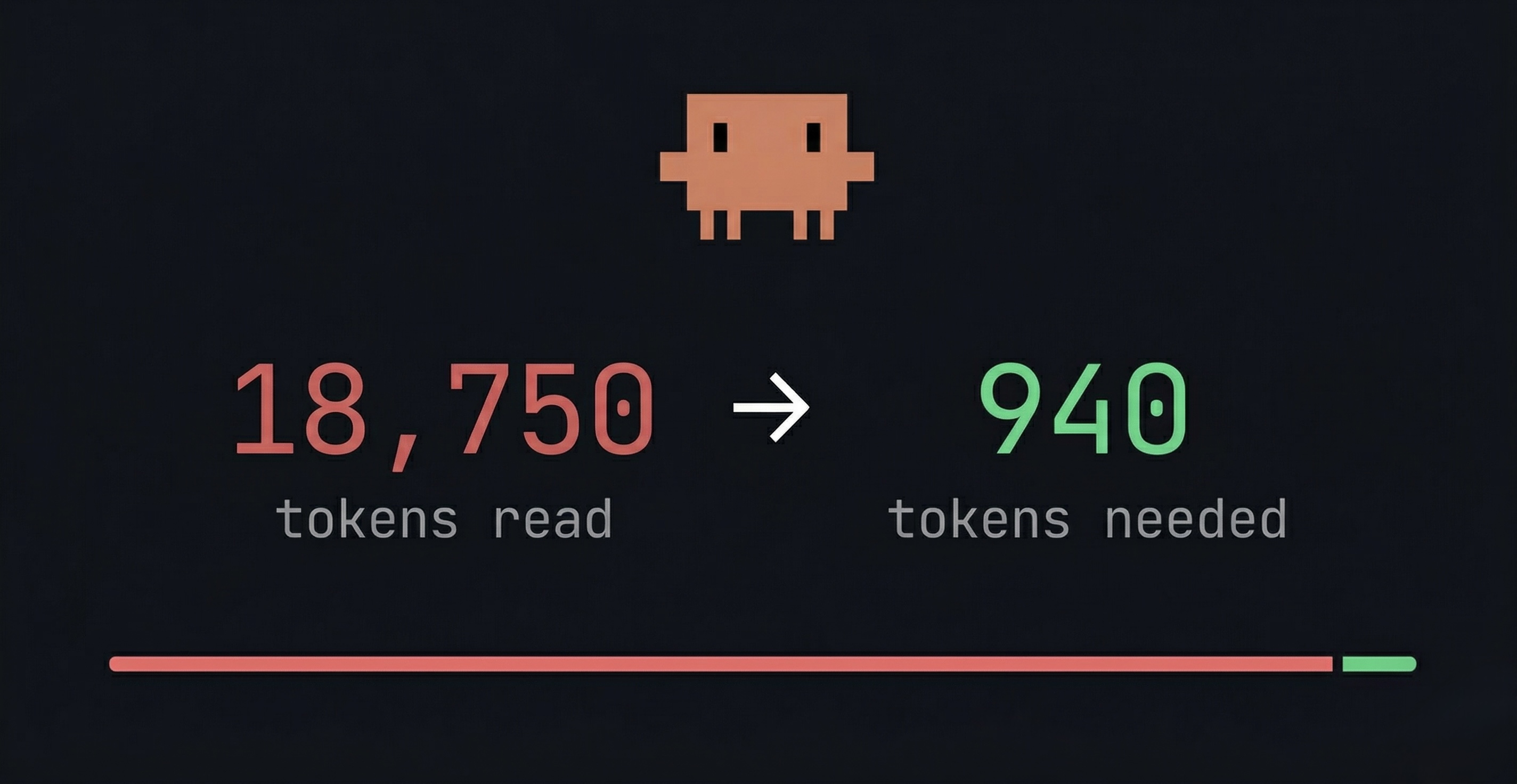
Tree-sitter powered code analysis MCP server for Claude Code.
Semantic navigation, call-graph analysis, and structural search — as MCP tools your AI agent can call directly.
What it does
| Tool | Description |
|---|---|
outline | File structure — symbols, signatures, line ranges |
zoom | Symbol detail with call annotations |
callers | Who calls this symbol |
call_tree | What this symbol calls (recursive) |
impact | What breaks if this symbol changes |
trace_to | Execution path from entry points to a symbol |
trace_data | Data flow analysis through a symbol |
ast_search | Structural pattern matching via tree-sitter queries |
read | File content with line ranges |
Supported languages
TypeScript, TSX, JavaScript, Python, Rust, Go, Markdown, CSS, HTML, Apex, Java, Ruby, C, C++, C#, PHP
Installation
npx (recommended)
claude mcp add -s user aft-mcp -- npx -y aft-mcp@latest
That's it. Claude Code will download the correct binary for your platform on first run.
One-line install
curl -fsSL https://raw.githubusercontent.com/dazarodev/aft-mcp/main/scripts/install.sh | bash
Downloads the binary to ~/.claude/bin/aft-mcp, verifies it works, and registers it as an MCP server via claude mcp add.
From source
cargo install --git https://github.com/dazarodev/aft-mcp.git
claude mcp add -s user aft-mcp -- ~/.cargo/bin/aft-mcp
Manual
Download a binary from Releases, then:
claude mcp add -s user aft-mcp -- /path/to/aft-mcp
Usage
Once installed, Claude Code automatically discovers the MCP tools. Ask your agent to:
- "outline this file" — get the structure of any source file
- "who calls this function?" — trace callers across the codebase
- "what breaks if I change this?" — impact analysis before refactoring
- "trace data flow through this variable" — understand how data moves
Teach Claude when to use aft-mcp
Add this to your project's CLAUDE.md (or ~/.claude/CLAUDE.md for global):
## MCP: aft-mcp

Use the `aft` MCP tool for code navigation instead of reading entire files:

- `outline` before reading a file — to understand its structure first
- `zoom` to read a specific symbol instead of the whole file
- `callers` / `call_tree` before refactoring — to understand impact
- `impact` before changing a function signature
- `ast_search` for structural code search (better than grep for code patterns)

Prefer aft tools over raw file reads when exploring unfamiliar code.
Uninstall
claude mcp remove -s user aft-mcp
If you installed via the shell script or manually, also remove the binary:
rm ~/.claude/bin/aft-mcp      # shell script install
rm ~/.cargo/bin/aft-mcp       # cargo install
Configuration
Create aft.toml in your project root (next to package.json, sfdx-project.json, etc.) or ~/.config/aft/config.toml for global defaults. Project-level config takes priority.
# Activate only specific languages (default: all)
languages = ["typescript", "javascript", "python", "rust"]

# Project root override (default: auto-detect)
# root = "/path/to/project"

# Framework lifecycle methods treated as entry points for trace_to.
# Add methods your framework calls automatically (LWC, React, Angular, Vue, etc.)
# No rebuild needed — just edit this file and restart Claude Code.
[entry_points]
lifecycle = [
  "connectedCallback",    # LWC
  "disconnectedCallback", # LWC
  "renderedCallback",     # LWC
  "errorCallback",        # LWC
]
Adding language support
See docs/ADDING-LANGUAGE.md for instructions on adding new tree-sitter grammars.
Attribution
Based on cortexkit/aft v0.7.3 by Ufuk Altinok. Extended with MCP protocol support, pluggable language registry, and Claude Code marketplace integration.
License
MIT — see LICENSE.