Browser MCP by Agent360





Control your real Chrome from Claude Code — with your logins, cookies, and 2FA.
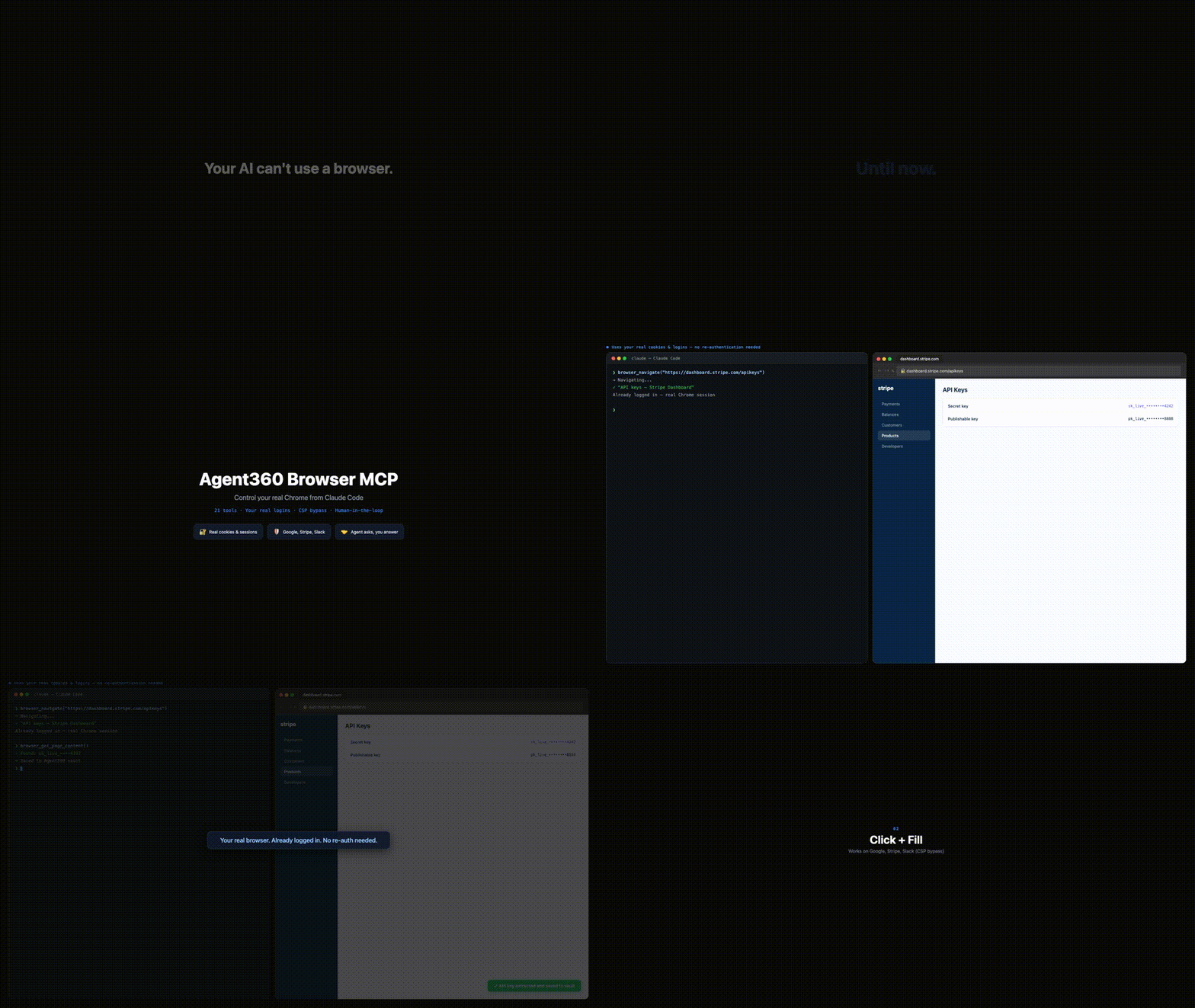
The only browser MCP with multi-session support (10 concurrent AI sessions), human-in-the-loop (2FA, CAPTCHA, credentials), and built-in provider integrations (Stripe, HubSpot, Slack, and 6 more). 25 tools total.
Install
npx @agent360/browser-mcp install
This copies the Chrome extension to ~/.browser-mcp/extension/ and configures Claude Code automatically.
Then load the extension in Chrome:
- Open
chrome://extensions - Enable Developer mode (top right)
- Click Load unpacked → select
~/.browser-mcp/extension/ - Restart Claude Code
That's it. 25 browser tools are now available in Claude Code.
Why This Over Playwright MCP / BrowserMCP?
| Browser MCP | Playwright MCP | BrowserMCP.io | |
|---|---|---|---|
| Browser | Your real Chrome | Headless (new session) | Your real Chrome |
| Logins/cookies | Already authenticated | Must log in every time | Already authenticated |
| Multi-session | 10 concurrent sessions with color-coded tab groups | Single session | Single session |
| Human-in-the-loop | browser_ask_user — 2FA, CAPTCHA, credential input | None | None |
| Provider integrations | 9 built-in (Stripe, HubSpot, Slack...) | None | None |
| CORS bypass | browser_fetch from extension background | N/A | Limited |
| Network monitoring | browser_wait_for_network via CDP | Built-in | None |
| CSP-strict sites | Chrome Debugger API throughout | Works (headless) | Limited |
| Custom dropdowns | Angular Material, React Select support | Works (headless) | Limited |
| Install | npx @agent360/browser-mcp install | npx @anthropic-ai/mcp-playwright | Manual clone |
25 Tools
Navigation & Content
| Tool | Description |
|---|---|
browser_navigate | Navigate to URL (reuses tab, or new_tab=true) |
browser_get_page_content | Get page text or HTML |
browser_screenshot | Screenshot via Chrome Debugger (works even when tab isn't focused) |
browser_execute_script | Run JavaScript in page context |
Interaction
| Tool | Description |
|---|---|
browser_click | Click via CSS or text selector (text=Submit, button:text(Next)) |
browser_fill | Fill input fields (works on CSP-strict sites) |
browser_press_key | Keyboard events (Enter, Tab, Escape, modifiers) |
browser_scroll | Scroll to element or by pixels |
browser_wait | Wait for element to appear |
browser_hover | Hover for tooltips/dropdowns |
browser_select_option | Native <select> + custom dropdowns (Angular Material, React Select) |
browser_handle_dialog | Accept/dismiss alert/confirm/prompt dialogs |
Tabs & Frames
| Tool | Description |
|---|---|
browser_list_tabs | List session's tabs only |
browser_switch_tab | Switch to tab by ID |
browser_close_tab | Close tab (session-owned only) |
browser_get_new_tab | Get most recently opened tab (OAuth popups) |
browser_list_frames | List iframes on page |
browser_select_frame | Execute JS in specific iframe |
Data & Network
| Tool | Description |
|---|---|
browser_get_cookies | Get cookies for domain |
browser_get_local_storage | Read localStorage |
browser_fetch | HTTP request from extension (bypasses CORS) |
browser_wait_for_network | Wait for specific API call to complete |
browser_extract_token | Navigate to provider dashboard + extract API token |
CAPTCHA Solving
| Tool | Description |
|---|---|
browser_solve_captcha | Detect and solve CAPTCHAs. Auto-detects reCAPTCHA v2/v3, hCaptcha, Turnstile, FunCaptcha. Actions: detect, click_checkbox (auto-click, ~80% pass with Google login), click_grid (AI vision guided), ask_human (fallback) |
Human-in-the-Loop
| Tool | Description |
|---|---|
browser_ask_user | Show overlay dialog for 2FA, CAPTCHA, credentials, or any user input |
Multi-Session Support
Each Claude Code conversation gets its own MCP server on a unique port (9876-9885). The Chrome extension connects to all active servers simultaneously.
Claude Session 1 ←(stdio)→ MCP :9876 ←(WS)→
Claude Session 2 ←(stdio)→ MCP :9877 ←(WS)→  Chrome Extension → Browser
Claude Session 3 ←(stdio)→ MCP :9878 ←(WS)→
- Session isolation — each session gets a color-coded Chrome Tab Group
- Tab ownership — sessions can only see and control their own tabs
- Auto-cleanup — processes exit when Claude Code closes the conversation
Built-in Provider Integrations
browser_extract_token navigates to the provider's API settings page and guides token extraction:
| Provider | Token Format | Dashboard |
|---|---|---|
| Stripe | sk_test_... / sk_live_... | stripe.com/apikeys |
| HubSpot | pat-... | app.hubspot.com |
| Slack | xoxb-... | api.slack.com/apps |
| Shopify | Admin API token | admin.shopify.com |
| Pipedrive | UUID | app.pipedrive.com |
| Calendly | JWT | calendly.com |
| Mailchimp | ...-us1 | admin.mailchimp.com |
| OAuth Client | console.cloud.google.com | |
| Client ID/Secret | linkedin.com/developers |
Architecture
extension/
  manifest.json       # Manifest V3
  background.js       # Service worker — Chrome API dispatcher, session tab groups
  offscreen.js        # Persistent WebSocket bridge (multi-port scanning)
  popup.html/js       # Status UI — sessions, tabs, action log

mcp-server/
  index.js            # MCP server (stdio) + WebSocket client
  tools.js            # 21 tool definitions
  bin/cli.js          # Install CLI
How It Works
- Claude Code starts → spawns MCP server via stdio
- MCP server binds to first available port (9876-9885)
- Extension's offscreen document scans ports every 2s
- WebSocket connection established
- Commands flow: Claude Code → MCP → Extension → Chrome APIs
- Process auto-exits when Claude Code closes (stdin detection)
Auto-Updates
The MCP server runs via npx @agent360/browser-mcp@latest — always the latest version from npm. No manual git pulls needed.
To update the extension: npx @agent360/browser-mcp install (re-copies files), then reload in chrome://extensions.
Troubleshooting
"Chrome extension not connected"
- Check extension is loaded in
chrome://extensions - Click the extension popup → "Reconnect"
- Wait 2-3 seconds for port scan
Screenshot fails
- Uses Chrome Debugger API (works even when tab isn't focused)
- Falls back to
captureVisibleTabif debugger unavailable
Click doesn't work on SPA
- Try text selector:
browser_click("text=Submit") - Uses real mouse events via Chrome Debugger API automatically
Stale processes
- Processes auto-exit when Claude Code closes (stdin detection)
- Idle timeout: 4 hours without commands → auto-exit
- Manual cleanup:
lsof -i :9876-9885 | grep LISTEN
License
MIT — Agent360