Chart-Output MCP Server
Render charts as PNG, SVG, or WebP images directly from Claude, Cursor, Windsurf, or any MCP-compatible AI agent.
Ask your AI: "Generate a bar chart showing Q1–Q4 revenue" — it calls Chart-Output and returns the image inline.
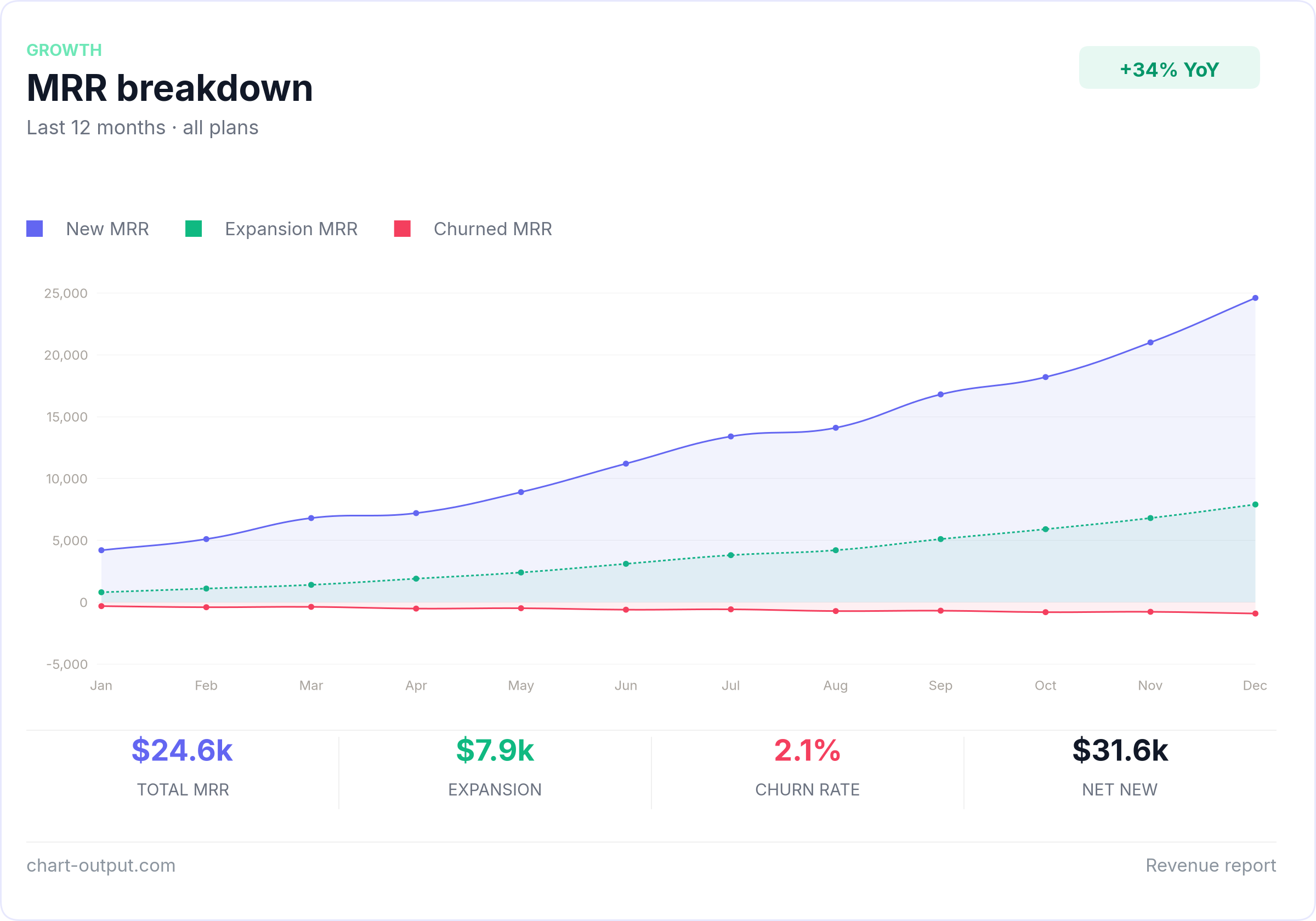
What it produces
Ask your AI agent to generate a chart. This is what comes back.
Examples
Ready-to-use chart configs in /examples.
Copy any file, swap in your data, POST to the API.
Install
Add to your mcp.json:
{
  "mcpServers": {
    "chart-output": {
      "command": "npx",
      "args": ["@chartoutput/mcp"],
      "env": {
        "CHART_OUTPUT_API_KEY": "pk_test_YOUR_KEY"
      }
    }
  }
}
Get a free API key at chart-output.com — no credit card required.
Tools
| Tool | Description |
|---|---|
render_chart | Chart.js spec → inline image in your AI chat |
render_chart_url | Chart.js spec → CDN URL for embedding in email or HTML |
render_chart_ai | Natural language + data → image (Pro/Business key required) |
Example
Once installed, just ask your AI agent:
"Create a line chart showing monthly active users growing from 12k in January to 28k in December"
The agent calls render_chart or render_chart_ai and returns
the image directly in chat. No code required.
API Key
- Sign up at chart-output.com
- Go to Dashboard → API Keys → Create key
- Add it to your
mcp.jsonas shown above
Free trial includes 500 renders. No credit card required.