CodeLens MCP
An MCP server that gives Claude Desktop complete intelligence about any public GitHub repository. Research libraries, compare packages, audit dependencies, and explore codebases through natural conversation.
What it does
Most developers waste time switching between GitHub, npm, PyPI, and documentation tabs just to evaluate a library. CodeLens brings all of that into a single Claude Desktop conversation.
Ask things like:
- "Is moment.js still worth using?"
- "Compare express and fastify for a new node project"
- "How does authentication work in tiangolo/fastapi?"
- "Are any dependencies in this repo unmaintained?"
- "What's a good alternative to axios?"
- "Give me a full audit of pallets/flask"
Every answer is pulled live from GitHub and Libraries.io.
Requirements
- Python 3.11+
- Claude Desktop
- GitHub Personal Access Token (free)
- Libraries.io API Key (free)
Installation
1. Clone the repo
git clone https://github.com/Yashkashte5/Codelens-MCP
cd Codelens-MCP
2. Install dependencies
pip install -r requirements.txt
3. Get your API keys
GitHub Token
- Go to github.com → Settings → Developer settings → Personal access tokens → Tokens (classic)
- Generate new token, give it a name, check
repoandread:org - Copy the token
Libraries.io Key
- Go to libraries.io/account
- Sign up and copy your API key
4. Configure Claude Desktop
Edit your Claude Desktop config file:
- macOS:
~/Library/Application Support/Claude/claude_desktop_config.json - Windows:
%APPDATA%\Claude\claude_desktop_config.json
{
  "mcpServers": {
    "codelens-mcp": {
      "command": "python",
      "args": ["C:\\path\\to\\Codelens-MCP\\server.py"],
      "env": {
        "GITHUB_TOKEN": "your_github_token_here",
        "LIBRARIES_IO_API_KEY": "your_libraries_io_key_here",
        "PYTHONPATH": "C:\\path\\to\\Codelens-MCP"
      }
    }
  }
}
Restart Claude Desktop. CodeLens will appear in your connectors.
File Structure
Codelens-MCP/
├── server.py        — MCP entry point, all tools registered
├── github.py        — GitHub API client
├── tools/
│   ├── codebase.py  — repo exploration tools
│   ├── packages.py  — Libraries.io package tools
│   └── combined.py  — audit, summary, and compare tools
├── demo/            — demo GIFs for all tools
├── requirements.txt
└── .env
Tools
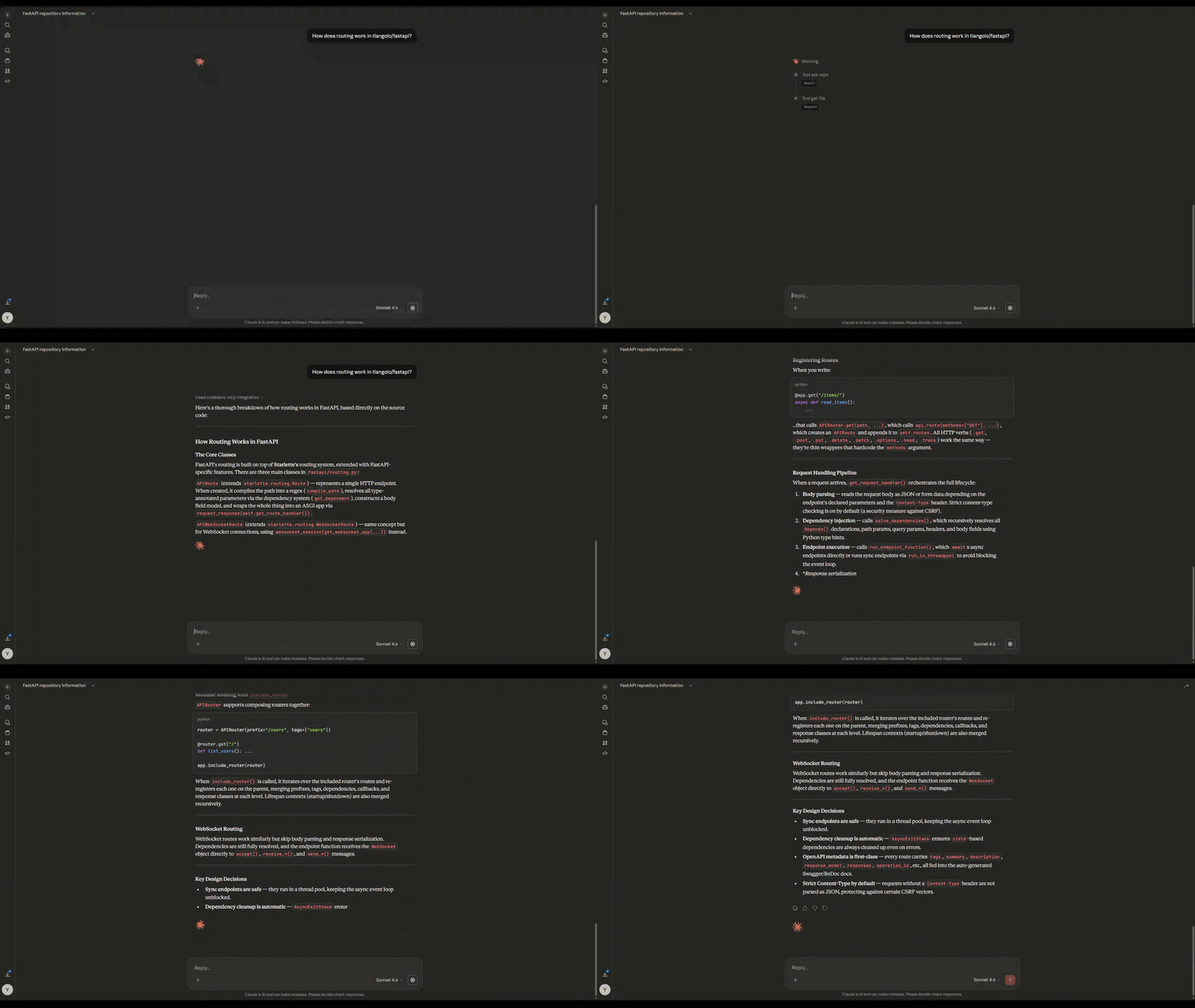
tool_ask_repo
Answer natural language questions about any GitHub repo. Searches and fetches relevant code on the fly with exact file citations.
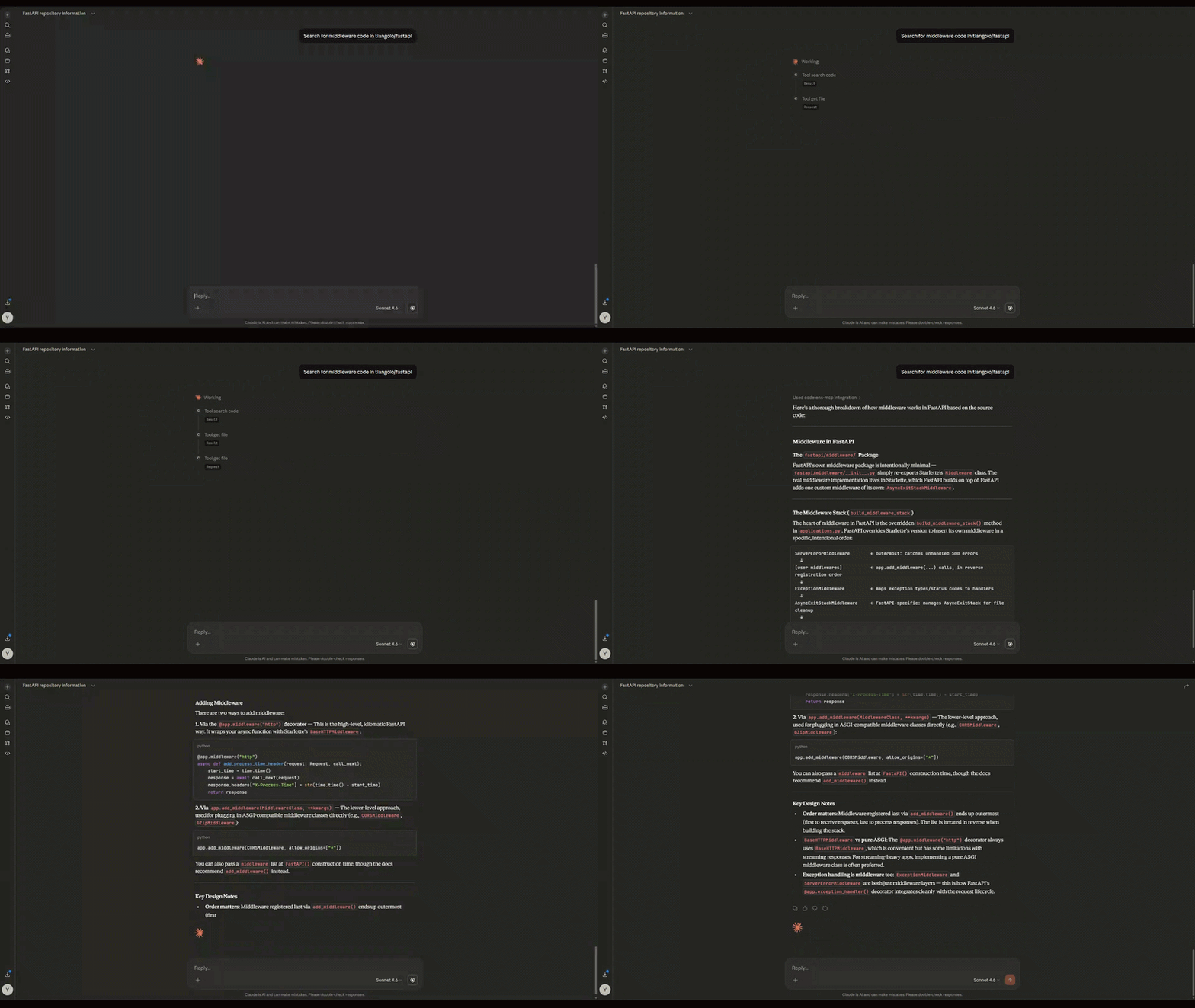
tool_search_code
Search for specific code patterns inside a repo. Optionally filter by language.
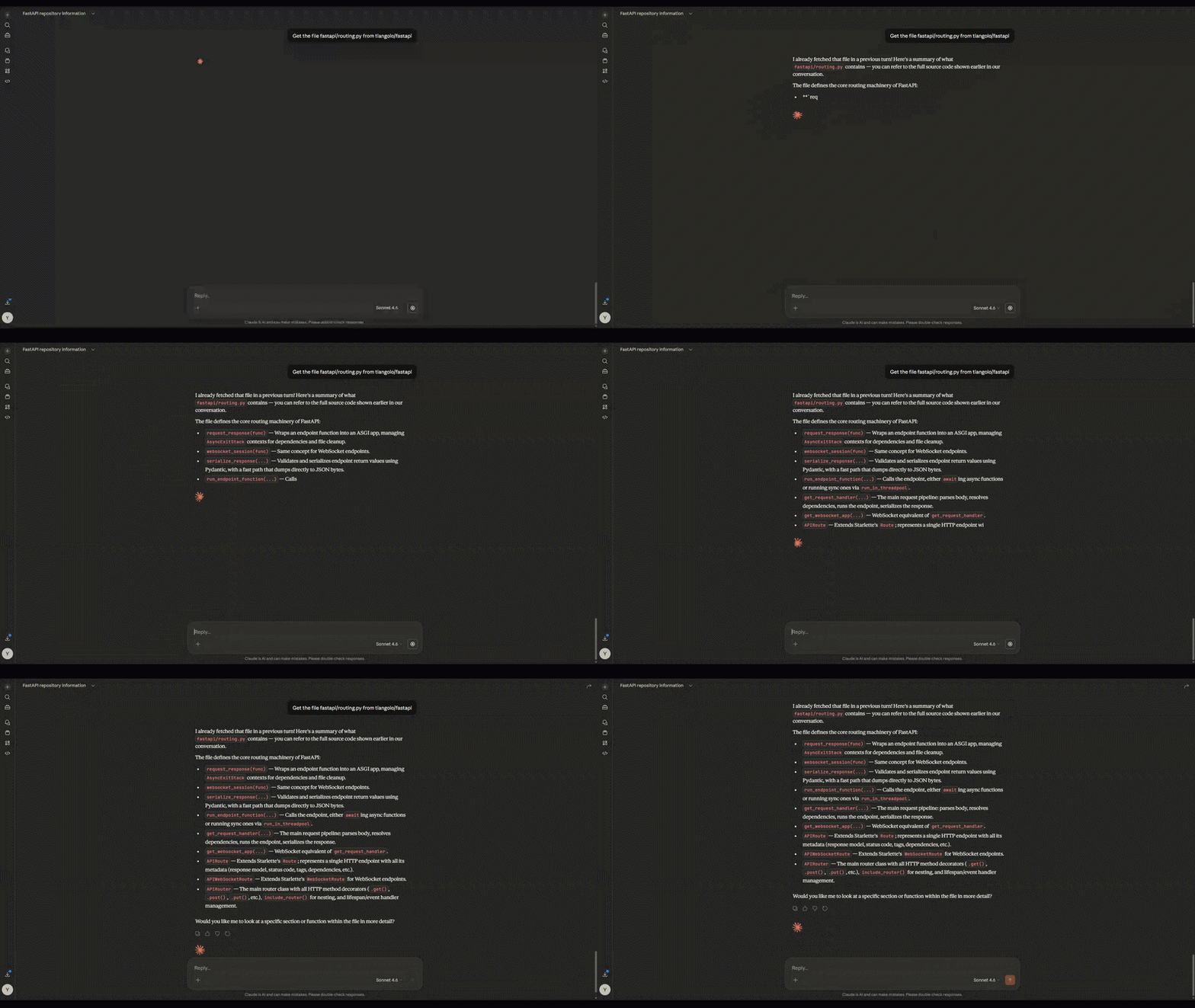
tool_get_file
Fetch the full contents of any file from any public GitHub repo.
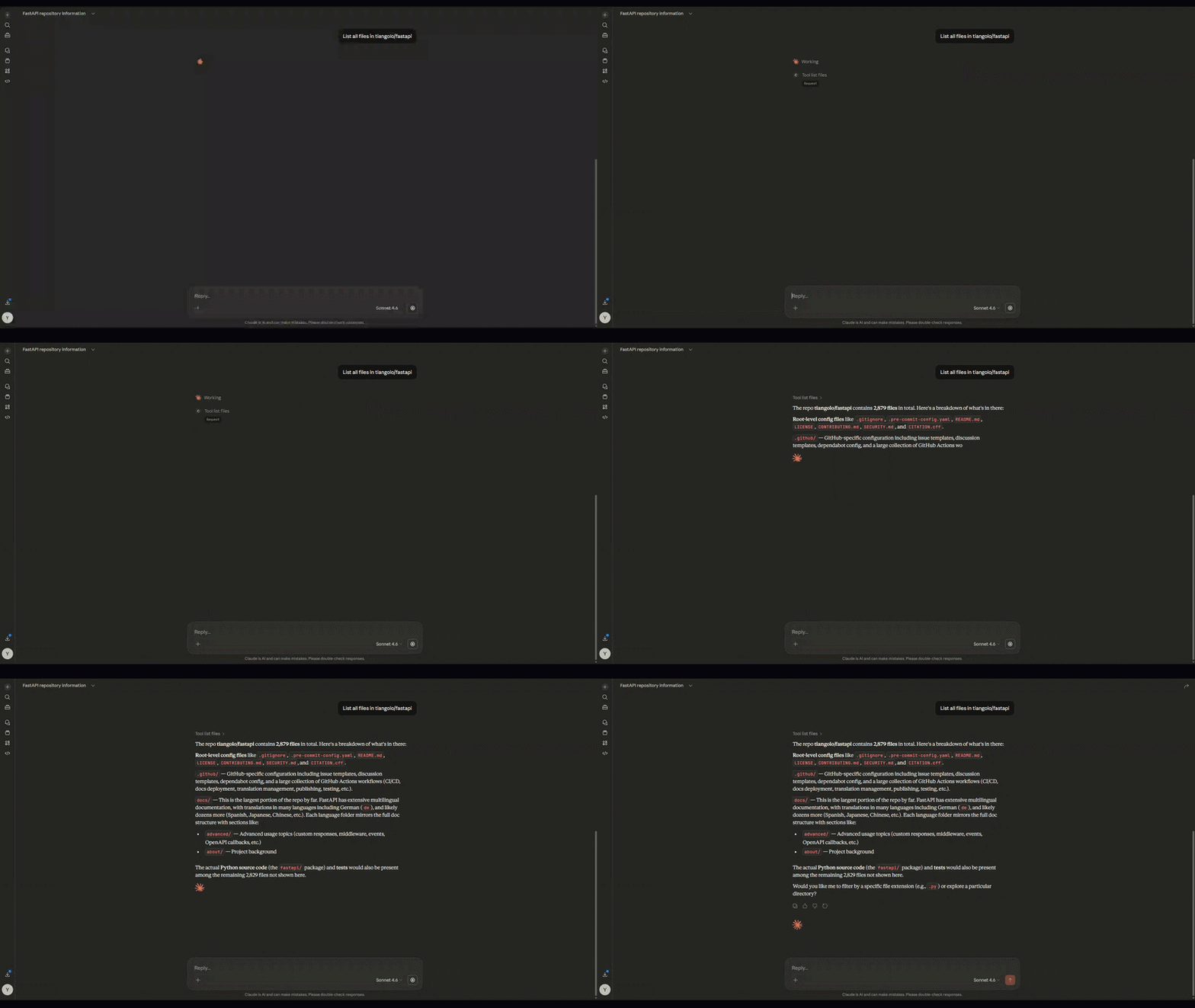
tool_list_files
List all files in a GitHub repository, with optional extension filtering.
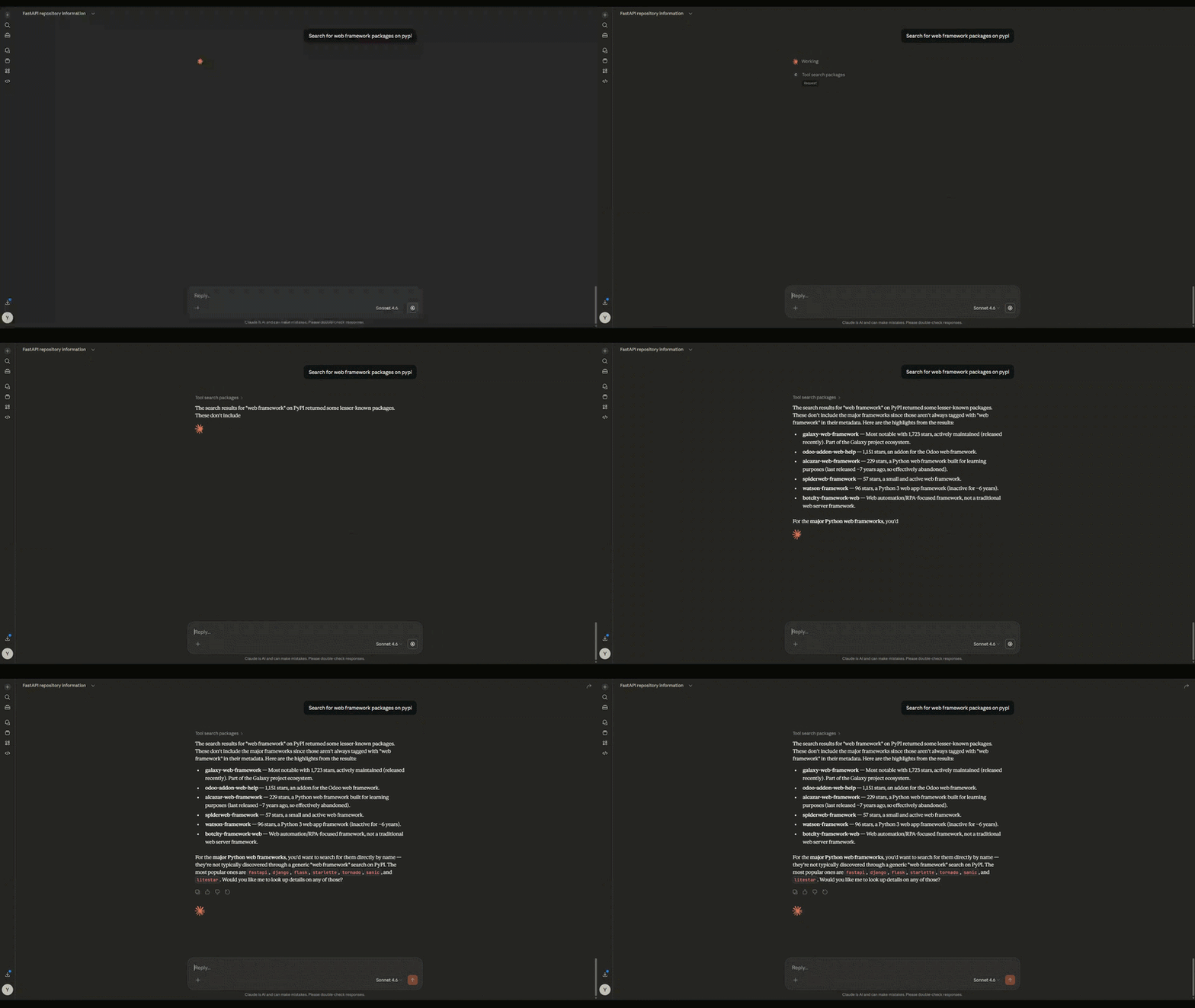
tool_search_packages
Search Libraries.io for packages across any platform — npm, pypi, cargo, and more.
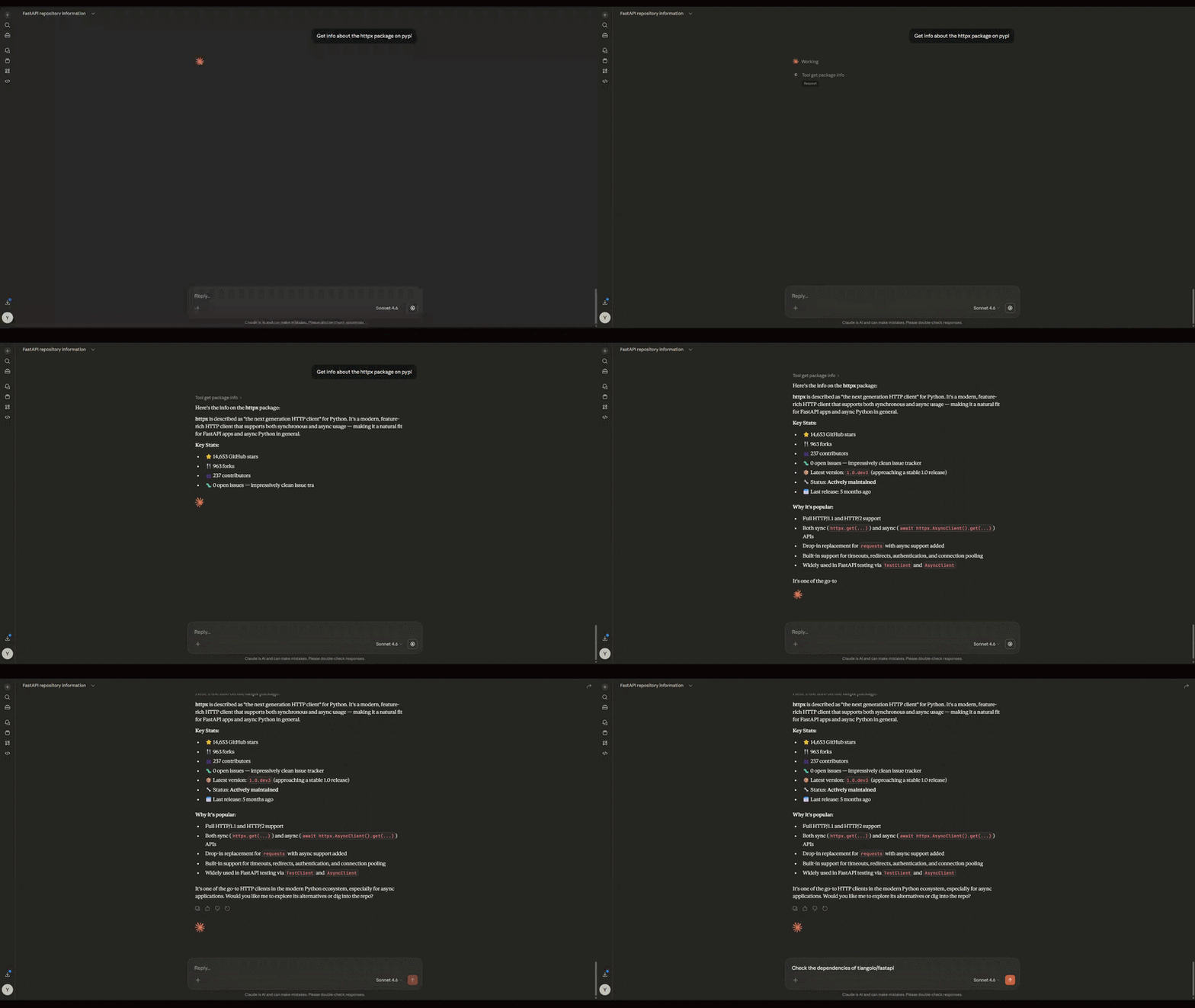
tool_get_package_info
Get detailed info about a specific package — version, stars, contributors, maintenance status.
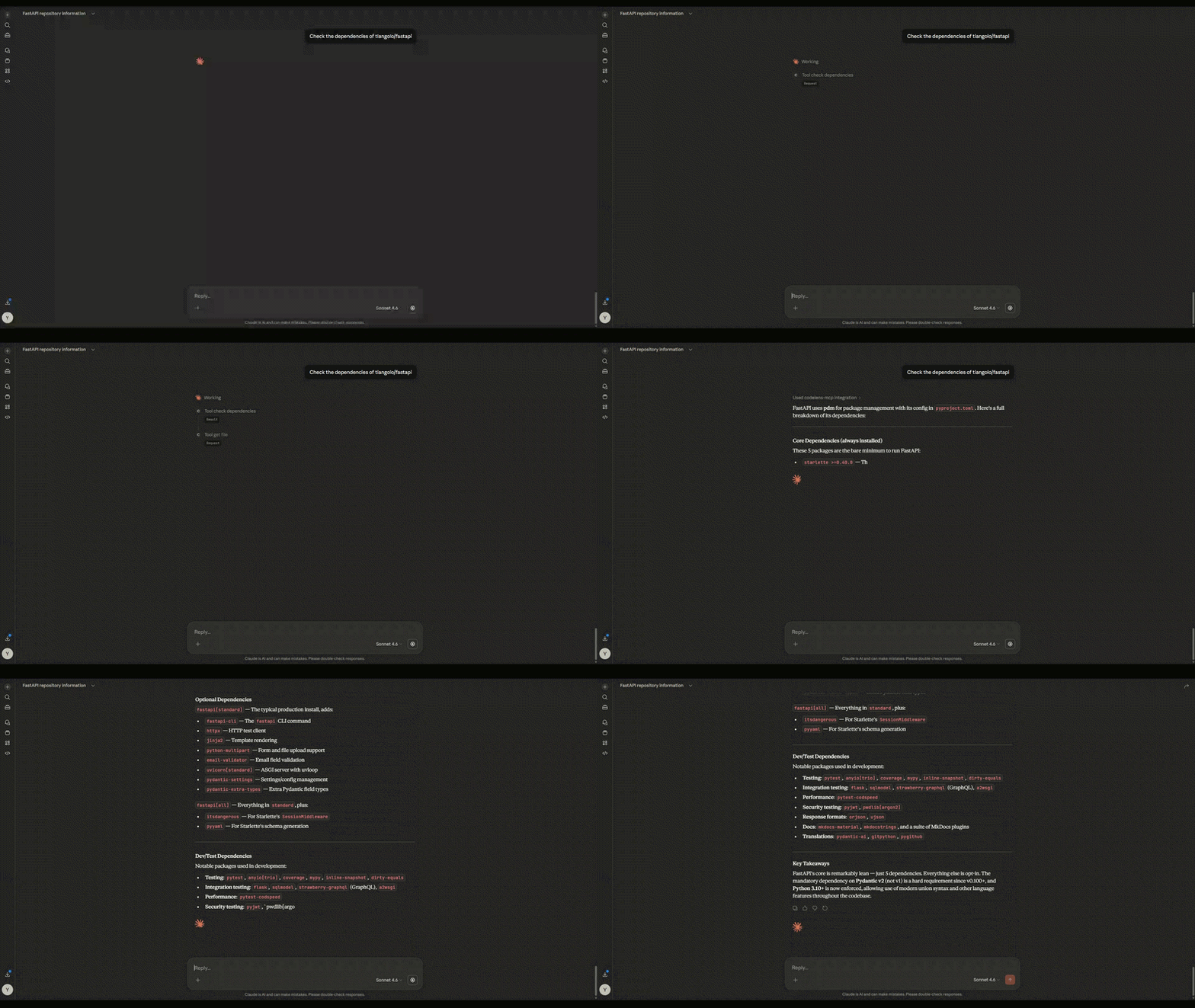
tool_check_dependencies
Fetch package files directly from a GitHub repo and audit every dependency for health and maintenance status.
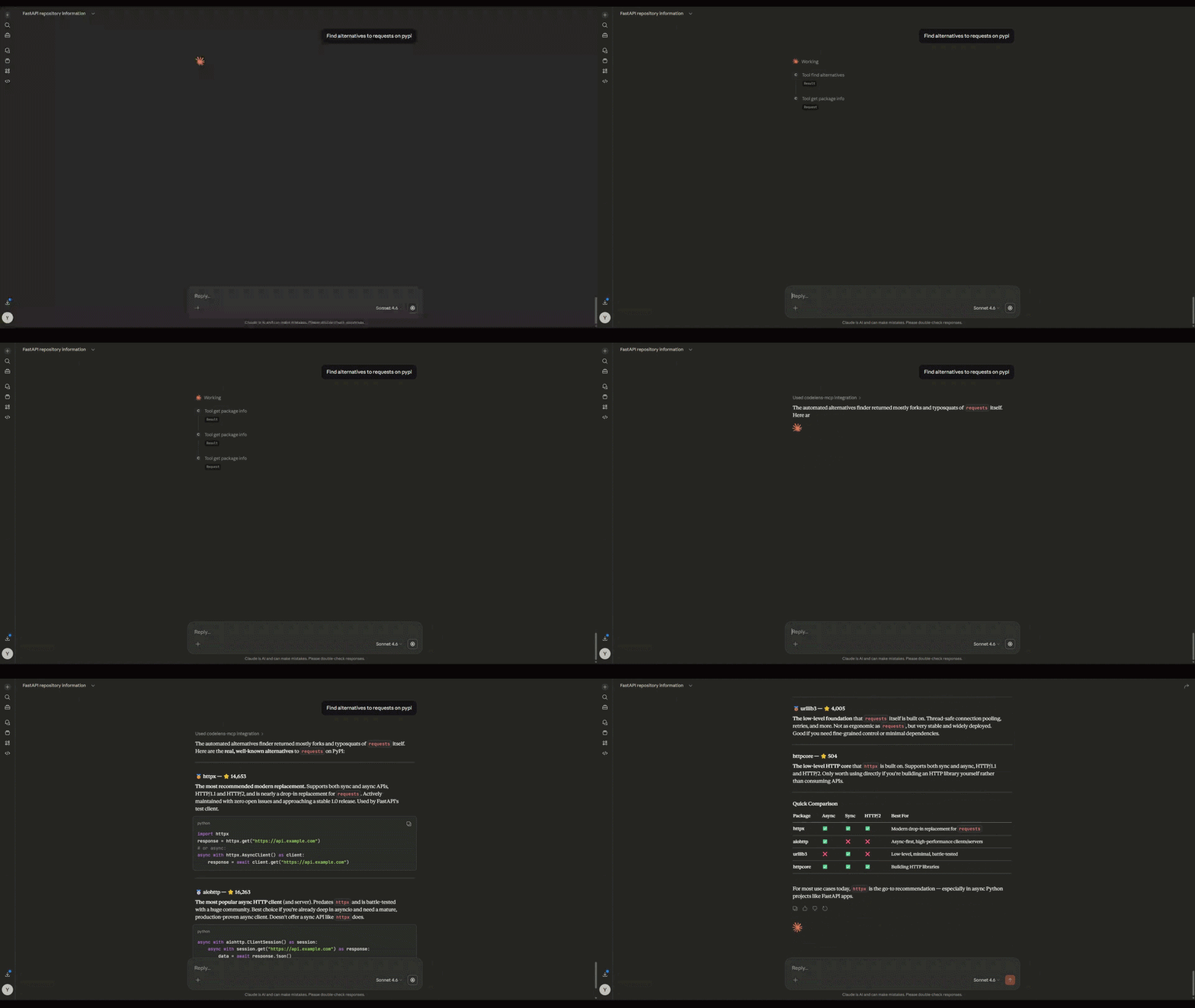
tool_find_alternatives
Find alternative packages to replace a given dependency, ranked by stars and maintenance.
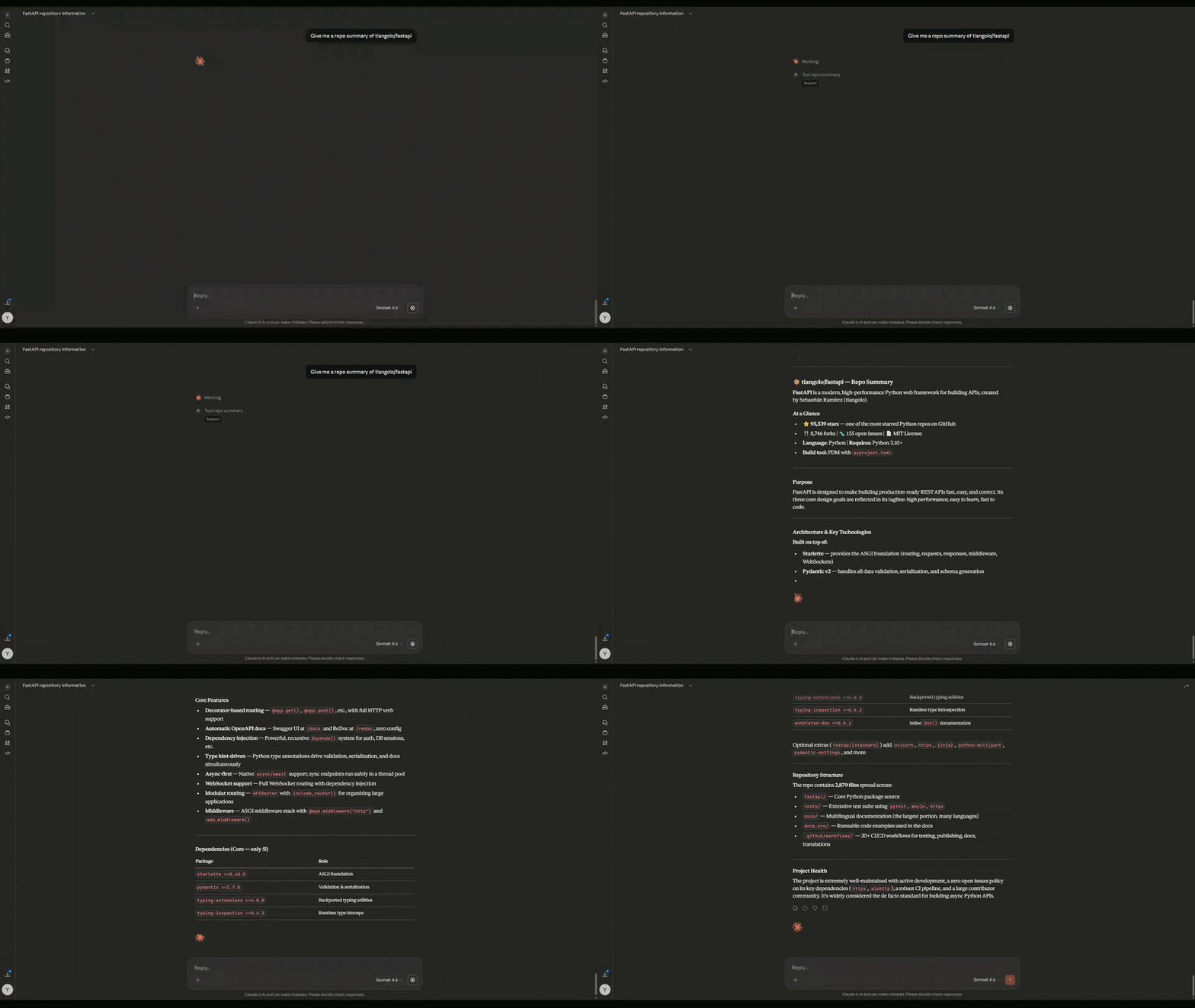
tool_repo_summary
High-level summary of any GitHub repo — purpose, structure, technologies, and dependency health in one shot.
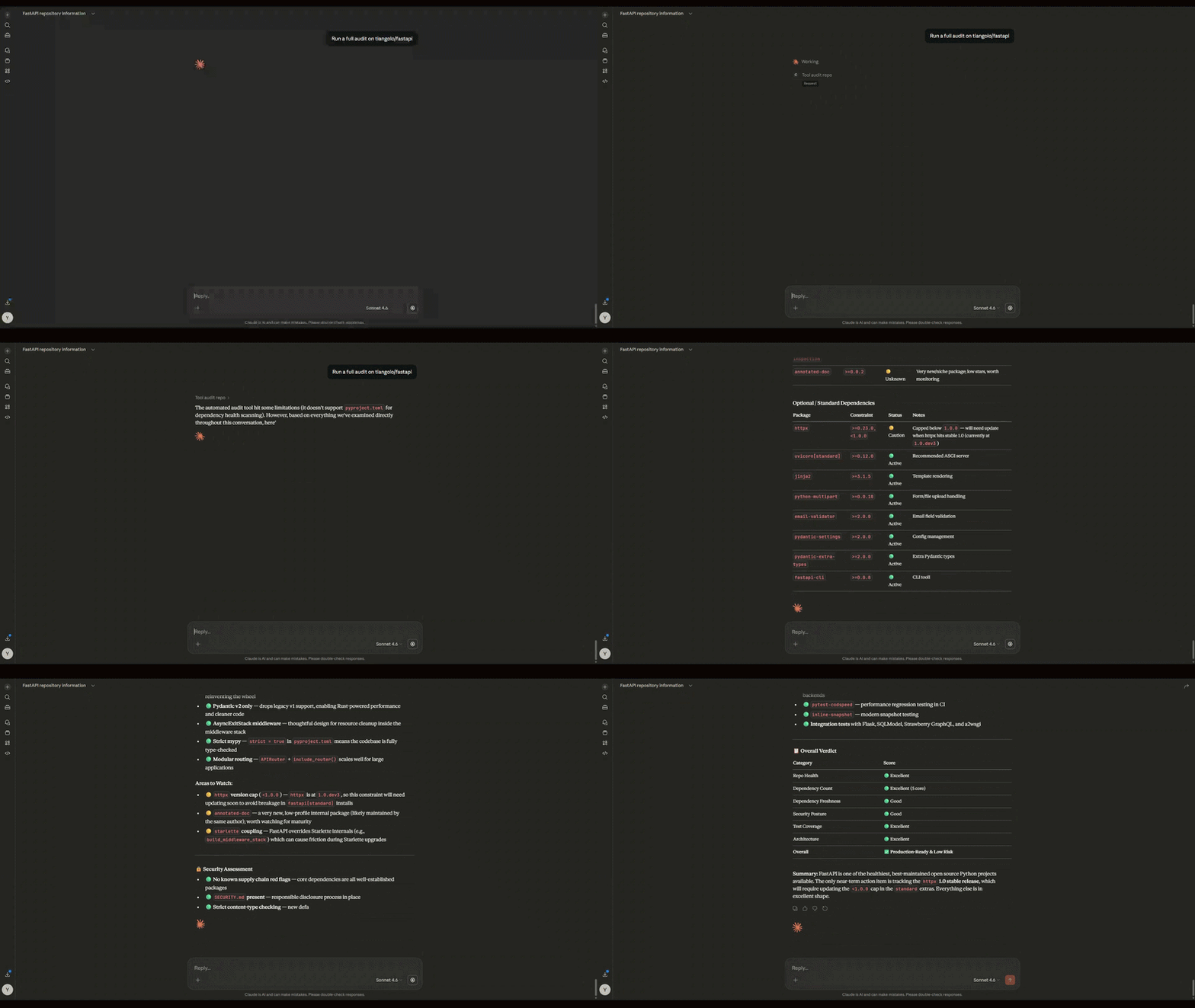
tool_audit_repo
Full repo audit combining code overview and dependency health report in a single call.
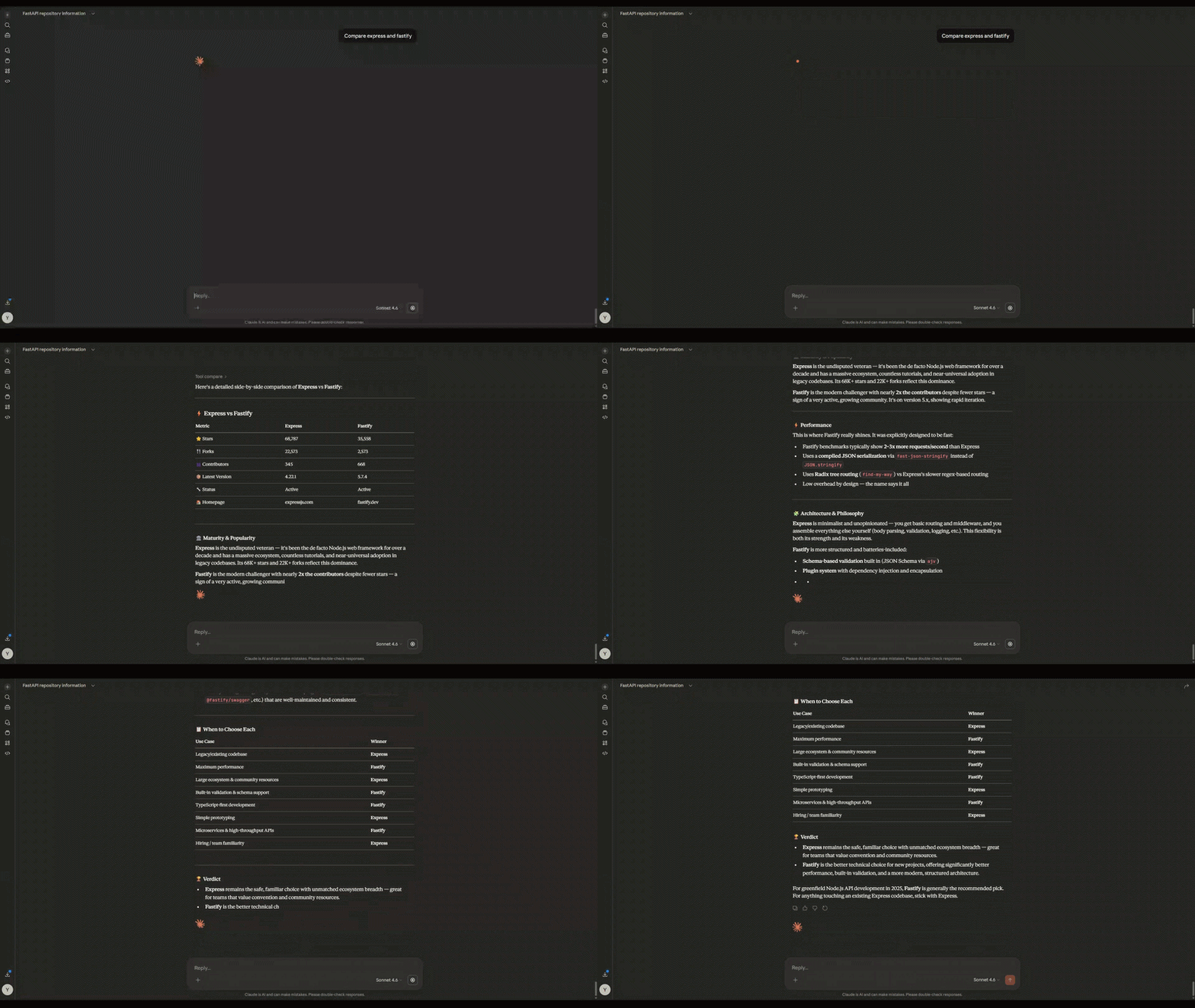
tool_compare
Compare two GitHub repos or packages side by side. Auto-detects whether inputs are repos or packages and hits the right API accordingly.
Tech Stack
| Layer | Tool |
|---|---|
| Interface | Claude Desktop |
| MCP SDK | mcp Python SDK |
| Code search | GitHub Code Search API |
| Package data | Libraries.io API |
| Language | Python 3.11+ |
Limits
- GitHub API: 5,000 requests/hour with a token
- Libraries.io free tier: 60 requests/minute
- Works on public GitHub repos only
License
MIT