



Documentation: Getting Started · README · Configuration · IDE Clients · MCP API · ctx CLI · Memory Guide · Architecture · Multi-Repo · Observability · Kubernetes · VS Code Extension · Troubleshooting · Development
Context-Engine
Open-source, self-improving code search that gets smarter every time you use it.
Quick Start: Stack in 30 Seconds
VS Code Extension (Easiest)
- Install Context Engine Uploader
- Open any project → extension prompts to set up Context-Engine stack
- Opened workspace is indexed
- MCP configs can configure your agent/IDE
That's it! The extension handles everything:
- Clones Context-Engine to your chosen location (keeps it separate from your project)
- Starts the Docker stack automatically
- Sets up MCP bridge configuration
- Writes MCP configs for Claude Code, Windsurf, and Augment
Claude Code users: Install the skill plugin:
/plugin marketplace add m1rl0k/Context-Engine
/plugin install context-engine
Manual Setup (Alternative)
git clone https://github.com/m1rl0k/Context-Engine.git && cd Context-Engine
make bootstrap  # One-shot: up → wait → index → warm → health
Or step-by-step:
docker compose up -d
HOST_INDEX_PATH=/path/to/your/project docker compose run --rm indexer
See Configuration for environment variables and IDE_CLIENTS.md for MCP setup.
Why This Stack Works Better
| Problem | Context-Engine Solution |
|---|---|
| Large file chunks → returns entire files | Precise spans: Returns 5-50 line chunks, not whole files |
| Lost context → missing relevant code | Hybrid search: Semantic + lexical + cross-encoder reranking |
| Cloud dependency → vendor lock-in | Local stack: Docker Compose on your machine |
| Static knowledge → never improves | Adaptive learning: Gets smarter with every use |
| Tool limits → only works in specific IDEs | MCP native: Works with any MCP-compatible tool |
What You Get Out of the Box
- ReFRAG-inspired micro-chunking: Research-grade precision retrieval
- Self-hosted stack: No cloud dependency, no vendor lock-in
- Universal compatibility: Claude Code, Windsurf, Cursor, Cline, etc.
- Auto-syncing: Extension watches for changes and re-indexes automatically
- Memory system: Store team knowledge alongside your code
- Optional LLM features: Local decoder (llama.cpp), cloud integration (GLM, MiniMax), adaptive rerank learning
Works With Your Local Files
No complicated path setup - Context-Engine automatically handles the mapping between your local files and the search index.
Enterprise-Ready Features
- Built-in authentication with session management (optional)
- Unified MCP endpoint that combines indexer and memory services
- Automatic collection injection for workspace-aware queries
Alternative: Direct HTTP endpoints
{
  "mcpServers": {
    "qdrant-indexer": { "url": "http://localhost:8003/mcp" },
    "memory": { "url": "http://localhost:8002/mcp" }
  }
}
Using other IDEs? See docs/IDE_CLIENTS.md for complete MCP configuration examples.
Supported Clients
| Client | Transport |
|---|---|
| Claude Code | SSE / RMCP |
| Cursor | SSE / RMCP |
| Windsurf | SSE / RMCP |
| Cline | SSE / RMCP |
| Roo | SSE / RMCP |
| Augment | SSE |
| Codex | RMCP |
| Copilot | RMCP |
| AmpCode | RMCP |
| Kiro | RMCP |
| Antigravity | RMCP |
| Zed | SSE (via mcp-remote) |
Endpoints
| Service | URL |
|---|---|
| Indexer MCP (SSE) | http://localhost:8001/sse |
| Indexer MCP (RMCP) | http://localhost:8003/mcp |
| Memory MCP (SSE) | http://localhost:8000/sse |
| Memory MCP (RMCP) | http://localhost:8002/mcp |
| Qdrant | http://localhost:6333 |
| Upload Service | http://localhost:8004 |
VS Code Extension
Context Engine Uploader provides:
- One-click upload — Sync workspace to Context-Engine
- Auto-sync — Watch for changes and re-index automatically
- Prompt+ button — Enhance prompts with code context before sending
- MCP auto-config — Writes Claude/Windsurf MCP configs
See docs/vscode-extension.md for full documentation.
MCP Tools
Search (Indexer MCP):
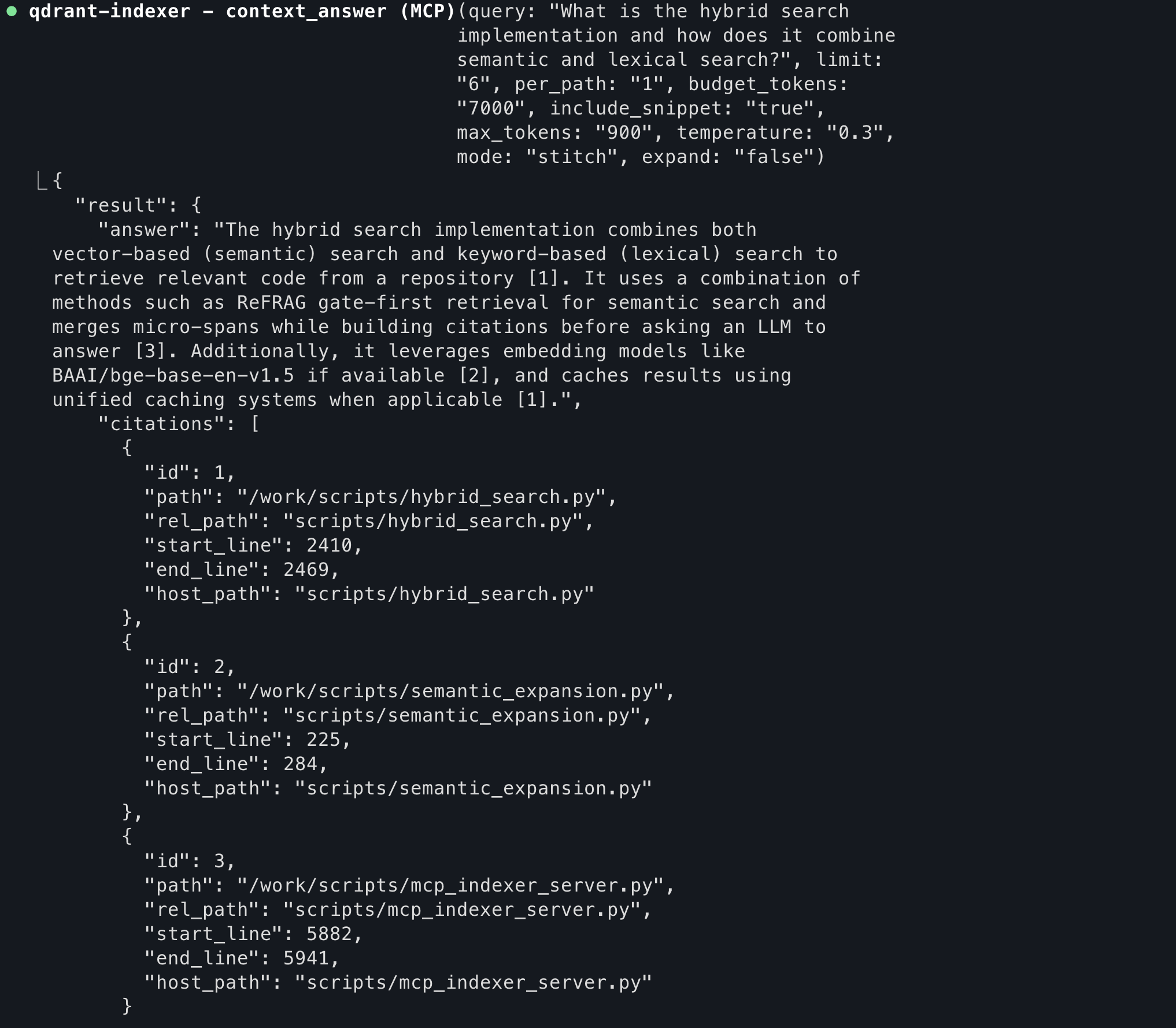
repo_search— Hybrid code search with filterscontext_search— Blend code + memory resultscontext_answer— LLM-generated answers with citationssearch_tests_for,search_config_for,search_callers_for
Memory (Memory MCP):
store— Save knowledge with metadatafind— Retrieve stored memories
Indexing:
qdrant_index_root— Index the workspaceqdrant_status— Check collection healthqdrant_prune— Remove stale entries
See docs/MCP_API.md for complete API reference.
Documentation
| Guide | Description |
|---|---|
| Getting Started | VS Code + dev-remote walkthrough |
| IDE Clients | Config examples for all supported clients |
| Configuration | Environment variables reference |
| MCP API | Full tool documentation |
| Architecture | System design |
| Multi-Repo | Multiple repositories in one collection |
| Kubernetes | Production deployment |
How It Works
flowchart LR
  subgraph Your Machine
    A[IDE / AI Tool]
    V[VS Code Extension]
  end
  subgraph Docker
    U[Upload Service]
    I[Indexer MCP]
    M[Memory MCP]
    Q[(Qdrant)]
    L[[LLM Decoder]]
    W[[Learning Worker]]
  end
  V -->|sync| U
  U --> I
  A -->|MCP| I
  A -->|MCP| M
  I --> Q
  M --> Q
  I -.-> L
  I -.-> W
  W -.-> Q
Language Support
Python, TypeScript/JavaScript, Go, Java, Rust, C#, PHP, Shell, Terraform, YAML, PowerShell
License
MIT