







Features
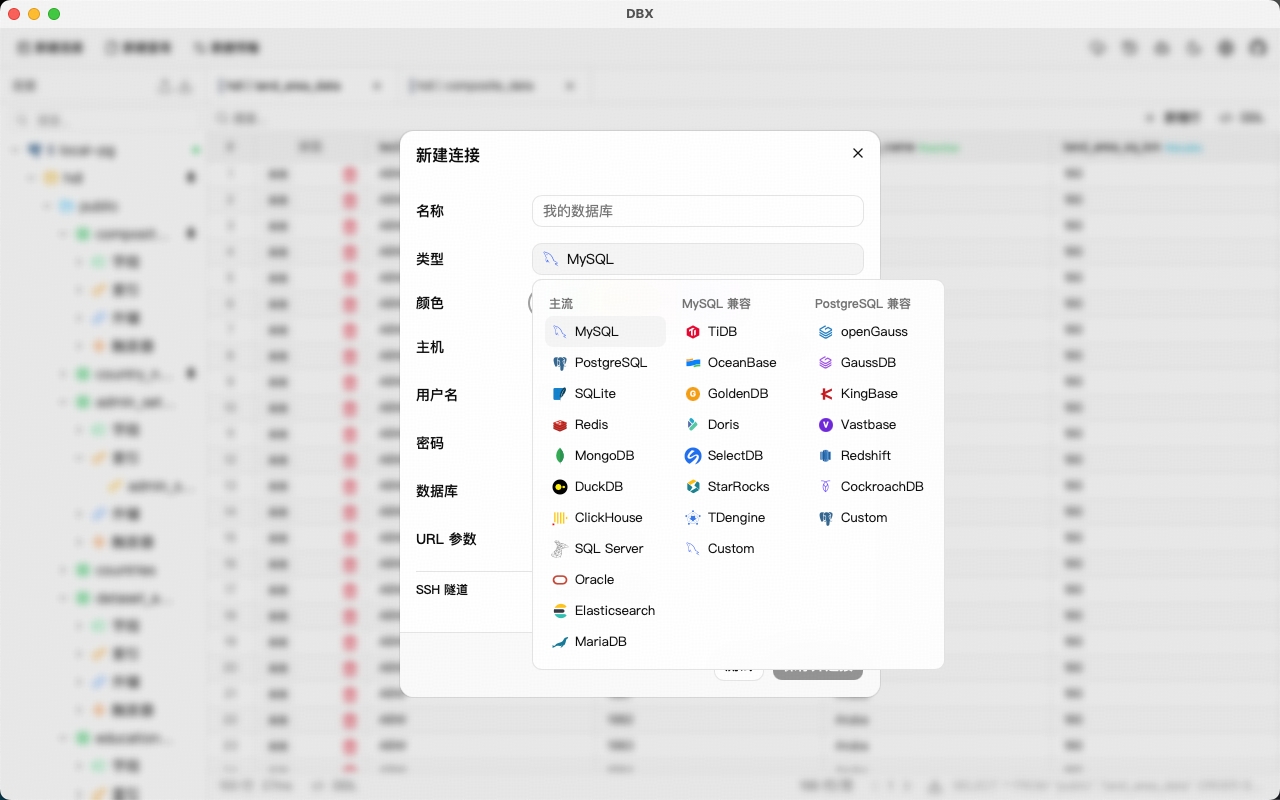
- Multi-database — MySQL, PostgreSQL, SQLite, Redis, MongoDB, DuckDB, ClickHouse, SQL Server, Oracle, MariaDB, TiDB, OceanBase, openGauss, GaussDB, KingBase, Vastbase, GoldenDB
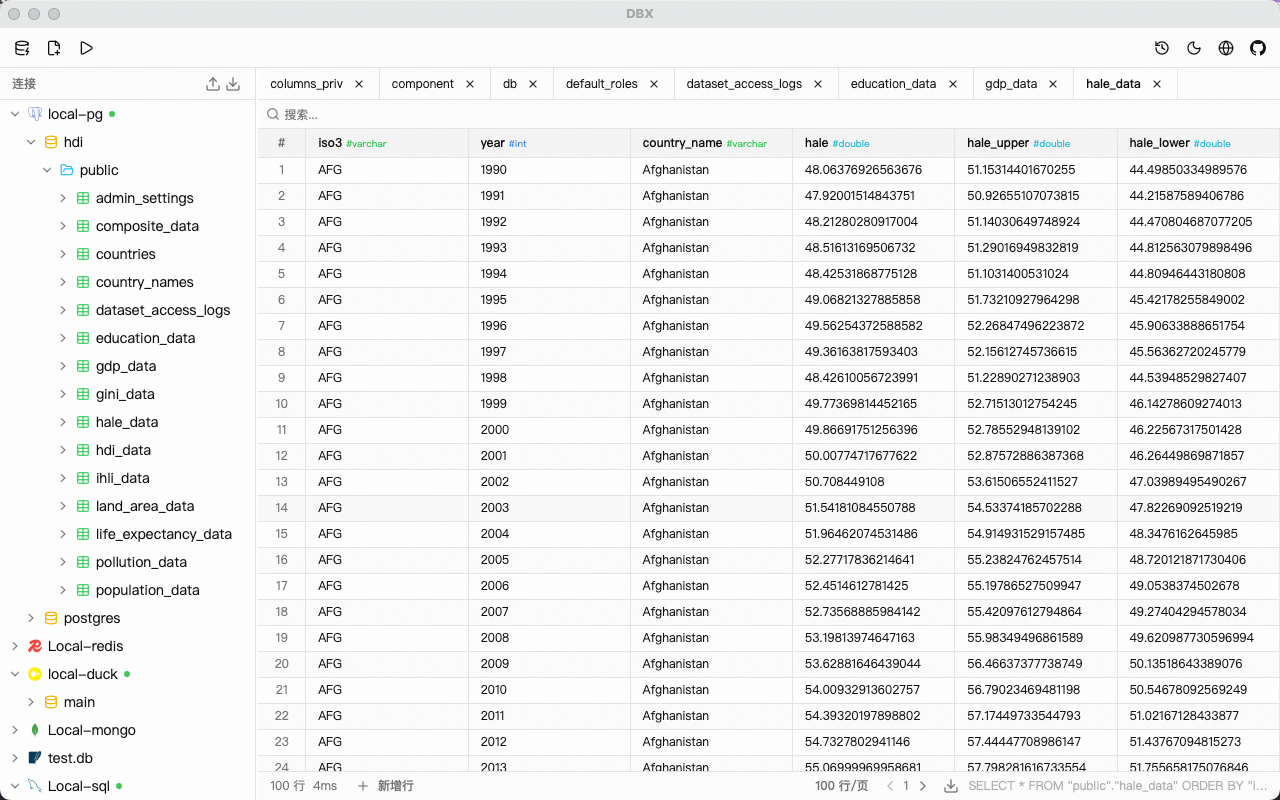
- Schema browser — Databases, schemas, tables, columns, indexes, foreign keys, triggers, with sidebar search & pin
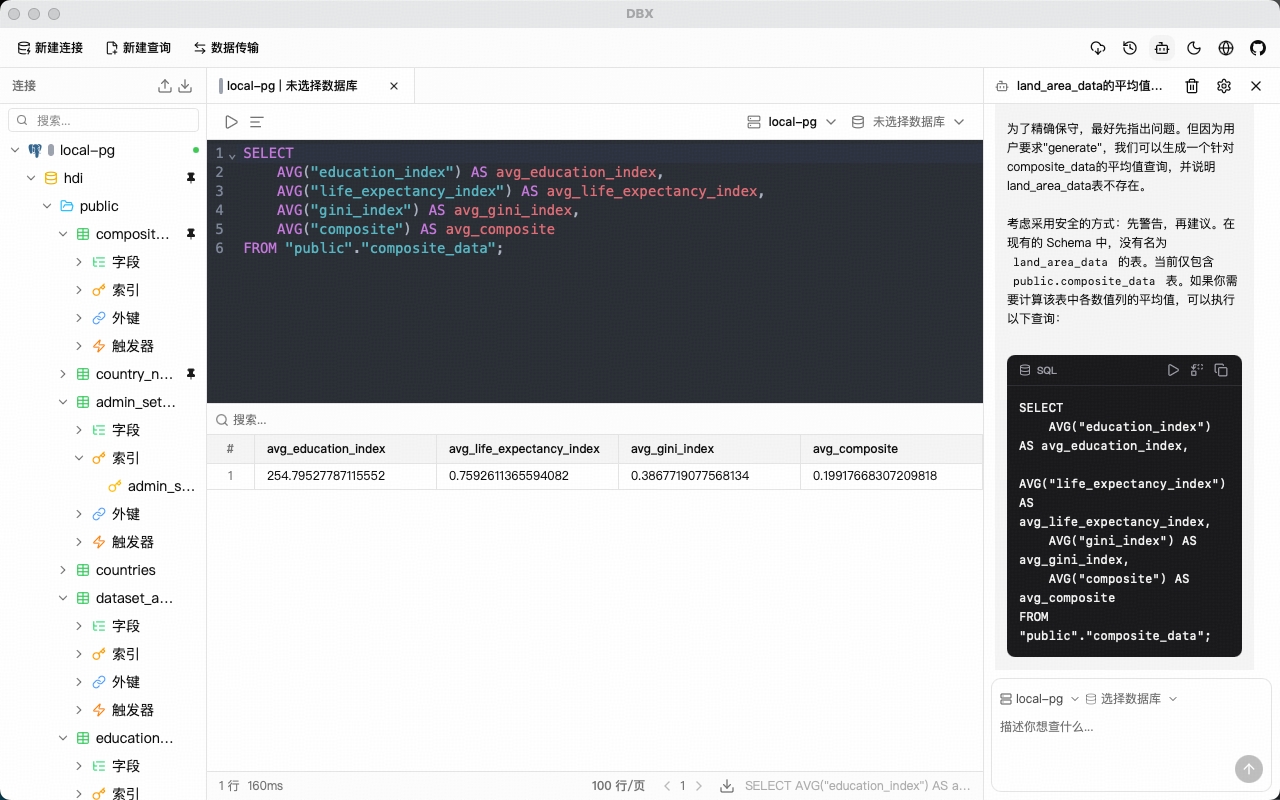
- Query editor — CodeMirror 6 with syntax highlighting, SQL autocomplete (tables & columns), Cmd+Enter execution, selected SQL execution, SQL formatting
- AI SQL assistant — Natural language to SQL, explain, optimize, fix errors (Claude / OpenAI)
- Data grid — Virtual-scrolled table with inline editing, sorting, search, pagination, column resize, row numbers, zebra stripes
- Export — CSV, JSON, Markdown
- File preview — Drag & drop Parquet, CSV, JSON files to preview data instantly (powered by DuckDB)
- Redis browser — Key pattern search, value viewer for all data types (String, Hash, List, Set, ZSet, Stream)
- MongoDB browser — Document CRUD with pagination, direct URL connection (Atlas, replica sets)
- Query history — Persistent history with search, restore, one-click copy
- Safety — Confirmation dialog for DROP / DELETE / TRUNCATE / ALTER
- Auto-reconnect — Transparent retry on connection loss
- SSH tunnel — Key and password authentication
- Connection colors — Color-coded connections for visual identification
- Auto-update — Built-in update checker with release notifications
- Dark mode — Native title bar theme sync
- i18n — English & 简体中文
- Tiny — ~15 MB installer (no bundled Chromium)
AI Agent Integration (MCP)
DBX provides an MCP server that lets AI coding agents query your databases using connections already configured in DBX.
npx @dbx-app/mcp-server
Add to your .mcp.json:
{
  "mcpServers": {
    "dbx": { "command": "npx", "args": ["-y", "@dbx-app/mcp-server"] }
  }
}
Works with Claude Code, Cursor, Windsurf, and any MCP-compatible agent. Supports listing connections, browsing tables, executing SQL, and opening tables directly in DBX's UI.
See the MCP server README for details.
Screenshot
Install
Download the latest release from the Releases page.
Homebrew (macOS):
brew install --cask t8y2/tap/dbx
Scoop (Windows):
scoop bucket add dbx https://github.com/t8y2/scoop-bucket
scoop install dbx
macOS Note
DBX is not signed with an Apple Developer certificate. On first launch, macOS will block the app. To fix this:
xattr -cr /Applications/DBX.app
Or: System Settings → Privacy & Security → Open Anyway.
Getting Started
Prerequisites
Development
pnpm install
pnpm tauri dev
Build
pnpm tauri build
The installer will be in src-tauri/target/release/bundle/.
Tech Stack
| Layer | Technology |
|---|---|
| Framework | Tauri 2 |
| Frontend | Vue 3 + TypeScript |
| UI | shadcn-vue + Tailwind CSS |
| Editor | CodeMirror 6 |
| Backend | Rust + sqlx / tiberius / redis-rs / mongodb |
Community

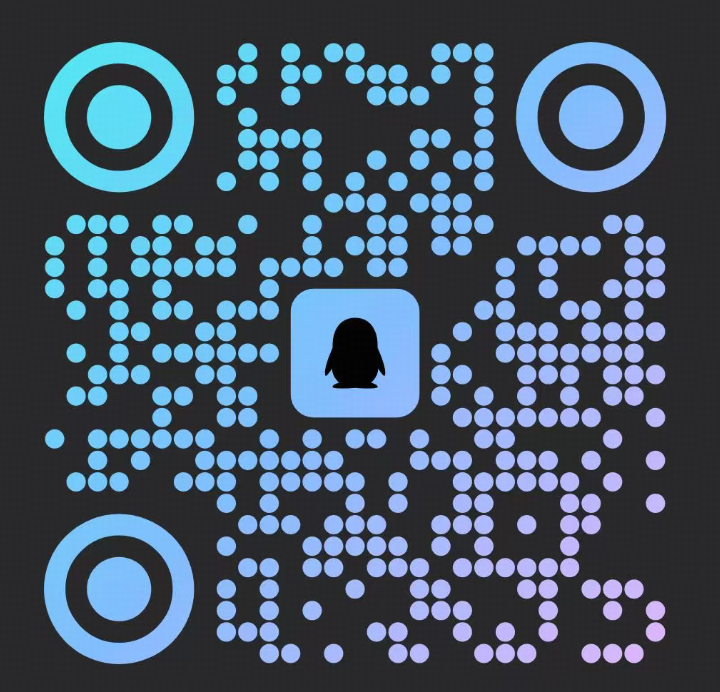
| WeChat Group | QQ Group |
|---|---|
 |  |