GitHub PR Review Context MCP




[!IMPORTANT] NEW RELEASE (v0.2.9): Integrated advanced AI tools for Test Generation, Security Auditing, Static Analysis, and Refactoring suggestions grounded in your repo history.
pipx upgrade github-pr-context-mcp
# OR
uvx --upgrade github-pr-context-mcp
Context layer for AI code review, grounded in your repository's real pull request history.
❤️ Community Feedback
We want to hear from you! Your reviews help us improve and reach more developers.
👉 Write a Review / Share your Experience
"This MCP is like having a teammate with perfect memory of every PR ever written." — Example Review
Overview
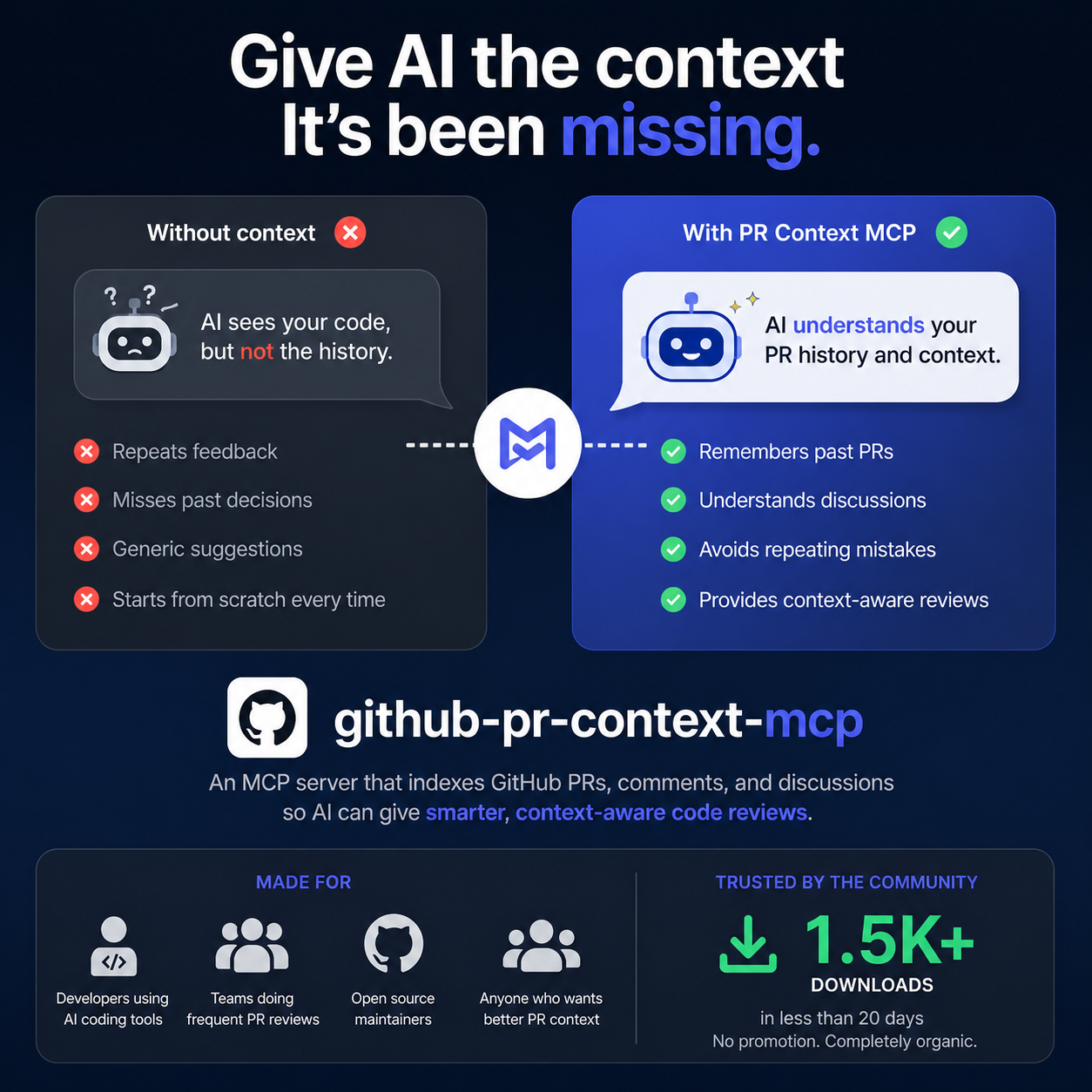
GitHub PR Review Context MCP gives AI assistants institutional review memory.
Instead of generic feedback, reviews are informed by historical reviewer comments, recurring quality patterns, and repository-specific standards from your own PR history.
Core Value
- Improves review consistency across teams and repositories.
- Reduces repeated reviewer feedback on known issues.
- Integrates with any MCP-compatible client and multiple LLM providers.
Key Capabilities
| Capability | What It Delivers |
|---|---|
| Historical review retrieval | Semantic search across prior PR comments and review summaries |
| Context-aware AI review | Feedback grounded in repository-specific review behavior |
| Grounded code generation | Generate new code based on past commits, comments, and style |
| Team rules generation | Auto-generate .cursorrules / CLAUDE.md from repo history |
| Smart repository readiness | Auto-detect indexed state and index on demand |
| Flexible storage modes | Permanent (disk) and temporary (in-memory) indexing options |
| Portable inference layer | Switch LLM providers using environment configuration only |
🚀 Quick Start
🚀 Zero-Setup (uvx / pipx / npx)
The fastest way to use the server. No cloning required. Just run one of these commands directly in your terminal or use them in your IDE's MCP settings:
[!TIP] Don't clone this repo to get AI rules! Once installed, run
generate_repo_rulesinside YOUR project to automatically create.cursorrulesorCLAUDE.mdtailored to your own team's PR history.
Using uvx (Recommended for speed):
uvx github-pr-context-mcp
Using pipx (Recommended for stability):
pipx run github-pr-context-mcp
# Or install permanently:
pipx install github-pr-context-mcp
Using npx (Smithery bridge):
npx -y @smithery/cli run github-pr-context-mcp
⚠️ Manual Installation (Git Clone / Advanced)
[!WARNING] Running from a git clone is only recommended for developers contributing to this project. For general use, please use the
pipxmethod above.
If you have cloned the repository for development:
- Create a virtual environment:
python -m venv .venv - Activate it and install:
pip install -e . - Run automatic setup:
python scripts/install_clients.py
For full configuration (Cursor, Claude Desktop), see the Quick Start Guide.
[!IMPORTANT] 🚀 USE THE OFFICIAL PACKAGE: This project is now on PyPI. To ensure seamless updates and zero configuration friction, do NOT
git clone.Recommended Install:
pipx install github-pr-context-mcpOr run instantly with:
uvx github-pr-context-mcp
🛠️ Usage Modes: Solo vs. Team
This MCP server is built to scale from a single machine to an entire engineering organization.
👤 Solo Developer (Local Mode)
Best for: Privacy, local-first control, and zero hosting costs.
- How it works: Run via
uvx,pipx, or a local git clone. - Storage: ChromaDB stays on your local machine.
- Security: Your GitHub Token and LLM keys never leave your device.
- Setup: See Quick Start.
🤝 Team Collaboration (Hosted Mode — UPCOMING)
Best for: Scaling team-wide PR standards and centralized infra.
- How it works: One deployment on Render (Coming Soon) shared by the whole team.
- Isolation: Strict Gmail-based namespace isolation (driven by SQLite). User A's indexed data is mathematically invisible to User B.
- Economics: Pooled LLM credits and a single shared indexing server.
- Setup: See Deployment Guide.
🌟 Zero-Friction Setup (Upcoming)
If your team has hosted this MCP on Render, you do NOT need to git clone or install anything. Just drop this snippet into your IDE:
"github-pr-context": {
  "type": "sse",
  "url": "https://YOUR-RENDER-URL.onrender.com/mcp",
  "headers": {
    "Authorization": "Bearer YOUR_TOKEN"
  }
}
That's it. If your IDE supports native MCP SSE connections, you are immediately connected to the secure Render deployment.
🧰 Core Tools Reference
The server exposes 12 core tools for IDE agents and developers. For a deep dive on when to use each, see the Tool Strategy Guide.
| Tool | Action |
|---|---|
ensure_repo_ready | Index a repo and ensure it's ready for queries |
generate_repo_rules | Synthesize .cursorrules / CLAUDE.md from PR history |
generate_code_from_history | Write code grounded in past commits & team style |
review_code_with_history | Perform AI review grounded in team review memory |
generate_tests | Generate unit tests matching repository style |
static_analysis | Perform human-like static analysis based on history |
suggest_refactors | Get refactoring ideas based on clean code patterns |
document_changes | Auto-generate documentation / docstrings |
security_check | Audit code for vulnerabilities & compliance |
get_team_review_patterns | Summarize recurring team standards |
semantic_search_reviews | Search past PR comments by meaning |
list_indexed_repos | View all repos currently in storage |
delete_repo_index | Free up disk space by clearing repository indices |
get_index_stats | Verify if a repo index is complete |
get_usage_stats | View adoption metrics and unique user counts |
📖 Documentation
Detailed guides for deep dives and specific configurations:
- 🛠️ Quick Start & Usage — Setup and basic commands.
- ⚙️ LLM Configuration — Switching between OpenAI, Anthropic, Gemini, and Cerebras.
- 🧩 Tool Strategy & Selection Guide — When to use which tool (for humans and agents).
- 🏗️ Architecture & Pipeline — How the RAG engine and indexing work.
- 🔌 Integrations — Connecting to Cursor, Claude Desktop, and more.
🛠️ Troubleshooting
- "command not found": Use absolute paths in your configuration. Run
github-pr-context-mcp configto get your exact path. - "PermissionError: [WinError 32]": The binary is locked by a running process. Close Claude/Cursor, run
taskkill /F /IM github-pr-context-mcp.exe, then retry the upgrade. - Rate Limit Errors: Ensure your
GITHUB_TOKENis valid and hasreposcope.
📣 Community & Feedback
We want to hear from you — whether you are a solo developer or a team at a large company!
- Feedback: Please open an issue or start a discussion if you have ideas or encounter bugs.
- Star ⭐: If this tool saves you time, give it a star! It helps others find the project.
- Corporate: Is your team using this? Join our "Adopters" list by opening a PR to add your team's name.
⚖️ License
MIT