Gmail MCP Bridge
English | 中文文档 README.zh-CN.md
Control Gmail from Claude. No Google Cloud. No OAuth. No API keys.













Enable Gmail automation for AI assistants through a Chrome extension and the Model Context Protocol. Works locally, respects your browser session, and requires no Google API keys.
If this project helps you, please ⭐ star the repo and join the Discussions.
⚡️ Bold advantage: No Google Cloud project. No OAuth consent screen. No API keys. It uses your existing Chrome session to act in Gmail.
Why no Google Cloud
This project works locally by leveraging your existing Chrome browser session. The extension and MCP server act on Gmail the same way you do in the browser, so you do not need to set up a Google Cloud project, OAuth consent screen, or any API keys.
Benefits:
- Simpler onboarding: no cloud console, no OAuth app review.
- Privacy: actions stay within your local browser session.
- Portability: works anywhere Chrome runs.
Limitations to note:
- Requires Chrome to be installed and signed in to the target Gmail account.
- Actions follow the permissions of your current Gmail session.
⚡ Installation
For a guided setup, see the Quick Start and Website:
- Quick Start: docs/quick-start/installation.md
- Website: https://cafferychen777.github.io/gmail-mcp/
Prerequisites:
- Node.js 18+
- Google Chrome (latest)
- Claude Desktop (with MCP enabled)
# One-command install (recommended)
./bin/gmail-mcp install

# Or manual setup
cd gmail-mcp-extension/mcp-server && npm install
📁 Project Structure
gmail-mcp/
├── bin/                     # CLI utilities (installer/manager)
│   └── gmail-mcp
├── gmail-mcp-extension/     # Chrome Extension + MCP bridge server
│   ├── extension/           # Chrome extension source
│   ├── mcp-server/          # MCP bridge server
│   └── src/                 # Core logic and recovery system
├── docs/                    # Documentation
│   ├── planning/
│   ├── reports/
│   └── analysis/
├── scripts/                 # Tooling scripts
│   ├── test/
│   └── util/
├── src/                     # Advanced features
│   ├── core/
│   └── plugins/
├── tests/
├── tools/
└── Key docs
    ├── README.md
    ├── README.zh-CN.md
    ├── CLAUDE.md
    ├── CONTRIBUTING.md
    └── RELEASE.md
🚀 Features
- Gmail read/search/send/reply
- Full Gmail search syntax support
- Multi-account switching
- Auto-recovery (95%+ common failures)
- Self-diagnosis and repair utilities
- Low-latency, high-throughput local bridge
🎯 Usage
CLI management
gmail-mcp status    # Check system status
gmail-mcp doctor    # Diagnose issues
gmail-mcp fix       # Auto-fix common problems
gmail-mcp test      # Run tests
In Claude Desktop
After installation, just ask Claude:
- "Check my latest emails"
- "Send an email to john@example.com"
- "Search emails containing 'project'"
📚 Documentation
- Developer architecture: docs/developer/architecture.md
- Roadmap: docs/planning/COMPREHENSIVE_IMPROVEMENT_ROADMAP.md
- Contribution guide: CONTRIBUTING.md
🎬 Demo / Screenshots
Below are placeholder screenshots; a short demo GIF will be added soon.
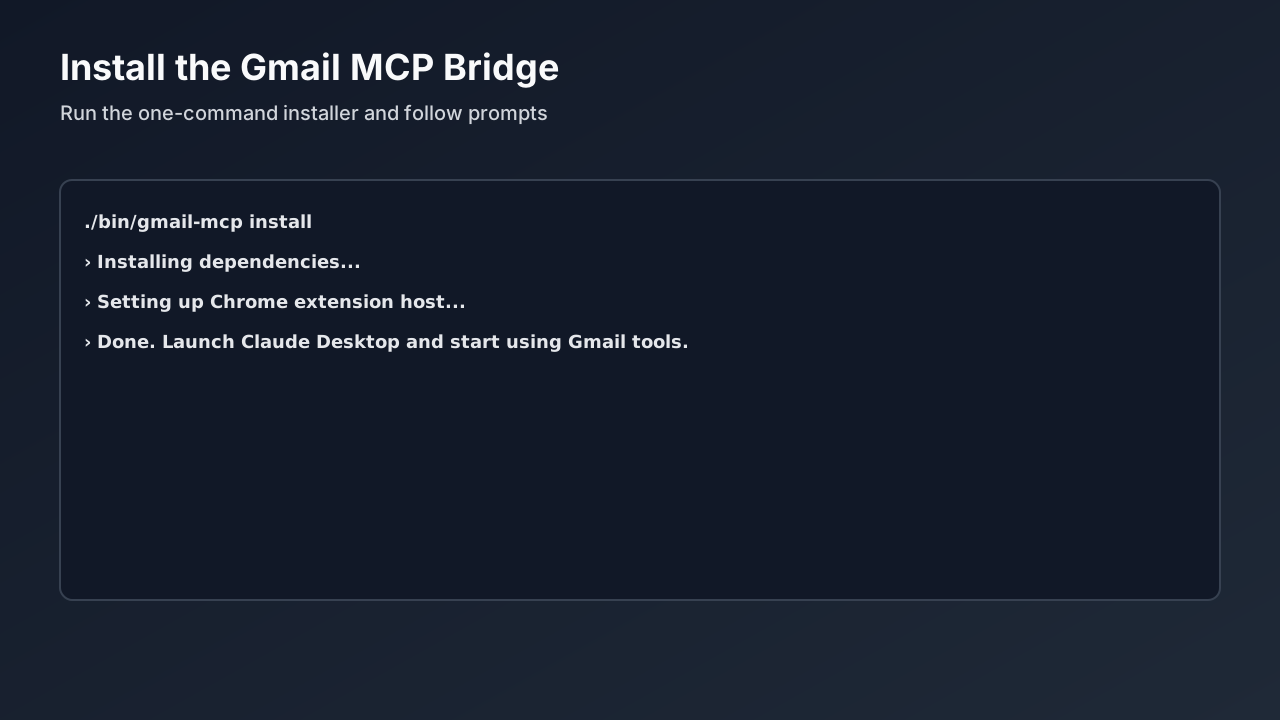
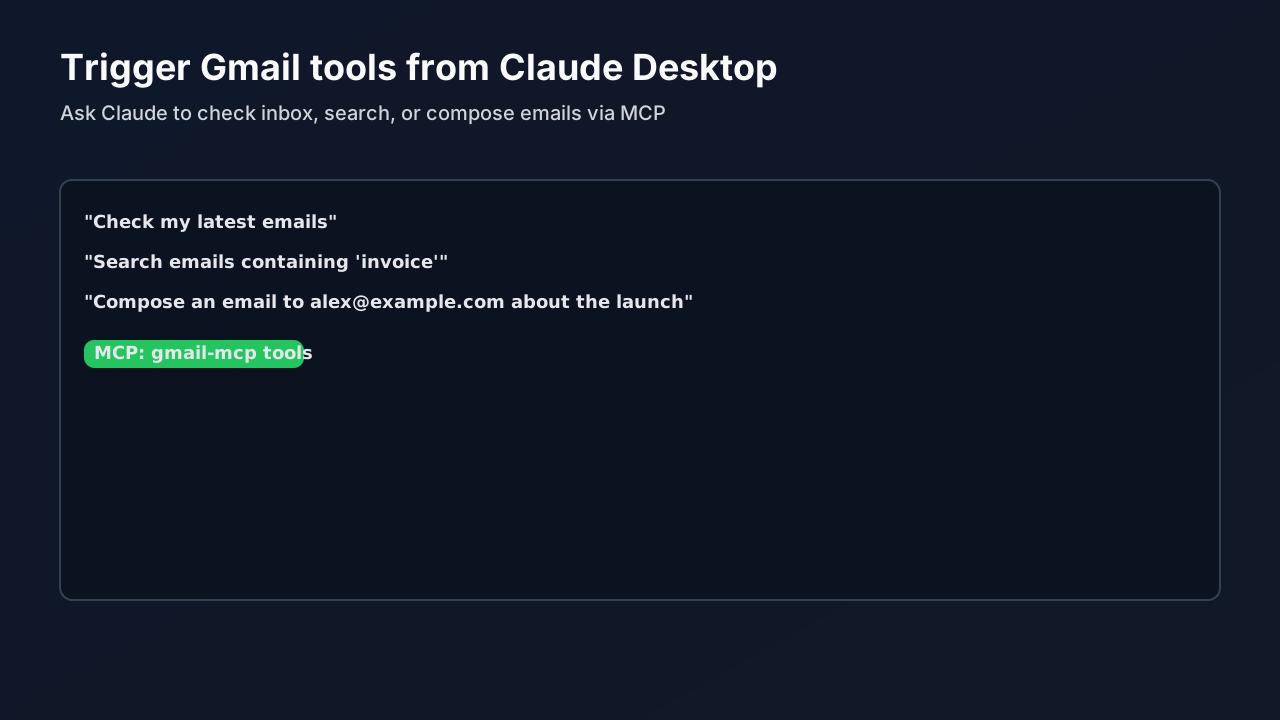
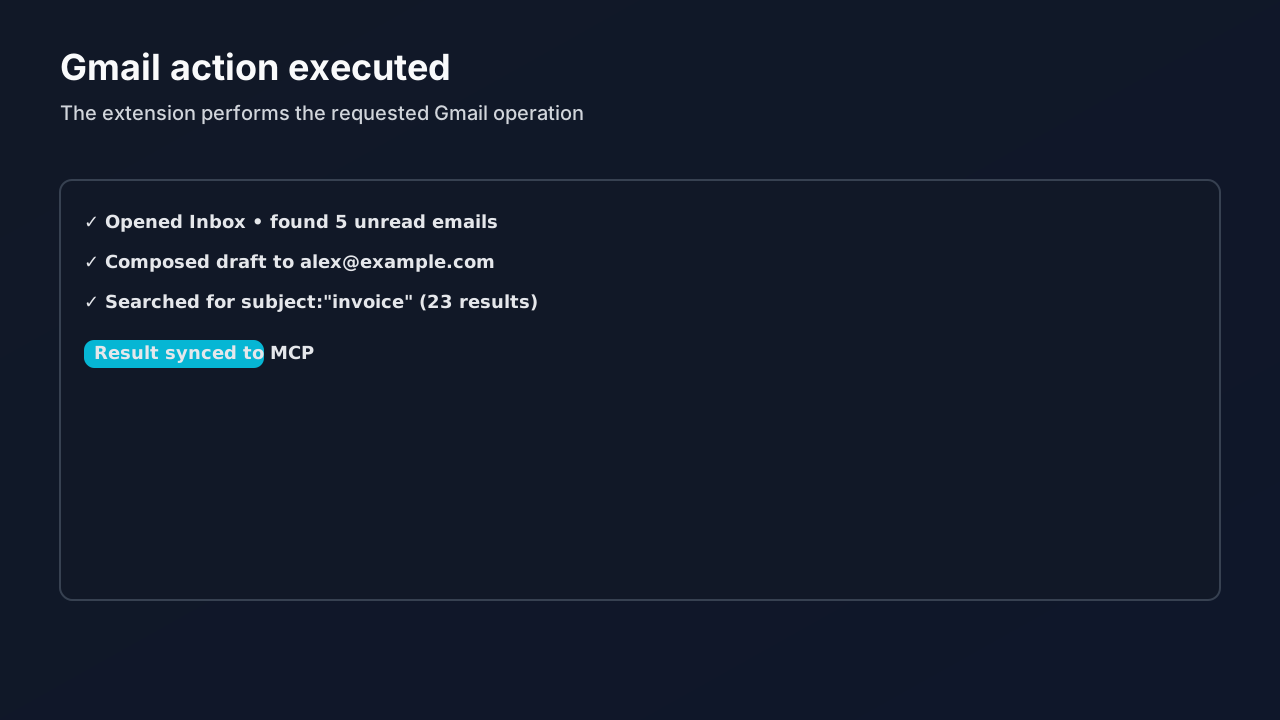
Planned: docs/assets/screenshots/demo.gif (≤10s).
If you'd like to help, check the good first issues.
🏆 Why this project
- No API keys, works directly with your browser session
- Fast local bridge with MCP for AI assistants
- Production-ready structure with installer and diagnostics
🔗 Social preview (Open Graph)
Improve link previews when sharing the repo by uploading a social image:
- Use the placeholder at
docs/assets/images/og-preview.svg(export to 1200×630 PNG if needed) - Go to GitHub → Repository Settings → General → Social preview → Upload the image
🤝 Contributing
PRs welcome! Please read CONTRIBUTING.md.
📄 License
MIT License — see LICENSE
Gmail MCP Bridge — Control Gmail from Claude Desktop via MCP 🚀
🧭 Community & Support
- Code of Conduct: CODE_OF_CONDUCT.md
- Security policy: SECURITY.md
- Support: SUPPORT.md
- Discussions: https://github.com/cafferychen777/gmail-mcp/discussions
- Good first issues: https://github.com/cafferychen777/gmail-mcp/labels/good-first-issue
- Help wanted: https://github.com/cafferychen777/gmail-mcp/labels/help-wanted