pickapicon-mcp



Description
This is a mcp for FE/UI/Designer to get SVG By Iconify API.
By using pickapicon-mcp, You just need to ask LLMs to get what you need instead of going to the website to find svg and copying stupidly.
It can make your workflow to get svg simplify, Dancing with MCP & LLMs 😎.
👉👉 Icon Repo WebSite Iconify 👈👈
Tools
-
get_icon_repos
- get all repo name, for other tools param
<prefix>
- get all repo name, for other tools param
-
get_icons_by_desc_and_prefix
- get icons by inputting desc what you want and prefix
- inputs:
- desc: desc what you want
- prefix?: prefix
-
get_icon_detail_by_prefix_and_name
- get icon detail (SVG code) by prefix and svg name
- inputs:
- svg_name: svg name
- prefix?: prefix
QuickStart
Installing via Smithery
To install Pickapicon MCP for Claude Desktop automatically via Smithery:
npx -y @smithery/cli install @Leee62/pickapicon-mcp --client claude
this is MCP Server Config
  "mcpServers": {
    "pickapicon-mcp": {
      "type": "stdio",
      "command": "npx",
      "args": [
        "-y",
        "pickapicon-mcp@latest"
      ],
      "env": {
        "PREFIX": "<LIKE ant-design>"
      }
    }
  }
Case
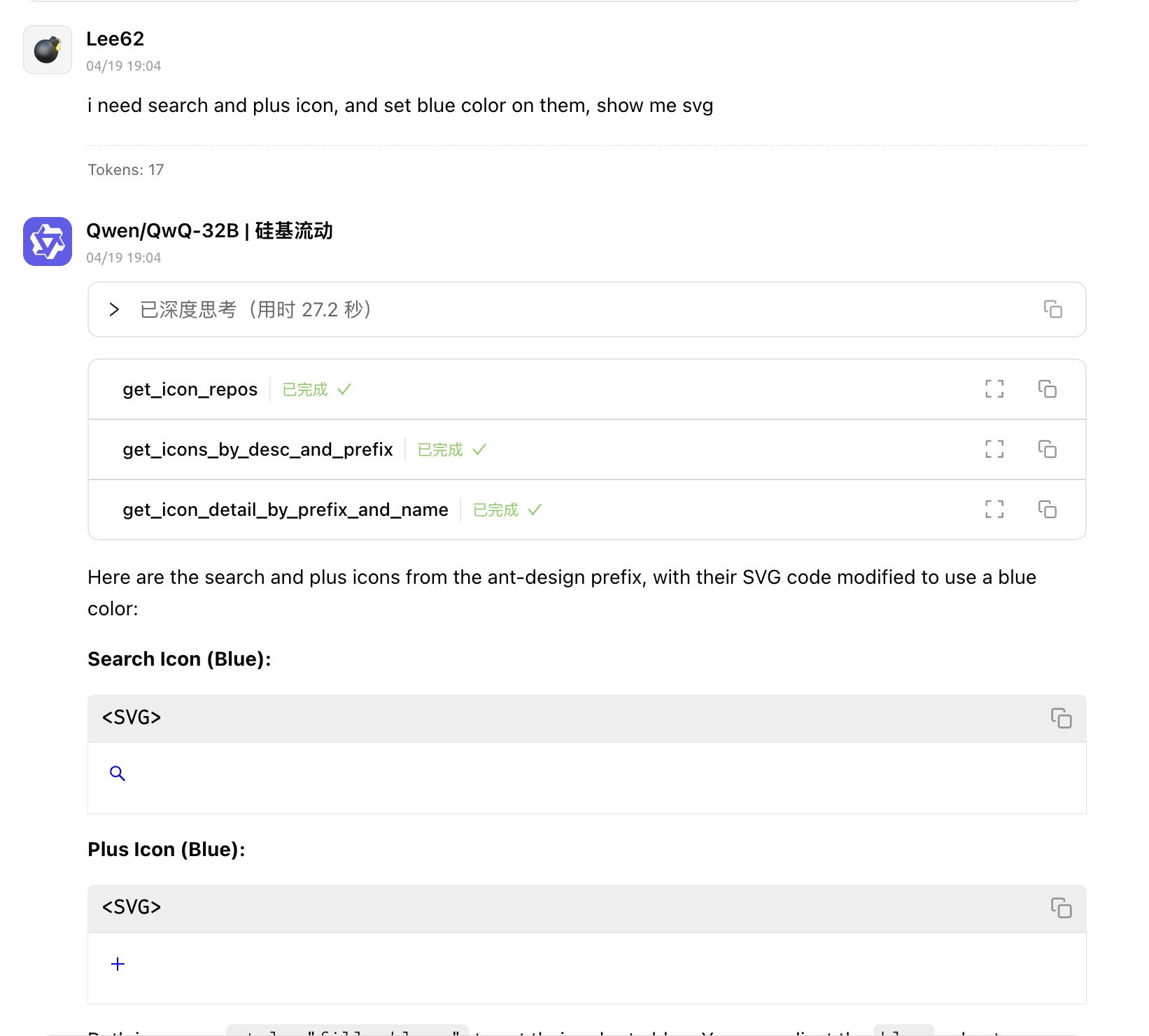
- Quickly get svgs about COMPONENT / PAGE
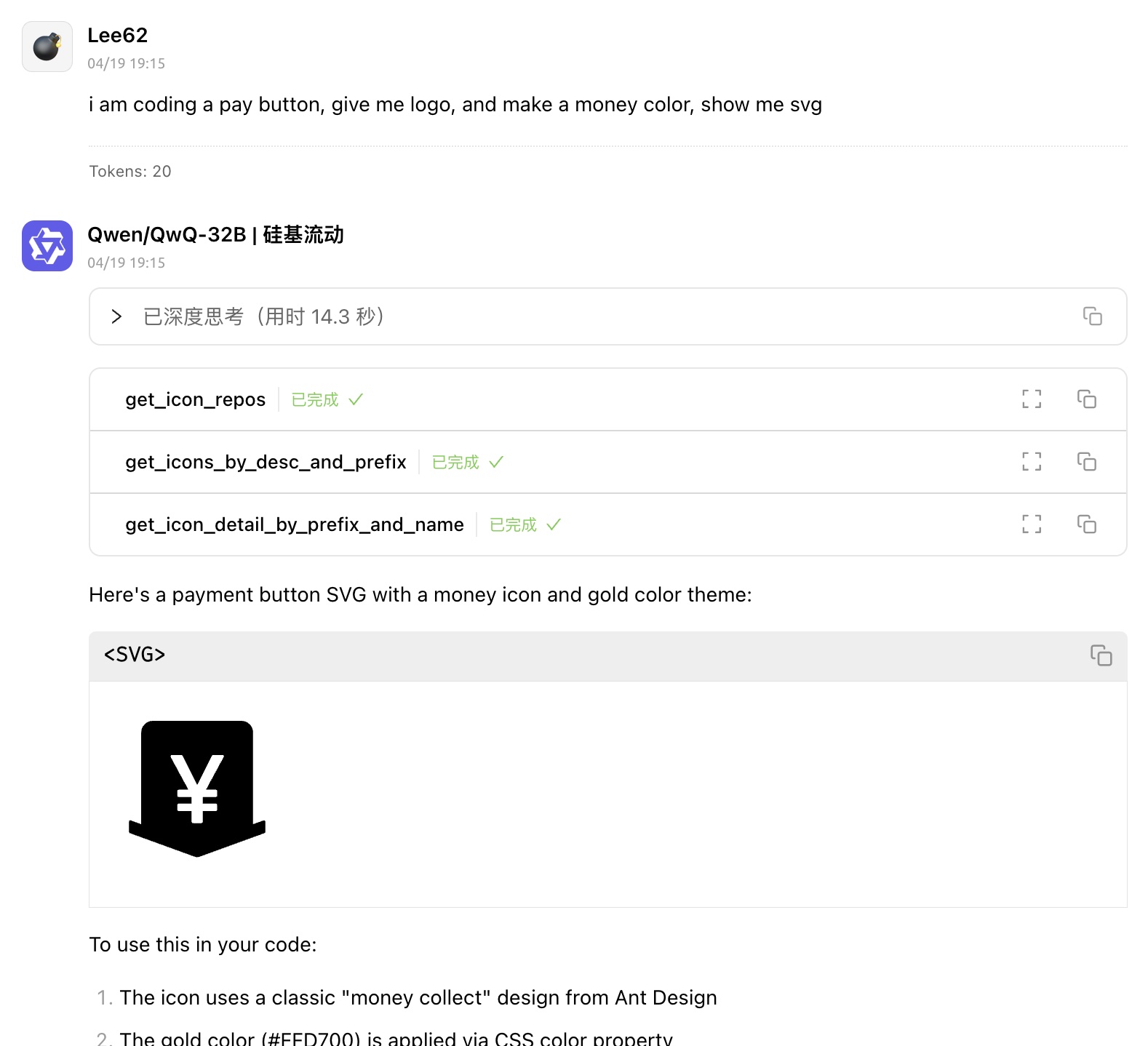
- get svg with Modern Design Color
License
MIT