
Linggen
Linggen is a local-first RAG + MCP memory layer for AI coding assistants.
It runs entirely on your machine, is free for individuals and teams, and is built for:
-
Working across many projects with one shared memory layer
-
Navigating huge codebases and documentation sets
-
Connecting multiple IDEs/agents via MCP (Cursor, Zed, Windsurf, etc.)
Nothing leaves your machine by default: embeddings, indexes, and search all run locally.
What You Can Do
-
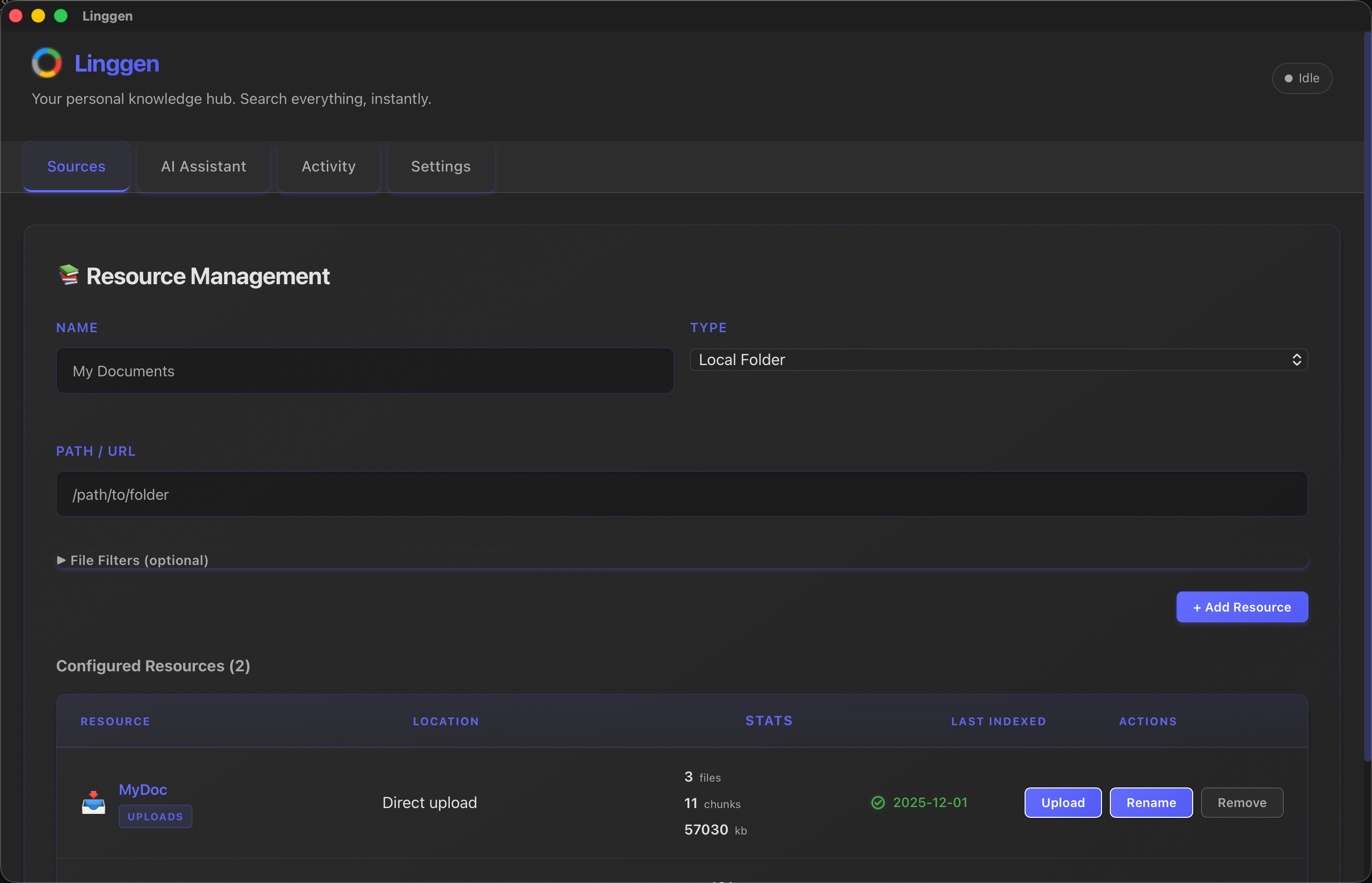
Index your world: local folders, codebases, docs, and notes
-
Semantic search + AI chat over everything you've indexed
-
Expose an MCP server at
http://localhost:8787/mcp/ssefor compatible tools -
Run it for a team on a shared machine and point everyone's MCP config at it
See the full product docs at linggen.dev.
Install (App)
-
Download the latest macOS build from GitHub Releases:
https://github.com/linggen/linggen-releases/releases -
Open the
.dmgand drag Linggen intoApplications. -
On first launch, it downloads an embedding model (~100MB) and starts a local backend at
http://localhost:8787.
Currently macOS only. Windows & Linux are planned.
MCP Setup (Cursor)
Linggen starts an MCP server at http://localhost:8787/mcp/sse.
Add this to ~/.cursor/mcp.json to connect Cursor:
{
  "mcpServers": {
    "linggen": {
      "url": "http://localhost:8787/mcp/sse"
    }
  }
}
Restart Cursor and you should see linggen as a connected MCP server.
This Repo
This repo is the Linggen landing page and docs site, built with React and Vite, deployed to Cloudflare Pages.
npm install

npm run dev