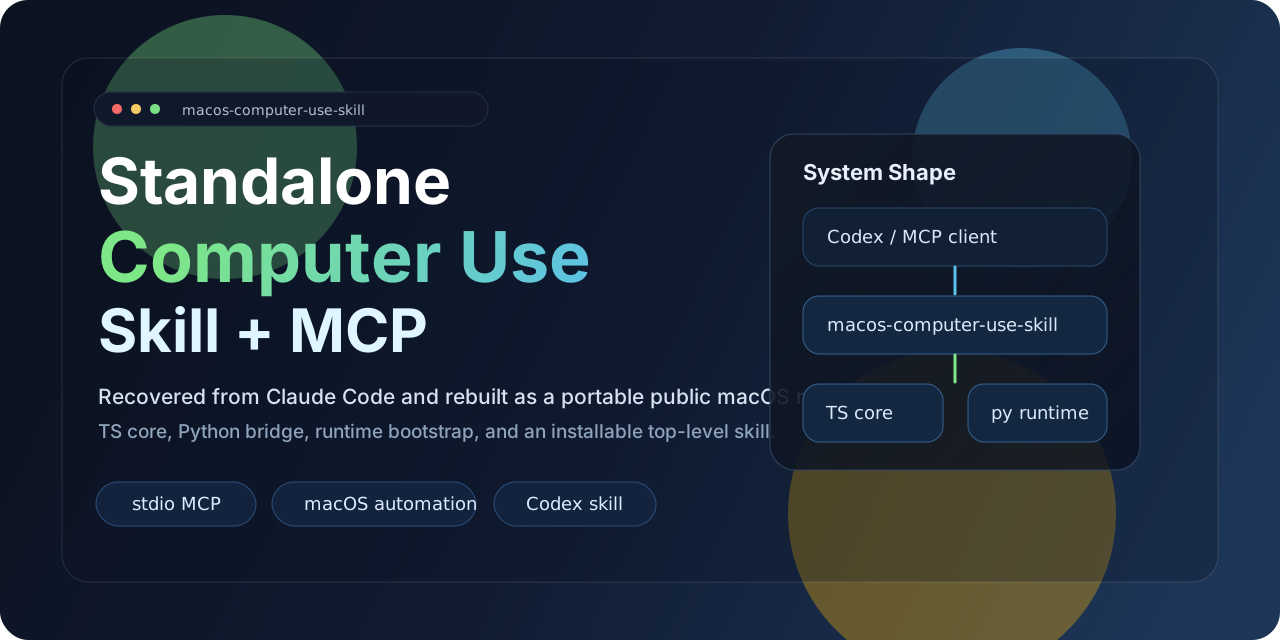
macOS Computer-Use Skill
Standalone MCP server that gives AI agents full GUI control over macOS — screenshots, mouse, keyboard, apps, clipboard, and multi-display — with zero private dependencies.






Quick Start · Tools · MCP Config · ClawHub
Features
| Feature | Description | |
|---|---|---|
| Vision | Screenshot & Display | Capture any display, enumerate monitors, zoom into regions |
| Input | Mouse & Keyboard | Click, drag, scroll, type, key combos, hold keys — with IME-safe clipboard routing |
| Apps | Application Control | Launch apps, detect frontmost app, list installed/running apps, tiered permission model |
| Clipboard | Read & Write | Full clipboard access for paste-based workflows |
| Batch | Action Batching | Chain multiple actions in a single MCP call for speed |
| Runtime | Zero-Config Bootstrap | Auto-creates Python virtualenv and installs dependencies on first run |
| Portable | Skill Packaging | Ships as a standalone skill — install once, works without the source repo |
| Public | No Private Dependencies | Built entirely on public packages: Node.js, Python, pyautogui, mss, Pillow, pyobjc |
Quick Start
1. Clone & build
git clone https://github.com/wimi321/macos-computer-use-skill.git
cd macos-computer-use-skill
npm install && npm run build
2. Run the MCP server
node dist/cli.js
On first launch the server automatically creates a Python virtualenv in .runtime/venv and installs all runtime dependencies. No Claude desktop app, no private native modules.
3. Or install from ClawHub
clawhub install computer-use-macos
[!NOTE] macOS requires Accessibility and Screen Recording permissions for the host process. The server checks both on startup and reports status through MCP.
Architecture
flowchart LR
    A[AI Agent / MCP Client] --> B[MCP Server<br/>TypeScript + stdio]
    B --> C[Tool Layer<br/>28 MCP tools]
    B --> D[Python Bridge<br/>auto-bootstrapped venv]
    D --> E[pyautogui]
    D --> F[mss + Pillow]
    D --> G[pyobjc<br/>Cocoa + Quartz]
    E --> H[Mouse / Keyboard]
    F --> I[Screenshots]
    G --> J[Apps / Displays<br/>Clipboard / Windows]
Available Tools
Vision & Display
| Tool | Description |
|---|---|
screenshot | Capture the current display as a JPEG image |
zoom | Crop and zoom into a region of the last screenshot |
switch_display | Switch the active capture target to a different monitor |
Input
| Tool | Description |
|---|---|
left_click | Left-click at a coordinate |
double_click | Double-click at a coordinate |
triple_click | Triple-click (select paragraph/line) |
right_click | Right-click (context menu) |
middle_click | Middle-click |
left_click_drag | Click-and-drag between two points |
left_mouse_down | Press and hold the left mouse button |
left_mouse_up | Release the left mouse button |
mouse_move | Move the cursor without clicking |
scroll | Scroll in any direction at a coordinate |
type | Type text (clipboard-routed on macOS to avoid IME corruption) |
key | Press a key combo (e.g. cmd+c, ctrl+shift+t) |
hold_key | Hold a key for a duration |
cursor_position | Get the current cursor coordinates |
Application & System
| Tool | Description |
|---|---|
open_application | Launch a macOS application by name |
request_access | Request access to interact with an application |
list_granted_applications | List apps the current session has permission to control |
read_clipboard | Read the system clipboard |
write_clipboard | Write to the system clipboard |
wait | Pause for a specified duration |
Batch & Teach Mode
| Tool | Description |
|---|---|
computer_batch | Execute multiple actions in a single call |
request_teach_access | Request elevated access for teaching workflows |
teach_step | Single-step action in teach mode |
teach_batch | Batch actions in teach mode |
MCP Configuration
Add to your MCP client config:
{
  "mcpServers": {
    "computer-use": {
      "command": "node",
      "args": ["/absolute/path/to/macos-computer-use-skill/dist/cli.js"],
      "env": {
        "CLAUDE_COMPUTER_USE_DEBUG": "0",
        "CLAUDE_COMPUTER_USE_COORDINATE_MODE": "pixels"
      }
    }
  }
}
See examples/mcp-config.json for a ready-to-use template.
Skill Install
This project ships as a self-contained skill at skill/computer-use-macos.
From ClawHub:
clawhub install computer-use-macos
From the repo:
bash skill/computer-use-macos/scripts/install.sh
The installer copies the full project to ~/.codex/skills/computer-use-macos/project — the skill keeps working even if the original clone is removed.
Environment Variables
| Variable | Default | Description |
|---|---|---|
CLAUDE_COMPUTER_USE_DEBUG | 0 | Enable verbose debug logging |
CLAUDE_COMPUTER_USE_COORDINATE_MODE | pixels | Coordinate mode: pixels or normalized_0_100 |
CLAUDE_COMPUTER_USE_CLIPBOARD_PASTE | 1 | Prefer clipboard-based typing (IME-safe) |
CLAUDE_COMPUTER_USE_MOUSE_ANIMATION | 0 | Animate mouse movement |
CLAUDE_COMPUTER_USE_HIDE_BEFORE_ACTION | 0 | Hide overlay windows before actions |
Requirements
| Requirement | Version |
|---|---|
| macOS | 12+ (Monterey or later) |
| Node.js | 20+ |
| Python | 3.10+ (ships with macOS or via Homebrew) |
| Permissions | Accessibility + Screen Recording |
Python dependencies (pyautogui, mss, Pillow, pyobjc) are installed automatically into an isolated virtualenv on first run.
Repository Layout
macos-computer-use-skill/
├── src/
│   ├── cli.ts                    # Entry point
│   ├── server.ts                 # MCP server setup
│   ├── session.ts                # Session context factory
│   ├── computer-use/
│   │   ├── executor.ts           # macOS executor (bridges to Python)
│   │   ├── pythonBridge.ts       # Venv bootstrap + Python IPC
│   │   ├── hostAdapter.ts        # Host adapter factory
│   │   └── ...
│   └── vendor/computer-use-mcp/
│       ├── mcpServer.ts          # MCP server factory
│       ├── toolCalls.ts          # Tool dispatch logic
│       ├── tools.ts              # MCP tool schemas
│       └── ...
├── runtime/
│   ├── mac_helper.py             # Python runtime (pyautogui + pyobjc)
│   └── requirements.txt
├── skill/
│   └── computer-use-macos/       # Portable skill package
├── examples/
│   ├── mcp-config.json
│   └── env.sh.example
├── assets/
│   └── hero.svg
├── package.json
└── tsconfig.json
Roadmap
- App icon extraction without private APIs
- Stronger nested helper-app filtering
- Automated MCP integration test suite
- Pre-built release artifacts for easier distribution
Contributing
Contributions are welcome. See CONTRIBUTING.md for guidelines.
License
Acknowledgments
This project extracts and adapts reusable TypeScript computer-use logic from the Claude Code workflow, replacing the private native runtime with a fully standalone, publicly installable macOS implementation. Built on top of the Model Context Protocol.