MCP Local Analyst
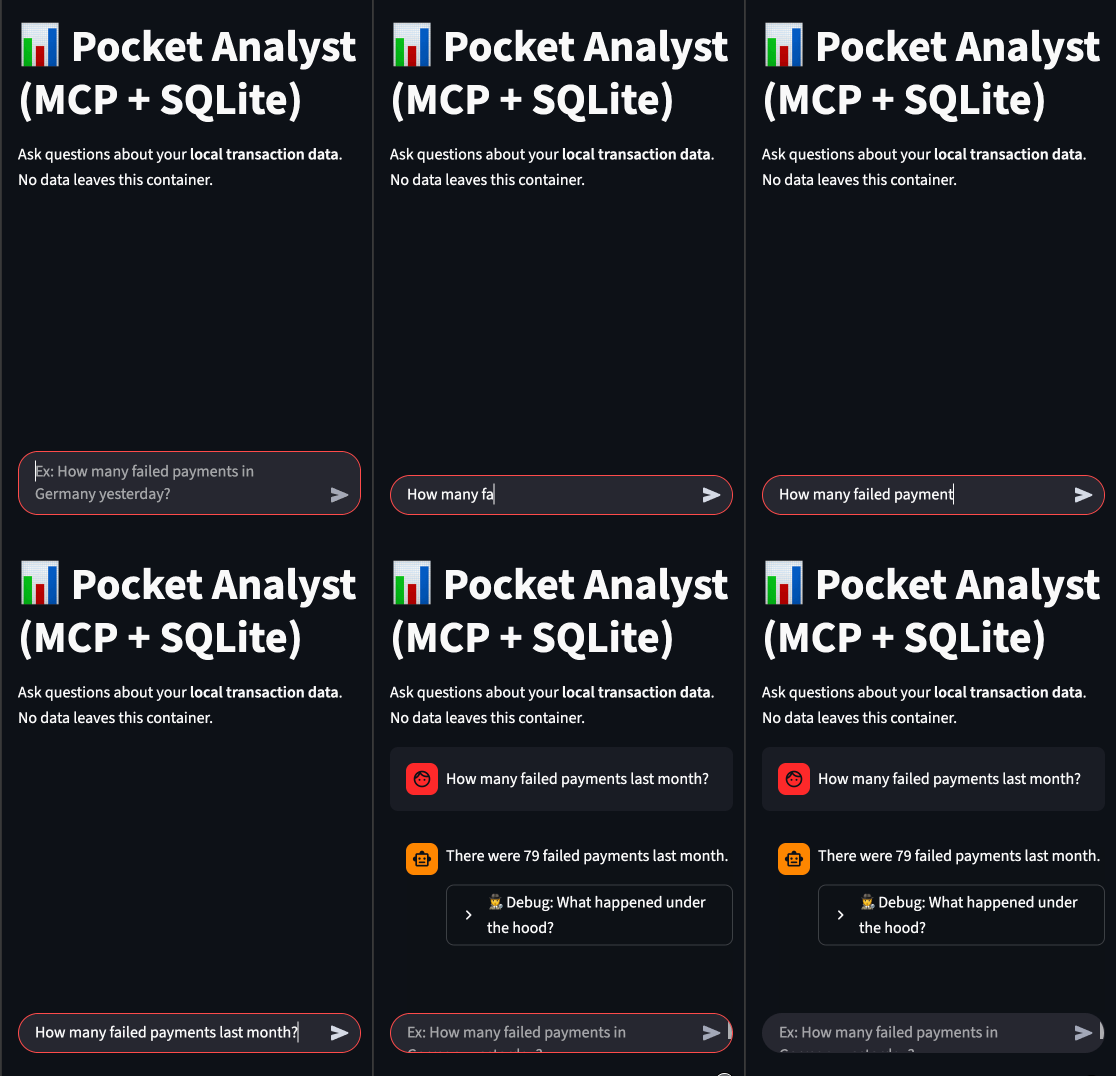
Talk to your data locally 💬📊. A private AI Data Analyst built with the Model Context Protocol (MCP), Ollama, and SQLite. Turn natural language into SQL queries without data leaving your machine. Includes a Dockerized Streamlit UI
📝 Read the full article on Medium
Getting Started
Prerequisites
Before running the application, make sure you have the following installed:
-
Docker & Docker Compose - Required for running the application in containers
- Install Docker Desktop from docker.com
- Includes Docker Compose by default
-
Ollama - For running local LLM models
- Download from ollama.ai
- After installation, pull a model:
ollama pull mistral(or your preferred model) - Ollama will run as a service on
http://localhost:11434
Installation & Running Locally
-
Clone the repository
-
Ensure Ollama is running:
ollama serve(Keep this running in a separate terminal)
-
Start the application with Docker Compose:
docker-compose up --build -
Open your browser and navigate to:
http://localhost:8501
Configuration
- Modify the database by editing
src/seed_data.pyif needed - Configure model selection and parameters in the application UI
- Data is stored in the
data/directory