@mcp-workbench/mcp-server
Agent-facing MCP adapter for MCP Workbench — lets AI agents inspect, test, and validate MCP servers through structured tool calls.
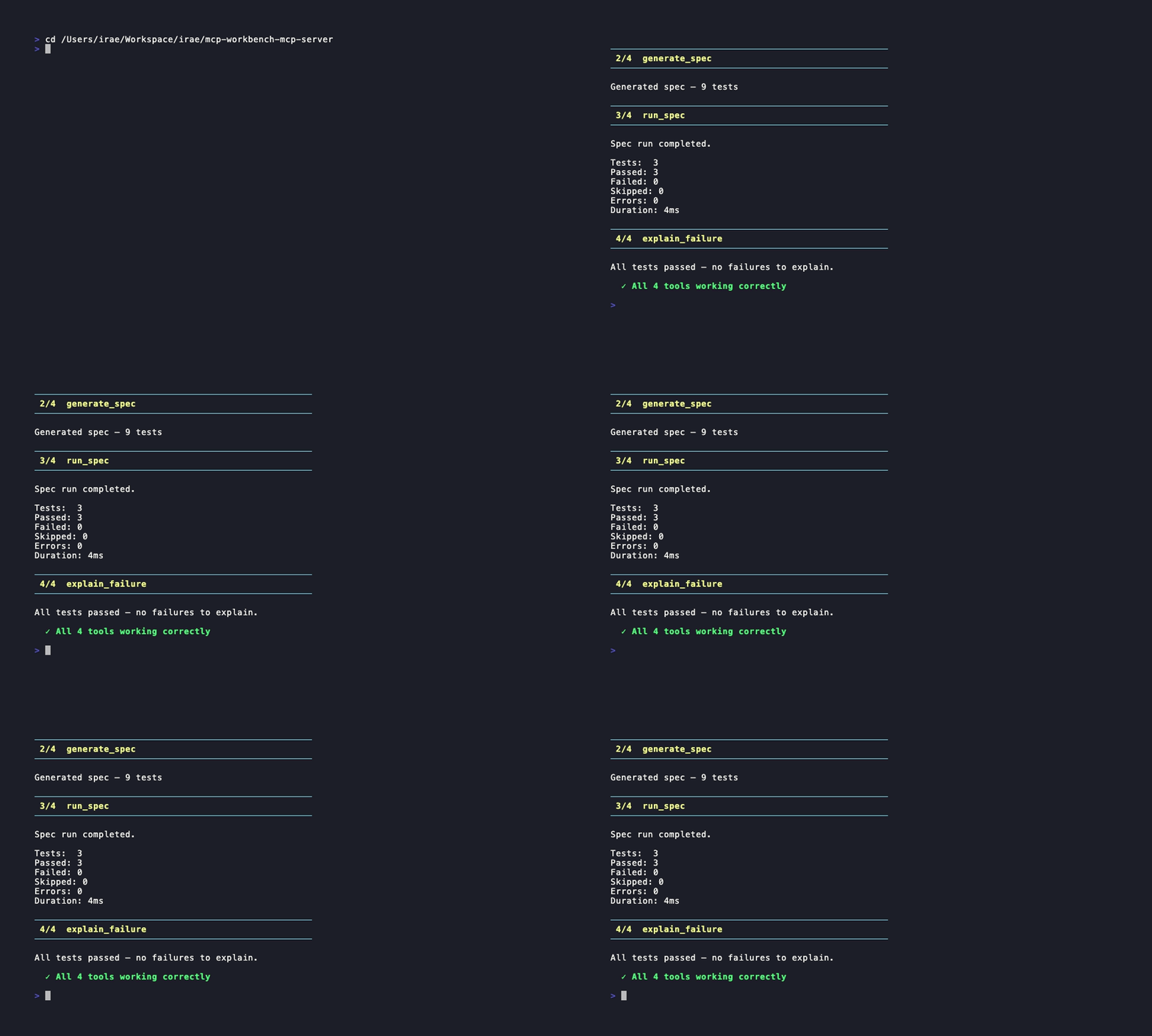
Claude Code demo
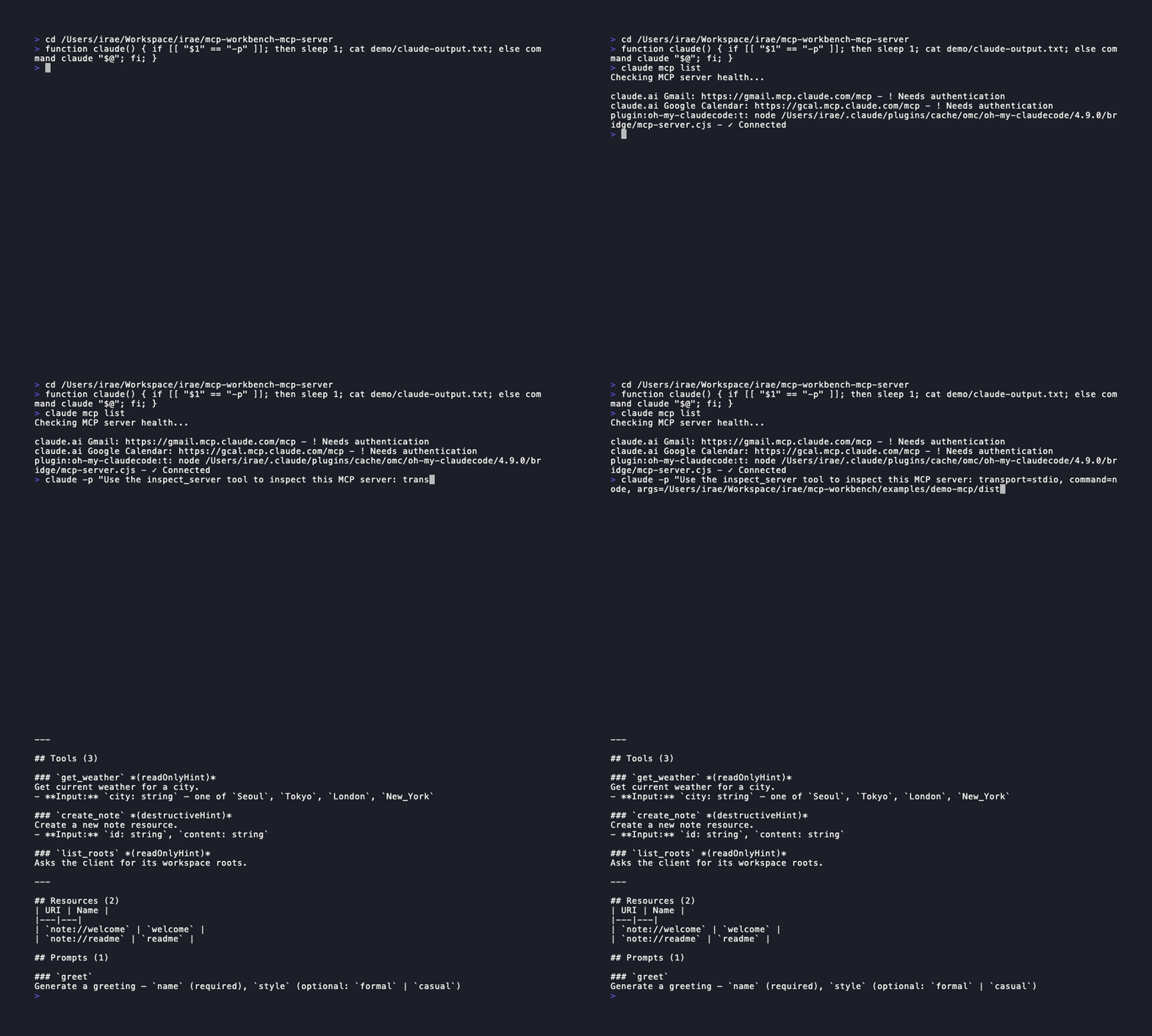
Overview
@mcp-workbench/mcp-server wraps the MCP Workbench CLI as an MCP server, exposing its inspect, generate, run, and explain capabilities as structured tools that AI agents can call directly. It spawns the CLI as a subprocess and parses the output into typed responses.
Entry points:
@mcp-workbench/cliis the human-facing runner.@mcp-workbench/mcp-serveris the agent-facing MCP adapter. Both use the same core engine.
Prerequisites
- Node.js >= 20
- MCP Workbench CLI must be installed and available on your PATH:
# Primary — scoped package
npm install -g @mcp-workbench/cli

# Alternative — convenience wrapper
npm install -g mcp-workbench-cli
Or set the MCP_WORKBENCH_CLI environment variable to point to the binary.
Installation
npm install -g @mcp-workbench/mcp-server
Or clone and build from source:
git clone https://github.com/raeseoklee/mcp-workbench-mcp-server.git
cd mcp-workbench-mcp-server
npm install
npm run build
Connecting to a Host
Claude Desktop
Add to your claude_desktop_config.json:
{
  "mcpServers": {
    "mcp-workbench": {
      "command": "node",
      "args": ["/absolute/path/to/mcp-workbench-mcp-server/dist/index.js"]
    }
  }
}
Cursor
Add to .cursor/mcp.json:
{
  "mcpServers": {
    "mcp-workbench": {
      "command": "node",
      "args": ["/absolute/path/to/mcp-workbench-mcp-server/dist/index.js"]
    }
  }
}
Claude Code
claude mcp add mcp-workbench -- node /absolute/path/to/mcp-workbench-mcp-server/dist/index.js
Available Tools
inspect_server
Connect to an MCP server and inspect its capabilities, version, and supported features.
Inputs:
| Field | Type | Required | Description |
|---|---|---|---|
transport | "stdio" | "streamable-http" | Yes | Transport type |
url | string | No | Server URL (required for streamable-http) |
command | string | No | Command to launch server (required for stdio) |
args | string | string[] | No | Arguments for the server command |
headers | Record<string, string> | No | HTTP headers (e.g. Authorization) |
timeoutMs | number | No | Timeout in ms (default: 30000) |
Output: Human-readable summary + structured JSON:
{
  "serverName": "my-server",
  "serverVersion": "1.0.0",
  "protocolVersion": "2025-11-25",
  "capabilities": {
    "tools": true,
    "resources": true,
    "prompts": false,
    "completions": false,
    "logging": false
  }
}
generate_spec
Auto-generate a YAML test spec by discovering server capabilities. Partial discovery is supported automatically by the underlying CLI.
Inputs:
| Field | Type | Required | Description |
|---|---|---|---|
transport | "stdio" | "streamable-http" | Yes | Transport type |
url | string | No | Server URL |
command | string | No | Server command |
args | string | string[] | No | Server arguments |
headers | Record<string, string> | No | HTTP headers |
include | Array<"tools" | "resources" | "prompts"> | No | Only include these types |
exclude | Array<"tools" | "resources" | "prompts"> | No | Exclude these types |
depth | "shallow" | "deep" | No | Discovery depth (shallow = list only, deep = call each) |
timeoutMs | number | No | Timeout in ms |
Output: Human-readable summary + structured JSON:
{
  "yaml": "apiVersion: mcp-workbench.dev/v0alpha1\n...",
  "testCount": 9,
  "warnings": ["city: TODO_CITY_NAME  # TODO: replace with actual value"]
}
run_spec
Run a YAML test spec against an MCP server. Provide either specText (inline YAML) or specPath (path to a file). At least one is required.
Inputs:
| Field | Type | Required | Description |
|---|---|---|---|
specText | string | No* | Inline YAML spec content |
specPath | string | No* | Path to a YAML spec file |
timeoutMs | number | No | Timeout in ms |
*At least one of specText or specPath must be provided.
Output: Human-readable summary + structured JSON:
{
  "total": 3,
  "passed": 3,
  "failed": 0,
  "skipped": 0,
  "errors": 0,
  "durationMs": 4,
  "failures": []
}
explain_failure
Analyze test run results and explain failures with heuristic classification and actionable recommendations.
Inputs:
| Field | Type | Required | Description |
|---|---|---|---|
runResult | RunReport | Yes | The structured result from run_spec |
Output: Human-readable summary + structured JSON:
{
  "summary": "All tests passed",
  "causes": [],
  "recommendations": []
}
Example Use Cases
- "Inspect this server and tell me what capabilities it has"
- "Generate a YAML test spec for this server"
- "Run this spec and explain any failures"
Security Considerations
- Authentication headers are passed per-call and not persisted
- No tokens or credentials are stored by this server
- Tokens are not echoed back in tool outputs
- The server spawns
mcp-workbenchCLI as a subprocess with the current environment - Spec files written to temp directories are cleaned up after use
MVP Limitations
specTextinrun_specuses a temporary file internally- Headers in
run_specare not forwarded to the underlying server — headers must be embedded in the spec YAML itself explain_failureis heuristic-based, not AI-poweredgenerate_spectest count detection is regex-based- Only stdio transport is supported for connecting to this MCP server itself
- No streaming of test results (waits for full completion)
- No caching of inspection or generation results between calls
Development
npm install
npm run build
npm test
Roadmap
v0.1 (current):
inspect_server,generate_spec,run_spec,explain_failure- Claude Code integration demo
v0.2:
- Structured outputs via
outputSchema(when SDK support lands) - Spec diff support
v0.3:
- AI-assisted assertions
- Merge/update existing spec
License
Apache-2.0