Mermaid MCP App
An MCP App that renders Mermaid diagrams as interactive, zoomable UI panels — inline inside Claude, VS Code, and any MCP-compatible client.
Features
Diagram Types (13 supported)
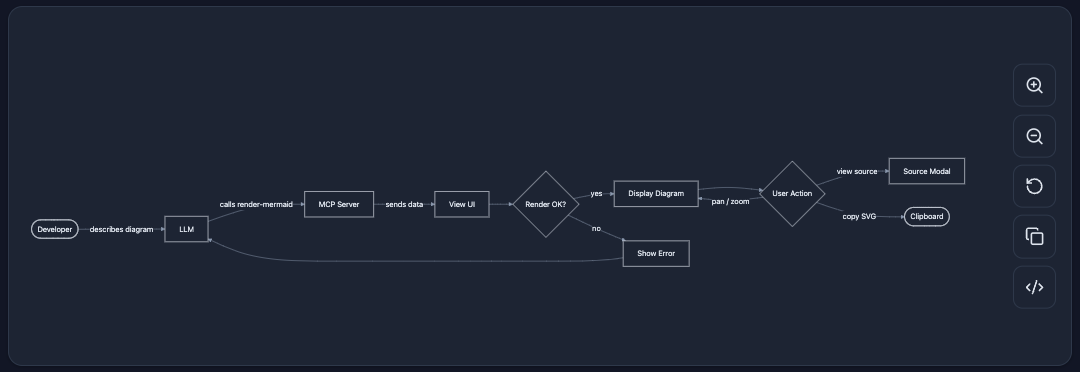
Flowchart
flowchart — General-purpose directed graphs. Supports top-down and left-right layouts, subgraphs, and various node shapes.
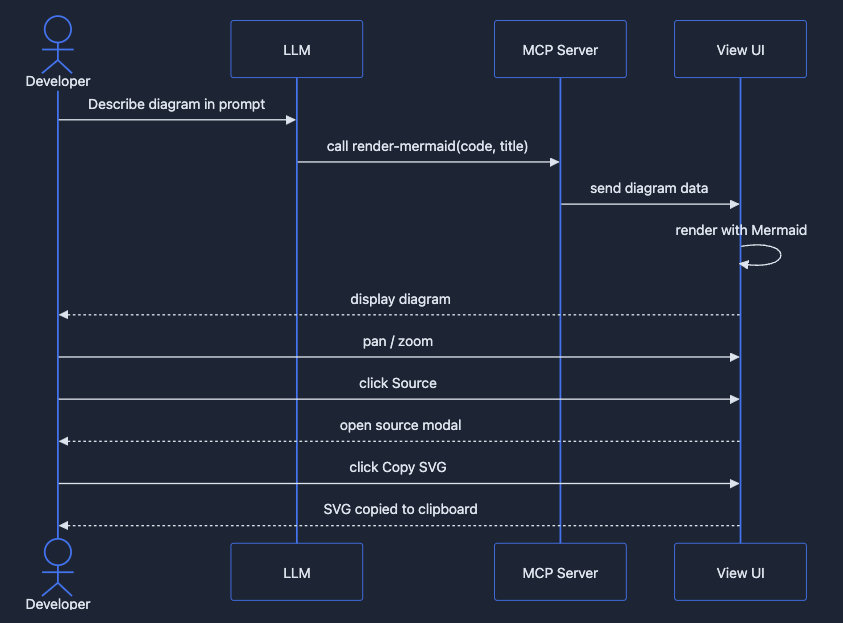
Sequence Diagram
sequenceDiagram — Interaction between participants over time. Shows messages, loops, and alternative flows.
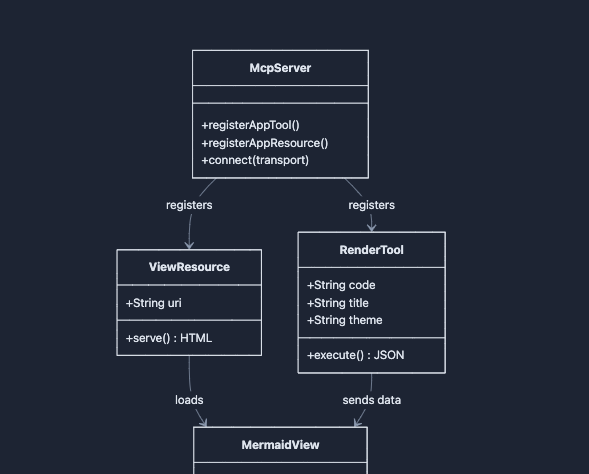
Class Diagram
classDiagram — Object-oriented class structure with attributes, methods, and relationships (inheritance, composition, etc.).
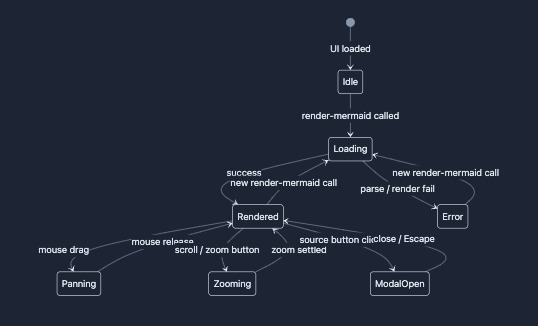
State Diagram
stateDiagram-v2 — Finite state machines with transitions, composite states, and concurrency.
ER Diagram
erDiagram — Entity-relationship diagrams for data modeling with cardinality annotations.
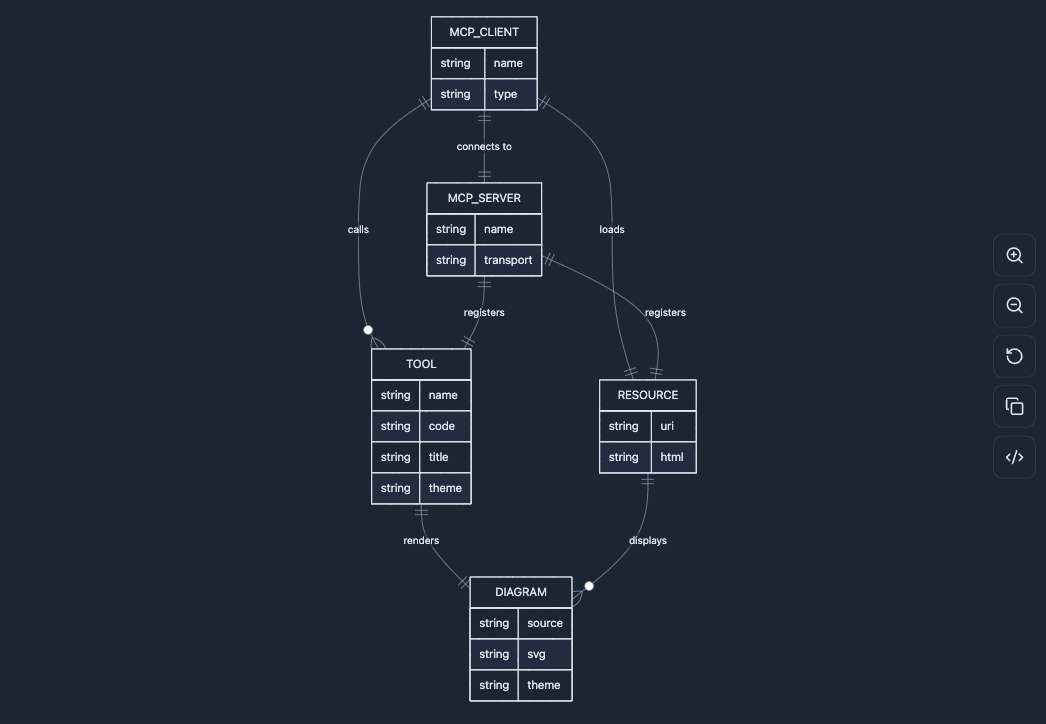
Gantt Chart
gantt — Project timelines with tasks, milestones, dependencies, and critical paths.
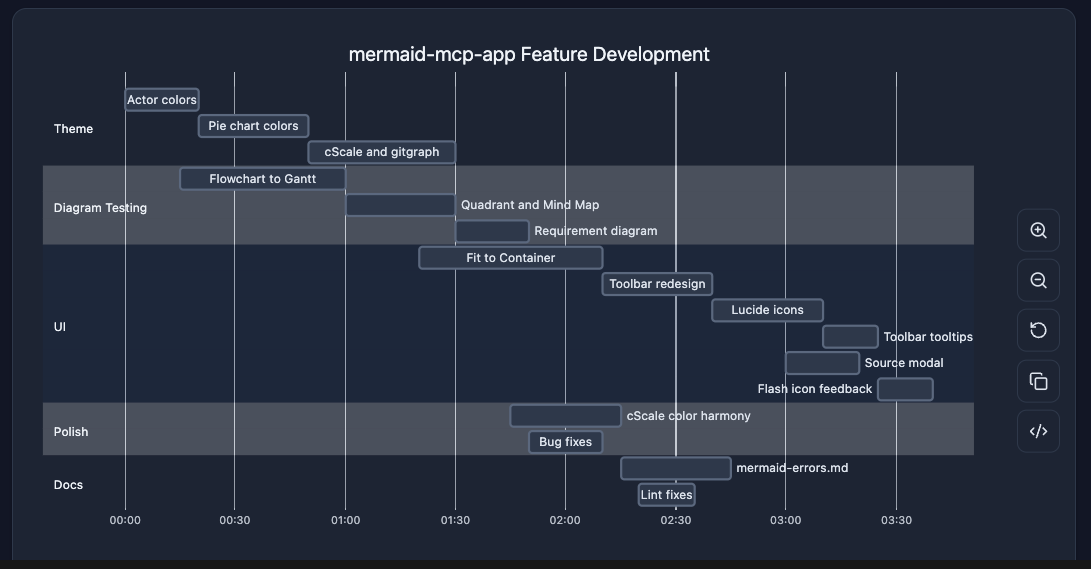
Pie Chart
pie — Proportional data as pie slices with percentage labels.
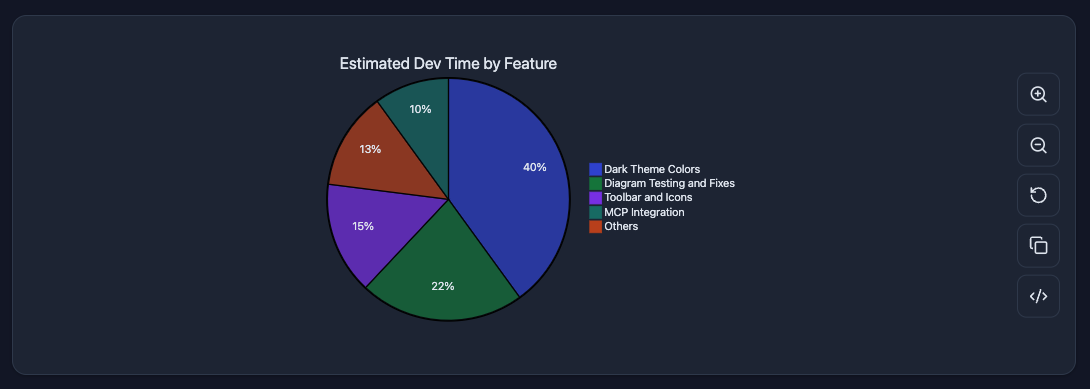
Git Graph
gitGraph — Git branch and commit history visualization with merge and cherry-pick flows.
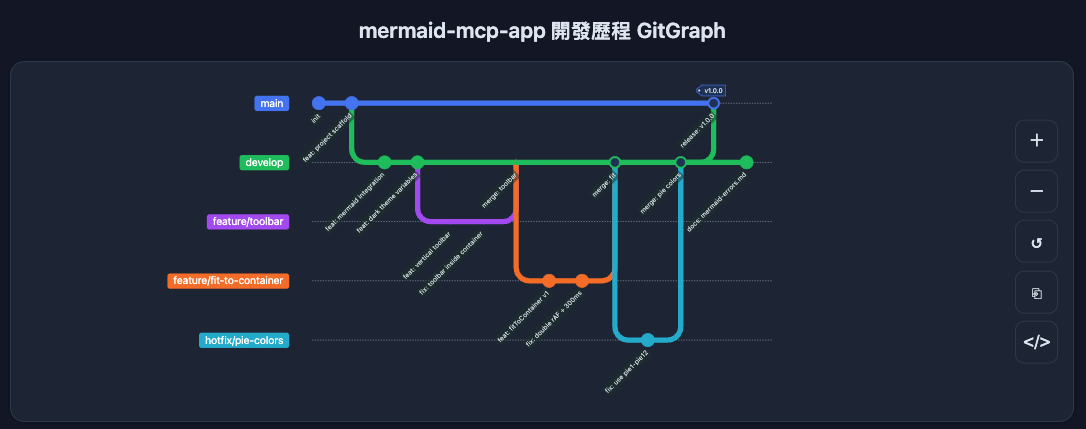
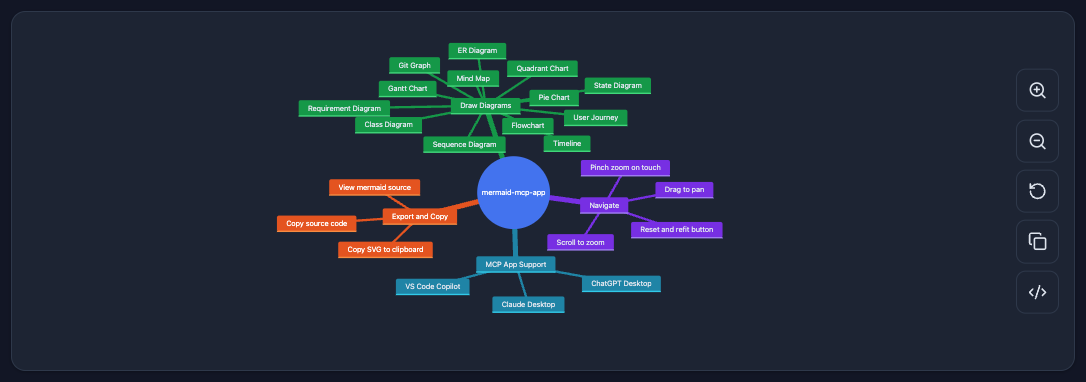
Mindmap
mindmap — Hierarchical tree of ideas radiating from a central root node.
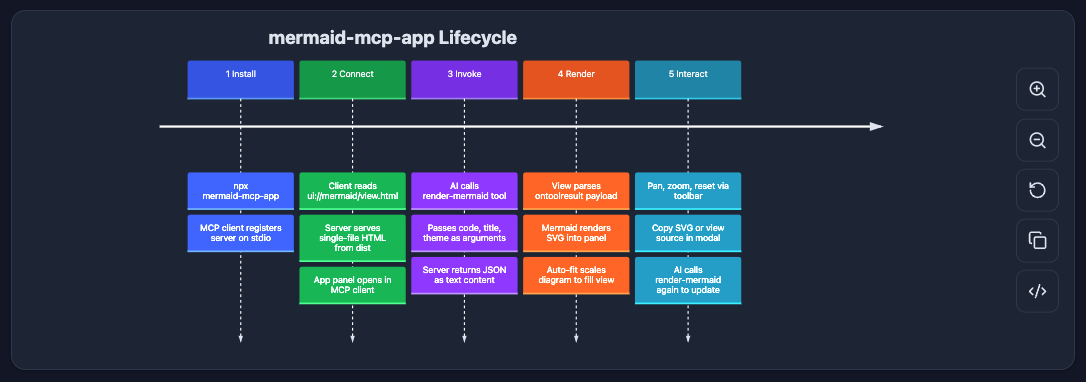
Timeline
timeline — Chronological events grouped by time period.
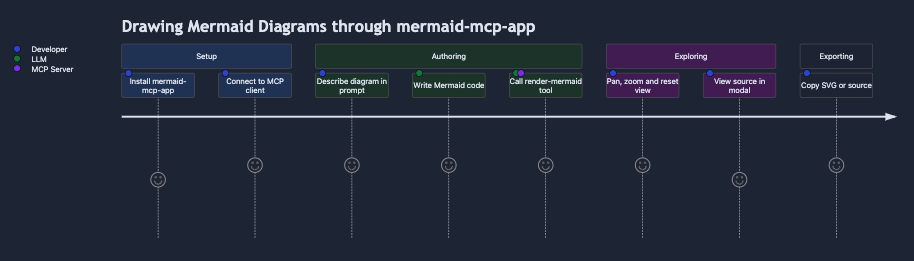
User Journey
journey — User experience flows scored by satisfaction level across sections and actors.
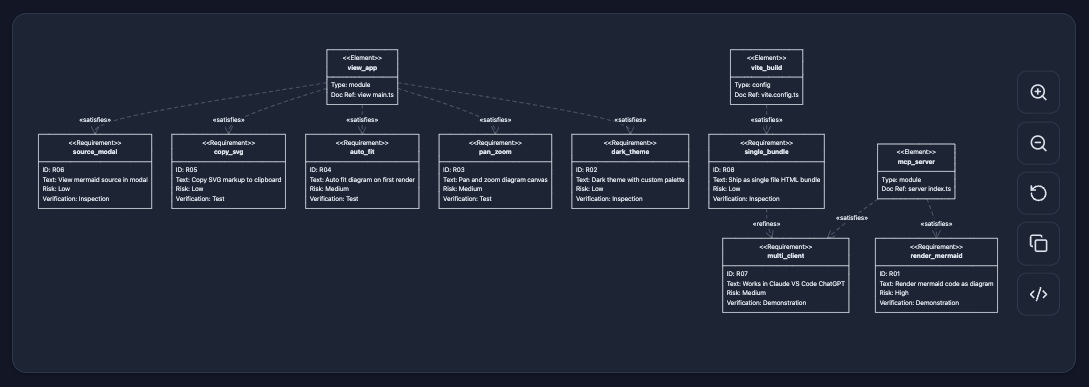
Requirement Diagram
requirementDiagram — System requirements with type, risk, and verification method, linked to design elements.
Quadrant Chart
quadrantChart — Four-quadrant scatter plot for prioritization and positioning analysis.
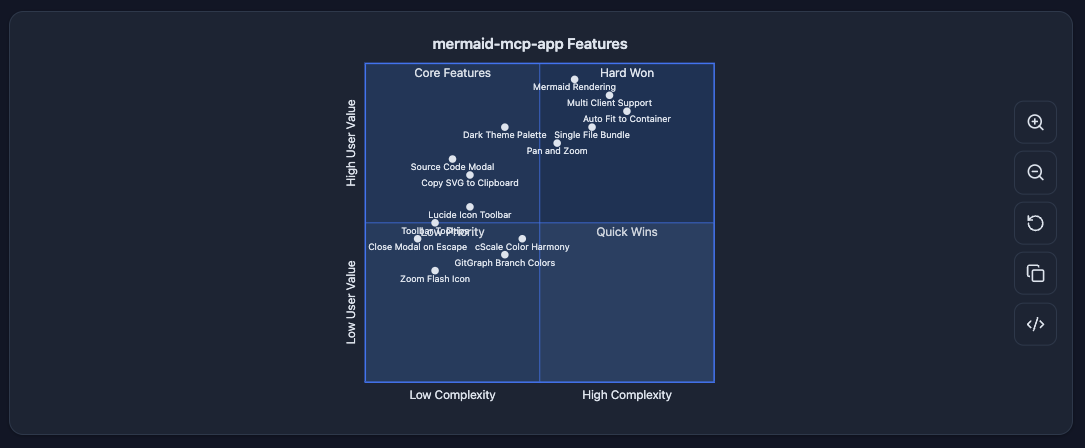
UI
- Pan & zoom — mouse drag to pan, scroll wheel to zoom, pinch-to-zoom on touch
- Fit to container — auto-fits diagram on render; reset button restores fit
- Copy SVG — copies the rendered SVG to clipboard
- Split-view source editor — inline editable panel with live re-render (400ms debounce)
- Draggable split divider — resize editor / diagram panels (mouse + touch)
- Vertical / horizontal layout toggle
- Toolbar tooltips — hover labels on all toolbar buttons
- Theme support —
dark(auto-detected from system preference) andlight
Installation
Claude Desktop — Extension (recommended)
Download the latest .mcpb from GitHub Releases and double-click to install. No terminal or configuration needed.
Claude Desktop — Manual
Add to ~/Library/Application Support/Claude/claude_desktop_config.json:
{
  "mcpServers": {
    "mermaid": {
      "command": "npx",
      "args": ["-y", "mermaid-mcp-app", "--stdio"]
    }
  }
}
VS Code
Add to .vscode/mcp.json or user settings:
{
  "mcpServers": {
    "mermaid": {
      "command": "npx",
      "args": ["-y", "mermaid-mcp-app", "--stdio"]
    }
  }
}
Usage
Once configured, ask the LLM to draw a diagram:
"Draw a flowchart showing user authentication flow" "Create a sequence diagram for an API request lifecycle" "Render this mermaid diagram:
graph TD; A-->B; B-->C"
You can also specify a theme explicitly:
"Draw a class diagram with light theme"
Development
# Install dependencies
npm install

# Build (view + server)
npm run build

# Watch mode (view only)
npm run dev

# Start server
npm start