Miro MCP Server
A standalone Model Context Protocol (MCP) server that enables any MCP-compatible LLM to interact with Miro whiteboards
Prerequisites
- Python 3.9 or higher
- Miro Developer Account with Client ID and Client Secret
- MCP-compatible LLM client
Setup
- Clone this repository or navigate to the project directory:
cd miro-mcp
- Create a virtual environment:
python -m venv venv
source venv/bin/activate
- Install dependencies:
pip install -r requirements.txt
Configuration
- Create a
.envfile in the project root with your Miro credentials:
MIRO_CLIENT_ID=your_client_id_here
MIRO_CLIENT_SECRET=your_client_secret_here
MIRO_REDIRECT_URL=http://localhost:8080/callback
Available Tools
Authentication Tools
-
get_auth_url: Get the OAuth 2.0 authorization URL- Parameters: None
- Returns: Authorization URL and instructions
-
exchange_auth_code: Exchange authorization code for access token- Parameters:
code(string, required): Authorization code from OAuth callback
- Returns: Success status
- Parameters:
Board Management Tools
get_board: Get information about a Miro board including metadata, name, description, and settings- Parameters:
board_id(string, required): The ID of the board
- Returns: Board information
- Parameters:
Shape Manipulation Tools
-
create_shape: Create a shape on a board- Parameters:
board_id(string, required): The ID of the boardshape_type(string, required): Type of shape (rectangle, circle, triangle, star, arrow, rhombus, octagon, hexagon)x(number, required): X coordinate of the shape positiony(number, required): Y coordinate of the shape positionwidth(number, required): Width of the shapeheight(number, required): Height of the shapefillColor(string, optional): Fill color in hex format (e.g., #FF0000)borderColor(string, optional): Border color in hex format (e.g., #000000)borderWidth(number, optional): Border width in pixelscontent(string, optional): Text content to display in the shape
- Returns: Created shape information
- Parameters:
-
update_shape: Update properties of an existing shape- Parameters:
board_id(string, required): The ID of the boarditem_id(string, required): The ID of the shape item to updatex(number, optional): New X coordinatey(number, optional): New Y coordinatewidth(number, optional): New widthheight(number, optional): New heightfillColor(string, optional): New fill colorborderColor(string, optional): New border colorborderWidth(number, optional): New border widthcontent(string, optional): New text content
- Returns: Updated shape information
- Parameters:
-
delete_shape: Delete a shape from a board- Parameters:
board_id(string, required): The ID of the boarditem_id(string, required): The ID of the shape item to delete
- Returns: Success message
- Parameters:
Grouping Tools
-
group_shapes: Group multiple shapes together- Parameters:
board_id(string, required): The ID of the boarditem_ids(array, required): List of item IDs to group together (minimum 2 items)
- Returns: Group/frame information
- Parameters:
-
ungroup_shapes: Ungroup shapes by removing them from a group/frame- Parameters:
board_id(string, required): The ID of the boardgroup_id(string, required): The ID of the group/frame to ungroup
- Returns: Success message
- Parameters:
Usage
Running the MCP Server
The MCP server communicates via stdio using JSON-RPC protocol. To run it:
python server.py
Authentication
Before using the MCP server to interact with Miro boards, you need to authenticate and obtain an access token:
Step 1: Get Authorization URL
Call the get_auth_url tool to retrieve the OAuth authorization URL:
{
  "jsonrpc": "2.0",
  "id": 1,
  "method": "tools/call",
  "params": {
    "name": "get_auth_url",
    "arguments": {}
  }
}
The response will contain an auth_url that you need to visit in your browser.
Step 2: Authorize the Application
- Copy the
auth_urlfrom the response - Open it in your web browser
- Log in to your Miro account
- Review and approve the permissions requested by the application
- After authorization, Miro will redirect you to the callback URL specified in your configuration
Step 3: Extract the Authorization Code
After authorization, Miro redirects to your callback URL with a code parameter in the query string. The URL will look like:
http://localhost:8080/callback?code=AUTHORIZATION_CODE_HERE
Extract the code value from the URL (everything after code=).
Step 4: Exchange Code for Access Token
Use the exchange_auth_code tool with the authorization code to complete authentication:
{
  "jsonrpc": "2.0",
  "id": 2,
  "method": "tools/call",
  "params": {
    "name": "exchange_auth_code",
    "arguments": {
      "code": "AUTHORIZATION_CODE_HERE"
    }
  }
}
Example MCP Client Configuration
For use with MCP-compatible clients, configure the server as follows:
{
  "mcpServers": {
    "miro": {
      "command": "python",
      "args": ["/path/to/miro-mcp/server.py"],
      "env": {
        "MIRO_CLIENT_ID": "your_client_id",
        "MIRO_CLIENT_SECRET": "your_client_secret",
        "MIRO_REDIRECT_URL": "http://localhost:8080/callback"
      }
    }
  }
}
Example Tool Calls
Here are some example JSON-RPC requests:
List available tools:
{
  "jsonrpc": "2.0",
  "id": 1,
  "method": "tools/list"
}
Get board information:
{
  "jsonrpc": "2.0",
  "id": 2,
  "method": "tools/call",
  "params": {
    "name": "get_board",
    "arguments": {
      "board_id": "your_board_id"
    }
  }
}
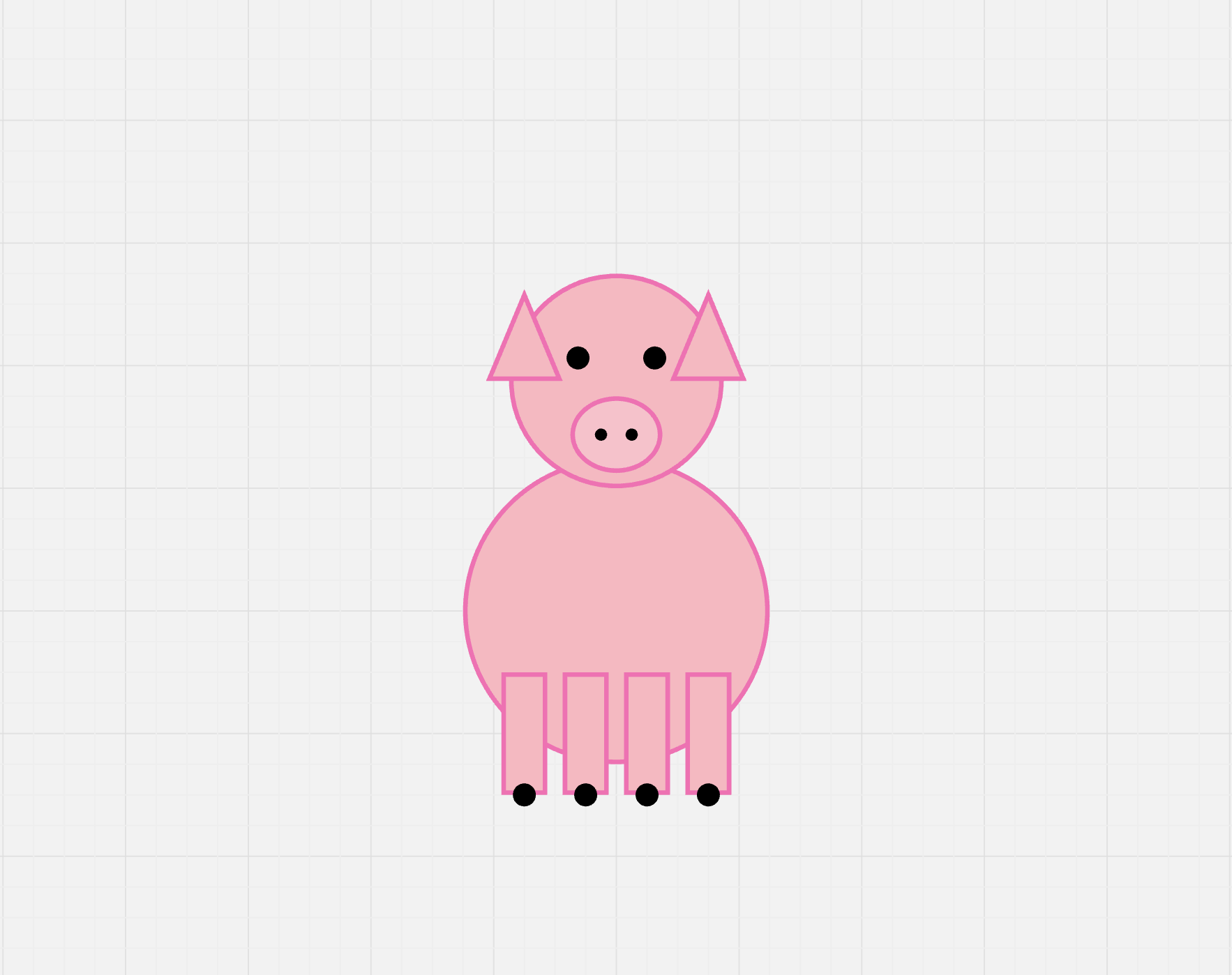
Sample Output
Repository Structure
miro-mcp/
├── server.py              # Main MCP server entry point
├── miro_client.py         # Miro API client wrapper
├── config.py              # Configuration management
├── tool_registry.py       # Tool registration system
├── requirements.txt       # Python dependencies
├── README.md              # This file
└── tools/                 # Tool implementations
    ├── __init__.py
    ├── auth_tools.py      # Authentication tools
    ├── board_tools.py     # Board management tools
    ├── shape_tools.py     # Shape manipulation tools
    └── group_tools.py     # Grouping tools