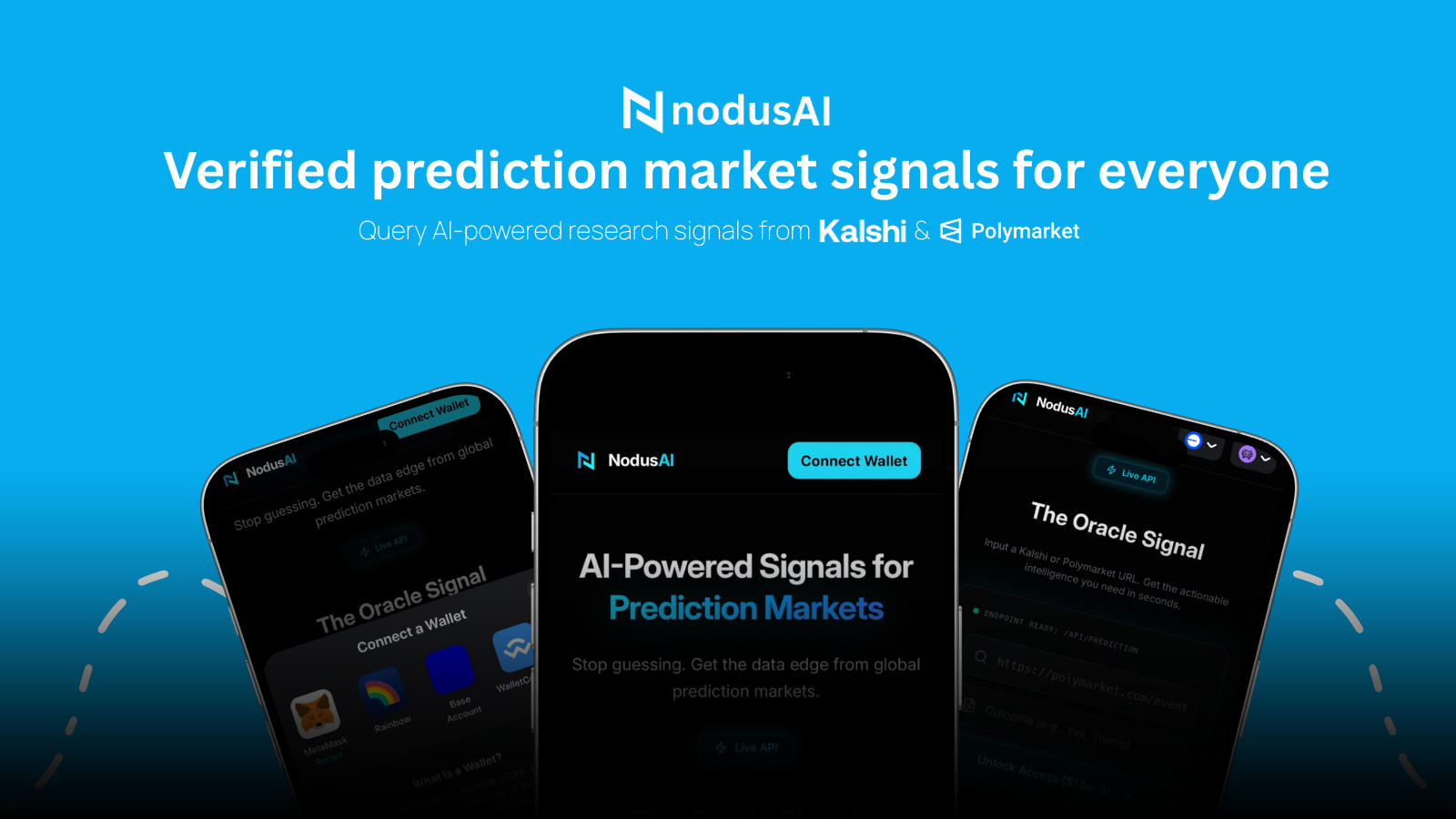
NodusAI MCP Server
AI-Powered Signals for Prediction Markets — accessible to any AI agent via MCP.
AI agents connect to this server to get Oracle signals for Polymarket and Kalshi prediction markets. Signals are generated by Gemini 2.5 Flash with real-time web grounding.
How it works
Agent → nodusai.app → connect wallet → pay $1 USDC → get session token
                                                              ↓
Agent → MCP Server (nodus_get_signal) → nodusai.app/api/prediction → signal
- Visit nodusai.app and connect your wallet
- Paste a Polymarket or Kalshi market URL
- (Optional) Add your desired outcome (YES / NO)
- Pay $1 USDC — confirmed on-chain
- Get a session token good for 3 queries
- Use the session token with
nodus_get_signalin any MCP client
Payment model
- Cost: $1 USDC = 3 Oracle signal queries
- Networks: Base, Ethereum, Avalanche (any EVM chain)
- Token: USDC
- Non-custodial: payments go directly on-chain via nodusai.app
- Session: one payment = one session token = 3 queries (24h validity)
Available tools
| Tool | Description |
|---|---|
nodus_pricing | View pricing and how to get a session token |
nodus_get_signal | Get an Oracle signal using your session token |
nodus_verify_signal | Audit grounding sources of a past signal |
nodus_query_history | Your recent query history |
nodus_admin_stats | Platform-wide stats (admin) |
nodus_admin_queries | Full query registry dump (admin) |
Signal format
Every Oracle response follows NodusAI's structured schema:
{
  "market_name": "Will the Fed cut rates in June 2026?",
  "predicted_outcome": "YES",
  "probability": 0.73,
  "confidence_score": "HIGH",
  "key_reasoning": "Recent FOMC minutes and inflation data suggest...",
  "grounding_sources": [
    { "title": "Reuters: Fed signals rate path", "url": "https://..." },
    { "title": "AP: CPI data June 2026", "url": "https://..." }
  ]
}
Deploy in 5 minutes
Option 1 — Railway (recommended)
- Fork this repo on GitHub
- Go to railway.app → New Project → Deploy from GitHub repo
- Select your fork
- Add environment variable:
NODUSAI_API_BASE=https://nodusai.app - Railway auto-detects
railway.jsonand deploys - Copy your Railway URL
Option 2 — Render (free tier)
- Fork this repo
- Go to render.com → New Web Service → connect your fork
- Set Build command:
npm installand Start command:node src/server-http.js - Add env var:
NODUSAI_API_BASE=https://nodusai.app
Option 3 — Fly.io
fly launch --name nodusai-mcp
fly secrets set NODUSAI_API_BASE=https://nodusai.app
fly deploy
Connect AI agents
Claude Desktop
File: ~/Library/Application Support/Claude/claude_desktop_config.json
{
  "mcpServers": {
    "nodusai": {
      "url": "https://nodusai-mcp-production.up.railway.app/sse"
    }
  }
}
Cursor
File: ~/.cursor/mcp.json
{
  "mcpServers": {
    "nodusai": {
      "url": "https://nodusai-mcp-production.up.railway.app/sse",
      "transport": "sse"
    }
  }
}
Windsurf
File: ~/.codeium/windsurf/mcp_config.json
{
  "mcpServers": {
    "nodusai": {
      "serverUrl": "https://nodusai-mcp-production.up.railway.app/sse"
    }
  }
}
Claude Code (CLI)
claude mcp add --transport sse nodusai https://nodusai-mcp-production.up.railway.app/sse
Custom JS agent
import { Client } from "@modelcontextprotocol/sdk/client/index.js";
import { SSEClientTransport } from "@modelcontextprotocol/sdk/client/sse.js";

const client = new Client({ name: "my-agent", version: "1.0.0" }, { capabilities: {} });
await client.connect(new SSEClientTransport(new URL("https://nodusai-mcp-production.up.railway.app/sse")));

// Step 1 — get a session token at https://nodusai.app ($1 USDC)

// Step 2 — query the Oracle
const result = await client.callTool({
  name: "nodus_get_signal",
  arguments: {
    marketUrl:      "https://polymarket.com/event/...",
    sessionToken:   "your-session-token-from-nodusai.app",
    desiredOutcome: "YES", // optional
  }
});
Custom Python agent
from mcp.client.sse import sse_client
from mcp import ClientSession

async with sse_client("https://nodusai-mcp-production.up.railway.app/sse") as (read, write):
    async with ClientSession(read, write) as session:
        await session.initialize()

        # Get a session token at https://nodusai.app first ($1 USDC)
        result = await session.call_tool("nodus_get_signal", {
            "marketUrl":      "https://kalshi.com/markets/...",
            "sessionToken":   "your-session-token-from-nodusai.app",
            "desiredOutcome": "YES",  # optional
        })
Local development
git clone https://github.com/NodusAI-Your-Prediction-Broker/nodusai-mcp
cd nodusai-mcp
npm install

# Dev mode (mock oracle — no real API calls needed)
npm run dev:http
Test with:
curl http://localhost:3000/health
curl http://localhost:3000/info