Paint MCP
A drawing canvas exposed as an MCP server. An LLM connects over stdio and paints on a pygame window using tool calls.
Setup
pip install -r requirements.txt
Usage
python server.py
This opens an 800x600 pygame canvas and starts the MCP server on stdio. Connect any MCP-compatible client (e.g. Claude Desktop) to the process.
MCP Tools
| Tool | Description |
|---|---|
get_canvas_info | Get canvas dimensions, current color, brush size, and mode |
set_color | Set drawing color (RGB 0-255) |
set_brush_size | Set brush size (1-50 px) |
draw_point | Draw a single dot |
draw_line | Draw a line between two points |
draw_rect | Draw a rectangle (blocked in oil paint mode) |
draw_ellipse | Draw an ellipse (blocked in oil paint mode) |
draw_path | Draw a freehand path through coordinate pairs |
batch_strokes | Execute many strokes in one call with per-stroke color/size overrides |
blend_path | Smudge/blend existing colors along a path |
flood_fill | Bucket fill an area (blocked in oil paint mode) |
clear_canvas | Clear to white |
undo | Undo last operation |
get_canvas_pixels | Read pixel data from a region |
save_canvas | Save canvas to a PNG file |
Oil Paint Mode
| Tool | Description |
|---|---|
set_oil_paint_mode | Toggle oil paint simulation on/off |
get_oil_painting_guide | Get a technique guide for realistic oil painting |
When oil paint mode is enabled:
- Color mixing — the brush picks up existing canvas color as it moves, so overlapping strokes blend naturally.
- Paint depletion — strokes start opaque and gradually thin out as the brush runs dry. Each new stroke reloads the brush.
- Soft edges — dabs use concentric rings with cubic falloff for painterly texture.
- Shapes disabled — rectangles, ellipses, and flood fill are blocked. Only points, lines, and paths are available.
batch_strokesis the recommended way to paint — send many short strokes per call, each with its own color and brush size.
Examples
Regular mode
| Starry Night | Meme |
|---|---|
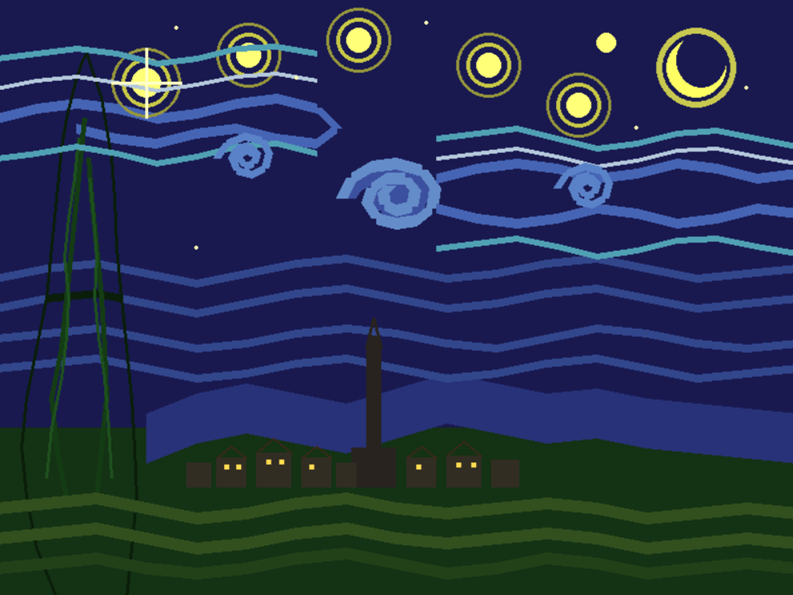 | 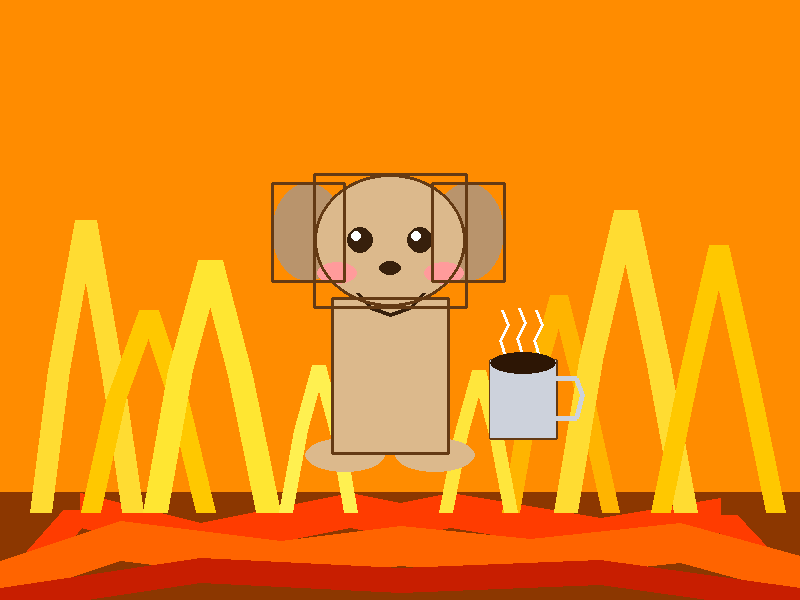 |
Oil paint mode
| Sunset | Alien Sunset |
|---|---|
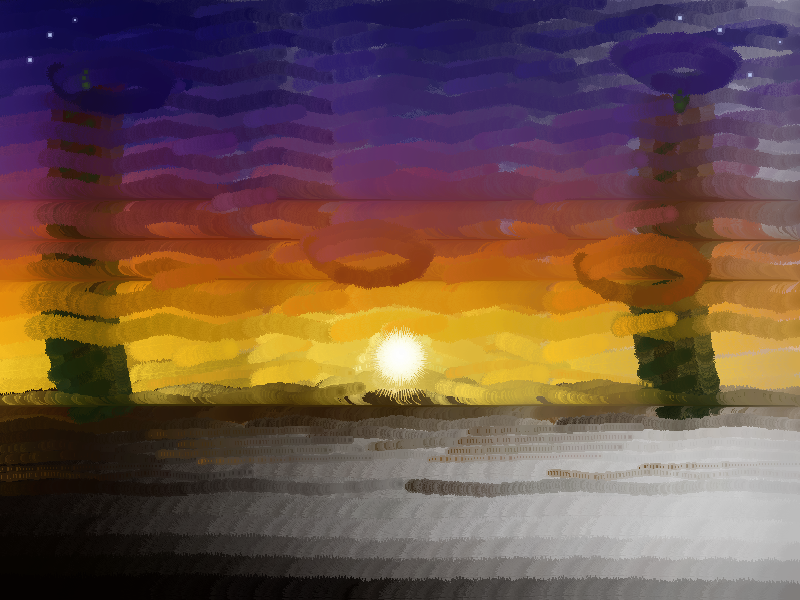 |  |
Architecture
server.py— Entry point. Runs the pygame main loop and drains commands from a thread-safe queue.tools.py— MCP tool definitions. Pushes drawing commands onto the queue.canvas.py— Drawing engine. Wraps a pygame surface with draw ops, oil paint simulation, and an undo stack.