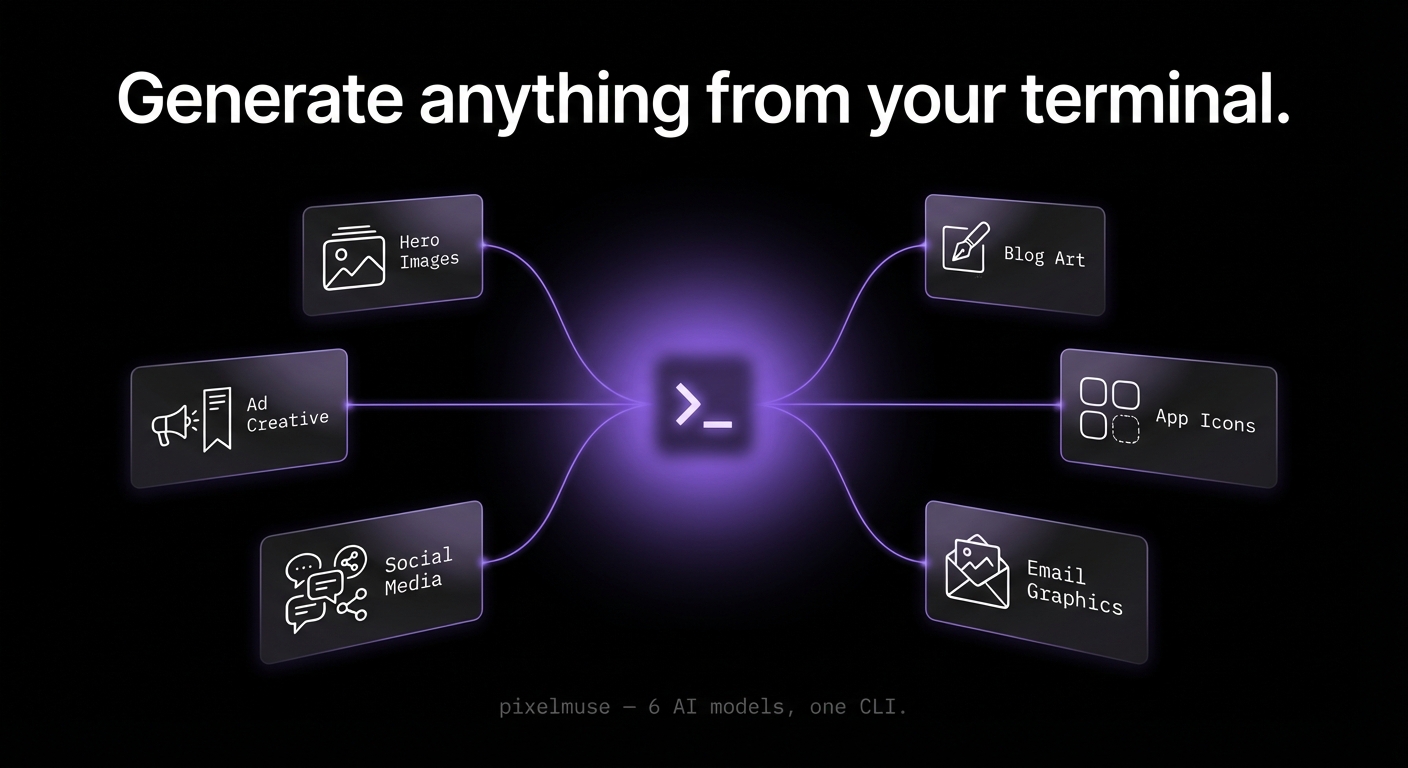
AI image generation from the terminal.
CLI, interactive TUI, and MCP server — powered by the Pixelmuse API.






Why Pixelmuse?
- One command, any model. Flux, Imagen 3, Recraft V4, and more — switch models with a flag, no separate accounts or API keys.
- Built for developer workflows. Pipe from stdin, JSON output for scripting, watch mode for prompt iteration, MCP server for AI agents.
- Predictable credit pricing. 1–7 credits per generation, most models just 1 credit. Free credits on signup.
Get Started
npm install -g pixelmuse
pixelmuse setup
The setup wizard creates your account (opens browser), configures your API key, and optionally sets up the MCP server for Claude Code, Cursor, or Windsurf. New accounts include 15 free credits.
Requires Node.js 20+. For terminal image previews, install chafa (
brew install chafa/sudo apt install chafa).
Quick Start
# Generate an image
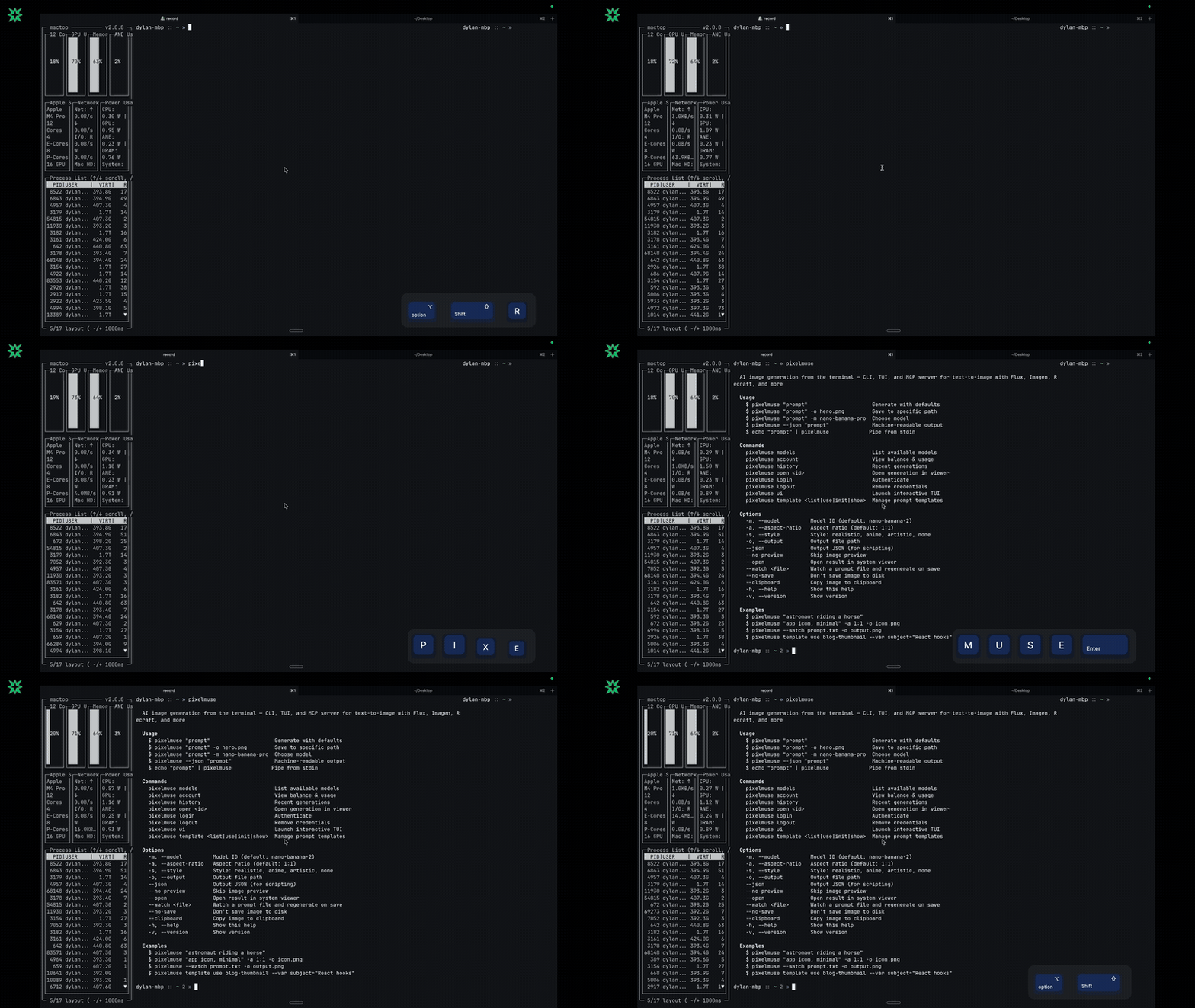
pixelmuse "a cat floating through space"

# Choose model and aspect ratio
pixelmuse "neon cityscape at night" -m recraft-v4 -a 16:9

# Apply a style
pixelmuse "mountain landscape" -s anime -a 21:9

# Save to specific path
pixelmuse "app icon, minimal" -o icon.png
Prompt Templates
Save reusable prompts as YAML files with variables and default settings.
# Scaffold a new template
pixelmuse template init product-shot

# Generate with a template
pixelmuse template use blog-thumbnail --var subject="React hooks guide"

# List all templates
pixelmuse template list
Templates are stored at ~/.config/pixelmuse-cli/prompts/:
# blog-thumbnail.yaml
name: Blog Thumbnail
description: Dark-themed blog post thumbnail
prompt: >
  A cinematic {{subject}} on a dark gradient background,
  dramatic lighting, 8K resolution
defaults:
  model: nano-banana-2
  aspect_ratio: "16:9"
variables:
  subject: "code editor with syntax highlighting"
tags: [blog, thumbnail, dark]
Interactive TUI
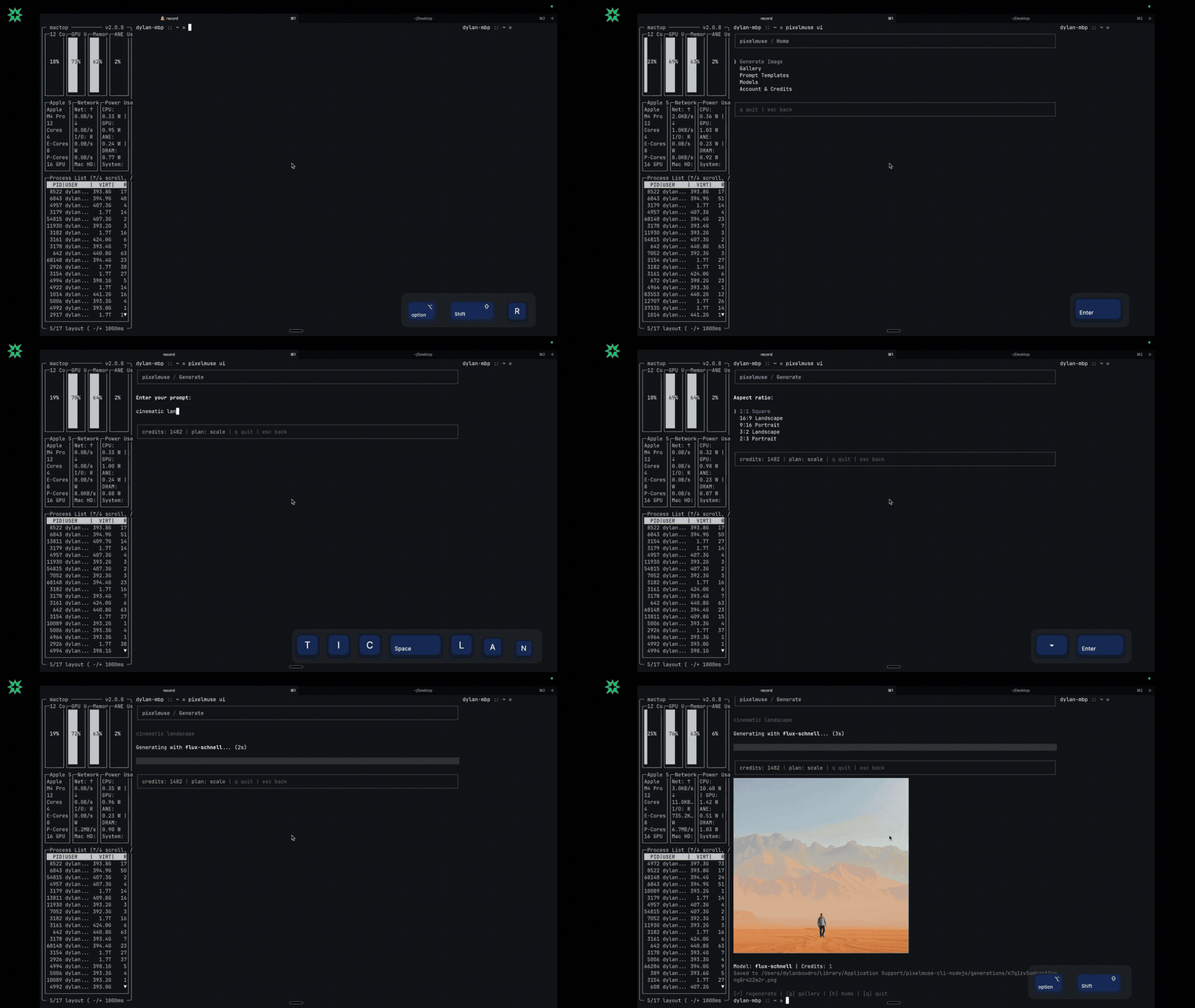
A full terminal UI for visual browsing, generation wizards, gallery, and account management:
pixelmuse ui
Scripting & Pipes
# Pipe prompt from stdin
echo "hero banner for SaaS landing page" | pixelmuse -o hero.png
cat prompt.txt | pixelmuse -m recraft-v4

# JSON output for scripting
pixelmuse --json "logo concept" | jq .output_path

# Watch mode — regenerates when prompt file changes
pixelmuse --watch prompt.txt -o output.png

# Skip preview, copy to clipboard
pixelmuse "avatar" --no-preview --clipboard
MCP Server (Claude Code, Cursor, Windsurf)
The MCP server lets AI agents generate images, list models, and check your balance — no manual CLI steps needed.
Claude Code — add to ~/.claude/.mcp.json:
{
  "mcpServers": {
    "pixelmuse": {
      "command": "npx",
      "args": ["-y", "pixelmuse-mcp"],
      "env": {
        "PIXELMUSE_API_KEY": "pm_live_your_key_here"
      }
    }
  }
}
Cursor / Windsurf — add to your MCP settings:
{
  "pixelmuse": {
    "command": "npx",
    "args": ["-y", "pixelmuse-mcp"],
    "env": {
      "PIXELMUSE_API_KEY": "pm_live_your_key_here"
    }
  }
}
The agent gets three tools:
| Tool | What it does |
|---|---|
generate_image | Generate an image from a prompt with model, aspect ratio, style, and output path. |
list_models | List all available models with credit costs. |
check_balance | Check your credit balance and plan info. |
Example prompts for your AI agent:
- "Generate a hero image for my landing page, 16:9, save to
./public/hero.png" - "Create a blog thumbnail about React hooks using the anime style"
- "What Pixelmuse models are available?"
Which Interface?
Pixelmuse ships four interfaces. Pick the one that fits your workflow — they all use the same API and credentials.
| CLI | TUI | MCP Server | Claude Skill | |
|---|---|---|---|---|
| What it is | Command-line tool | Interactive terminal UI | AI agent tool server | Claude Code prompt template |
| Launch | pixelmuse "prompt" | pixelmuse ui | Auto-starts with Claude/Cursor | Auto-triggers on keywords |
| Best for | Scripting, automation, CI/CD | Visual browsing, exploring models | Letting AI agents generate images | Generating images mid-conversation |
| Input | Flags, stdin, pipe, watch mode | Guided wizard with menus | AI decides params from natural language | Natural language to Claude |
Rule of thumb:
- You type the prompt → CLI or TUI
- AI types the prompt → MCP Server or Claude Skill
- Quick one-off → CLI
- Browsing/exploring → TUI
Models
| Model | Credits | Best For |
|---|---|---|
| Nano Banana 2 (default) | 1 | Speed, text rendering, world knowledge |
| Nano Banana Pro | 4 | Text rendering, real-time info, multi-image editing |
| Flux Schnell | 1 | Quick mockups, ideation |
| Google Imagen 3 | 1 | Realistic photos, complex compositions |
| Recraft V4 | 1 | Typography, design, composition |
| Recraft V4 Pro | 7 | High-res design, art direction |
CLI Reference
Commands
| Command | Description |
|---|---|
pixelmuse setup | First-time setup wizard (account, MCP, defaults) |
pixelmuse "prompt" | Generate an image (default command) |
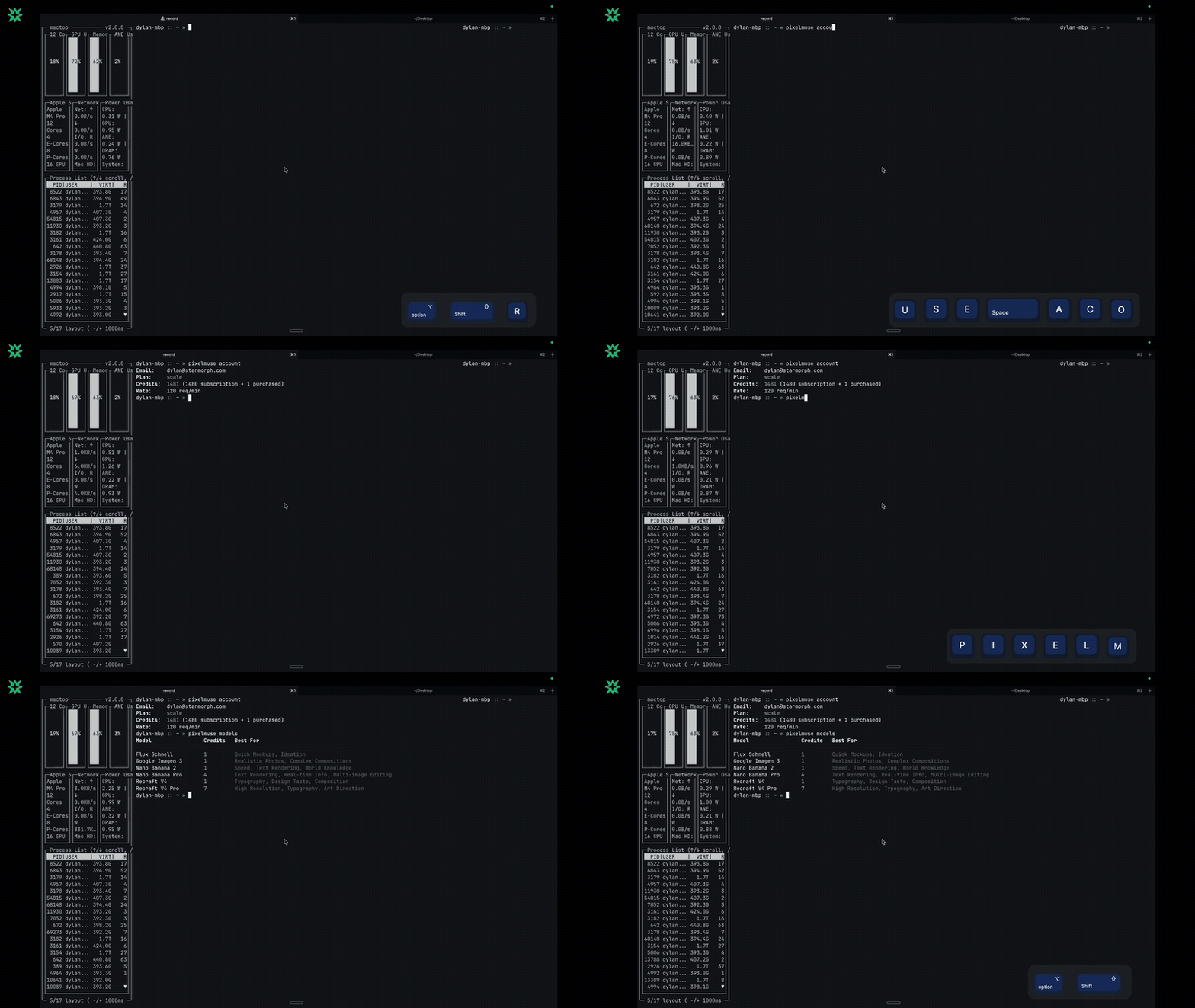
pixelmuse models | List available models with costs |
pixelmuse account | Account balance and usage stats |
pixelmuse history | Recent generations table |
pixelmuse open <id> | Open a generation in system viewer |
pixelmuse login | Authenticate with API key |
pixelmuse logout | Remove stored credentials |
pixelmuse template <cmd> | Manage prompt templates |
pixelmuse ui | Launch interactive TUI |
Flags
| Flag | Description |
|---|---|
-m, --model | Model ID (default: nano-banana-2) |
-a, --aspect-ratio | Aspect ratio (default: 1:1) |
-s, --style | realistic, anime, artistic, none |
-o, --output | Output file path |
--json | Machine-readable JSON output |
--no-preview | Skip terminal image preview |
--open | Open result in system viewer |
--clipboard | Copy image to clipboard |
--watch <file> | Watch prompt file, regenerate on save |
--no-save | Don't save image to disk |
Configuration
Settings at ~/.config/pixelmuse-cli/config.yaml:
defaultModel: nano-banana-2
defaultAspectRatio: "1:1"
defaultStyle: none
autoPreview: true
autoSave: true
| Path | Contents |
|---|---|
~/.config/pixelmuse-cli/config.yaml | User settings |
~/.config/pixelmuse-cli/auth.json | API key (fallback if keychain unavailable) |
~/.config/pixelmuse-cli/prompts/ | Prompt template YAML files |
~/.local/share/pixelmuse-cli/generations/ | Auto-saved generation images |
Links
- Pixelmuse — Platform home
- Sign up — Create an account (free credits included)
- API keys — Manage API keys
- API docs — Full API reference (Scalar)
- Get credits — Buy credit packs
License
Business Source License 1.1 (BSL 1.1). See LICENSE for details.
Free for any use except offering a competing image generation API or platform. Converts to GPL-2.0 on 2029-03-01.
Copyright 2025 StarMorph LLC.