Pomera AI Commander (PAC)

A desktop text "workbench" + MCP server: clean, transform, extract, and analyze text fast—manually in a GUI or programmatically from AI assistants (Cursor / Claude Desktop / MCP clients).
Hook: Stop pasting text into 10 random websites. Pomera gives you one place (GUI + MCP) to do the 90% text ops you repeat every week.
Download latest release · Docs: Tools · MCP Guide · Troubleshooting
60-second demo (what to expect)
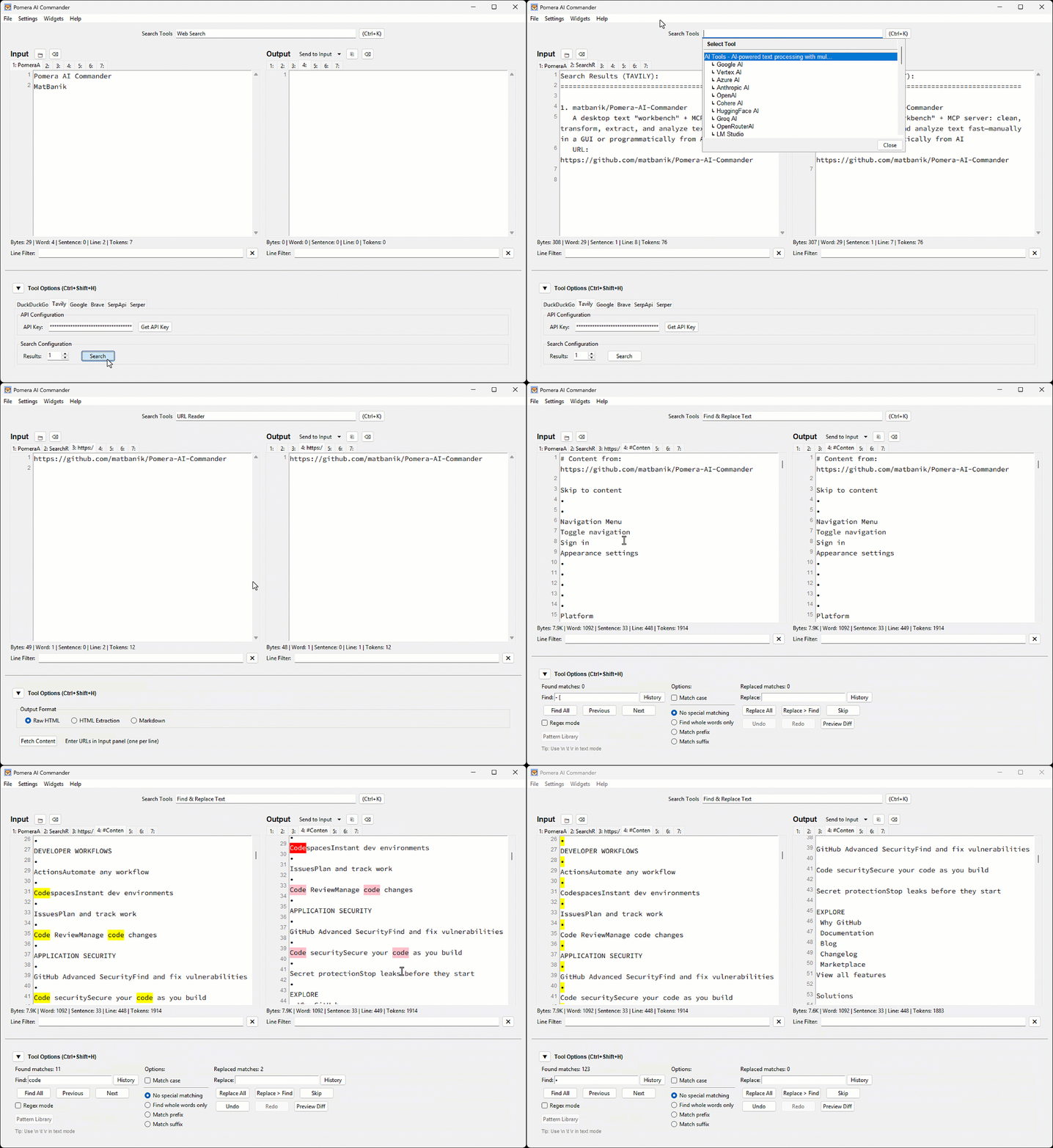
Best-for workflows
- Cleaning pasted logs / PDFs (whitespace, wrapping, stats)
- Extracting emails/URLs/IDs via regex
- Normalizing case, sorting, columns
- Hashing/encoding utilities
- Letting Cursor/Claude call these as MCP tools in a repeatable pipeline
Prerequisites
Python 3.8+ is required for all installation methods.
macOS (Homebrew)
# Tkinter support (replace @3.14 with your Python version)
brew install python-tk@3.14
pip3 install requests reportlab python-docx
Ubuntu/Debian
sudo apt-get install python3-tk
pip3 install requests reportlab python-docx
Windows
Tkinter is included with Python from python.org.
pip install requests reportlab python-docx
Note: For PEP 668 protected environments, use
pip3 install --useror a virtual environment.
Install / Run
Option A — Prebuilt executable (recommended)
Download from Releases and run.
Option B — Python (PyPI)
pip install pomera-ai-commander
# then run:
pomera-ai-commander --help
Option C — Node.js (npm)
npm install -g pomera-ai-commander
# then run:
pomera-mcp --help
MCP Server for AI Assistants
Pomera exposes 22 text processing tools via MCP. Configure your AI assistant:
Cursor (.cursor/mcp.json):
{
  "mcpServers": {
    "pomera": {
      "command": "pomera-ai-commander",
      "args": ["--mcp-server"]
    }
  }
}
Claude Desktop (claude_desktop_config.json):
{
  "mcpServers": {
    "pomera": {
      "command": "pomera-ai-commander",
      "args": ["--mcp-server"]
    }
  }
}
See the full MCP Server Guide for Antigravity, executable configs, and troubleshooting.
License
MIT License - see LICENSE for details.