Tessera
Make Claude Desktop remember your entire workspace.
You have hundreds of documents — PRDs, meeting notes, decision logs, session records. Claude Desktop can read files you attach, but it can't search across your whole workspace. Tessera bridges that gap.
It indexes your local documents into a vector store and connects to Claude Desktop via MCP. When you ask a question, Claude automatically searches your files and answers with context — and remembers across sessions.
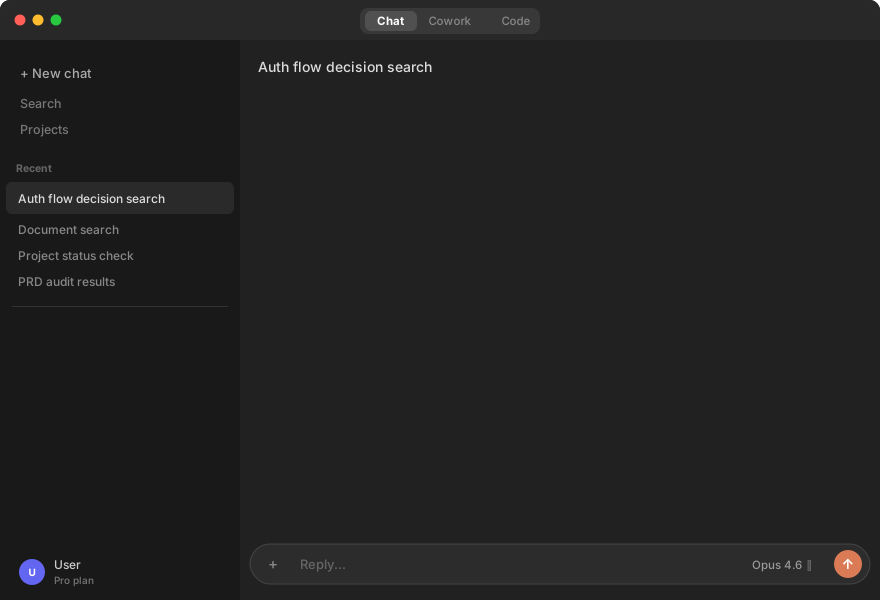
Why Tessera?
- Zero external dependencies — No Ollama, no Docker, no API keys. Just
pip installand go. - Cross-session memory — Claude remembers your decisions, preferences, and context between conversations.
- Knowledge graph — Visualize how your documents connect to each other.
- 100% local — Everything stays on your machine. Nothing leaves your laptop.
How it works
- You point Tessera at your document folders (Markdown, CSV, session logs)
- Tessera indexes them locally using fastembed (ONNX) + LanceDB
- Claude Desktop searches them automatically via MCP tools
- Only changed files are re-indexed on each sync
Get started
Install + Setup
git clone https://github.com/besslframework-stack/project-tessera.git
cd project-tessera

python3 -m venv .venv && source .venv/bin/activate
pip install -e .

tessera init
tessera init walks you through everything:
- Picks your document root directory
- Scans for folders with documents
- Lets you choose which to index
- Downloads the embedding model (~220MB, once)
- Generates
workspace.yamlautomatically - Shows you the Claude Desktop config snippet
- Offers to index immediately
Connect to Claude Desktop
tessera init prints the config snippet. Add it to your claude_desktop_config.json:
{
  "mcpServers": {
    "tessera": {
      "command": "/path/to/project-tessera/.venv/bin/python",
      "args": ["/path/to/project-tessera/mcp_server.py"]
    }
  }
}
Restart Claude Desktop. You'll see "tessera" in the MCP integrations.
What Claude can do with Tessera
| Tool | What it does |
|---|---|
| Search | |
search_documents | Semantic + keyword hybrid search across all your docs |
read_file | Read any file's full content |
list_sources | See what's indexed |
| Memory | |
remember | Save knowledge that persists across sessions |
recall | Search past memories from previous conversations |
learn | Auto-learn: save and immediately index new knowledge |
| Knowledge Graph | |
knowledge_graph | Build a Mermaid diagram of document relationships |
explore_connections | Show connections around a specific topic |
| Indexing | |
ingest_documents | Index your documents (first-time setup or full rebuild) |
sync_documents | Incremental sync — only re-index changed files |
| Workspace | |
project_status | See what's changed recently in each project |
extract_decisions | Find past decisions from logs |
audit_prd | Check PRD quality (section coverage, versioning) |
organize_files | Move, rename, archive files |
suggest_cleanup | Detect backup files, empty dirs, misplaced files |
CLI commands
tessera init                    # Interactive setup
tessera ingest                  # Index all configured sources
tessera ingest --path ./docs    # Index a specific directory
tessera sync                    # Re-index only changed files
tessera status                  # Show all projects
tessera status my_project       # Show one project's status
Architecture
Your documents (Markdown, CSV)
        |
   Parse & chunk (~800 chars)
        |
   Embed locally (fastembed/ONNX)
        |
   Store in LanceDB (local vector DB)
        |
   Expose via MCP server
        |
   Claude Desktop searches automatically
Configuration
After tessera init, your workspace.yaml looks like:
workspace:
  root: /Users/you/Documents
  name: my-workspace

sources:
  - path: project-alpha
    type: document
    project: project_alpha

projects:
  project_alpha:
    display_name: Project Alpha
    root: project-alpha
Edit it anytime to add/remove sources. Run tessera sync after changes.
License
AGPL-3.0 — see LICENSE.
For commercial licensing: bessl.framework@gmail.com