How to Prompt Like a Pro: Master AI for Business Innovation



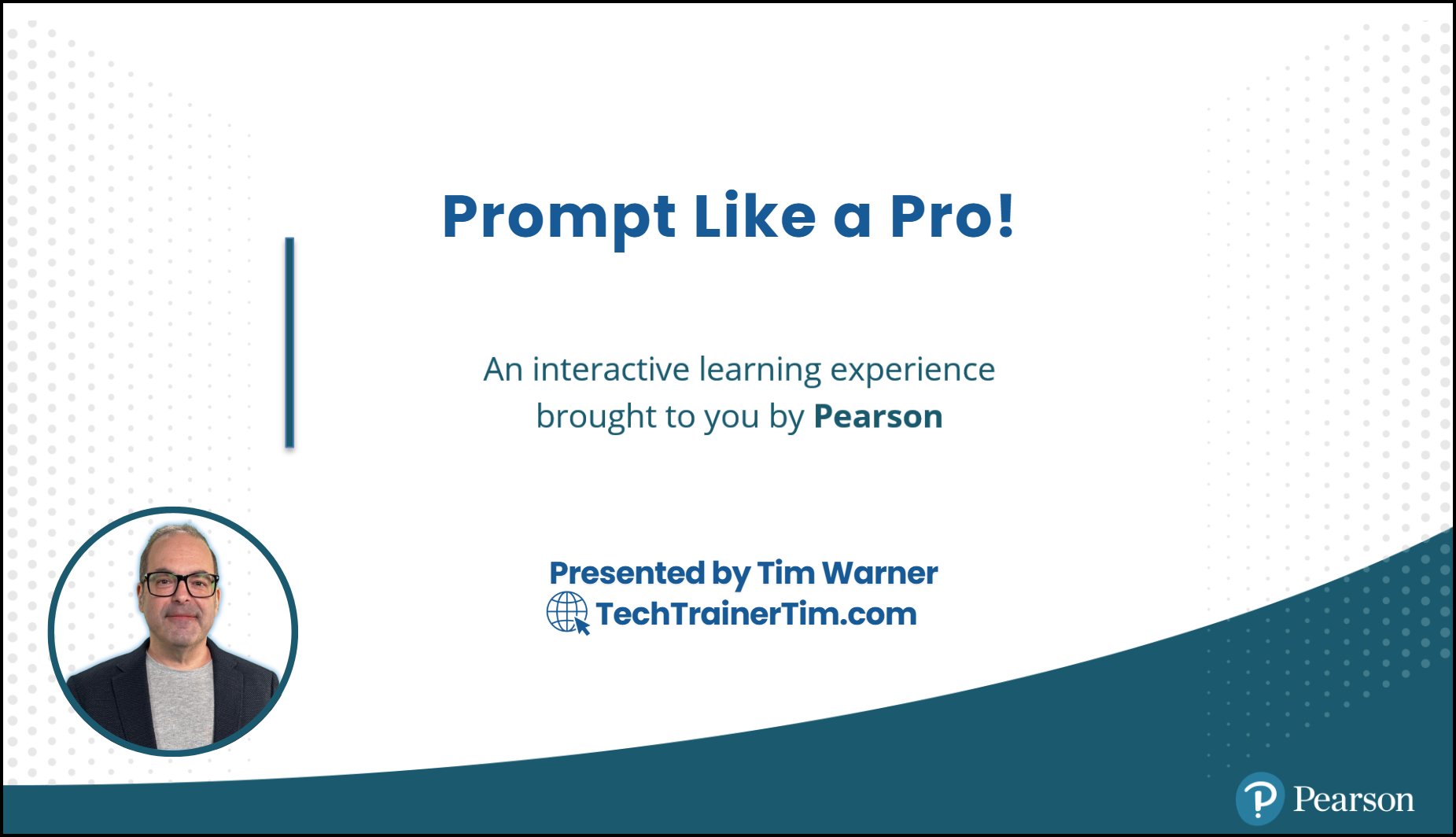
An O'Reilly Live Learning course teaching business professionals how to extract maximum value from AI tools like Microsoft 365 Copilot, ChatGPT, Claude, and Google Gemini.
Last updated: December 2025
Course Segments
| # | Segment | Duration | Key Topics |
|---|---|---|---|
| 1 | Core Prompting & Context Engineering | 50 min | CRAFT/CLEAR frameworks, context engineering stack, with/without context scenarios |
| 2 | Multimodal Prompting & AI-Assisted Coding | 50 min | Imagen 3, DALL-E 3, vision analysis, GitHub Copilot instruction files |
| 3 | AI Workspaces & Custom Assistants | 50 min | M365 Notebooks, ChatGPT Projects, Gemini Gems, Custom GPTs, M365 Agents |
| 4 | Agentic AI & Autonomous Coding | 50 min | Claude Code, GitHub Copilot Coding Agent, Copilot Studio, MCP |
Warner's Laws of Generative AI Prompting
- You are the pilot; the AI is your co-pilot. You're responsible for its actions.
- Always know who you're signed in as and who you're chatting with.
- The more you disclose about yourself in trust, the more the AI can help you.
- Anything you leave out of your prompt will be inferred by the AI.
- Role play like you're a director.
- Don't swallow the elephant—break down complex tasks with the AI.
- Surgically sculpt your context. Just because you can doesn't mean you should.
- Always have a trusted LLM to cross-reference responses.
- Strike while the iron's hot.
- Every AI chat has its own lifecycle; develop your "prompt smell."
- If you need to remind the AI of something, add it to custom instructions.
- Periodically refactor your custom instructions and memories.
- Think meta: Prompt about prompting and custom instructions.
- Use your voice if using your words is difficult.
- Pick up a good book on technical writing essentials.
- Protect your LLM against abuse by integrating test prompts.
- Each LLM (and vendor) has its own priorities and personality.
- Expect breaking changes. Stay agile, adaptable, and be an eternal learner.
Context Engineering vs Prompt Engineering
| Prompt Engineering | Context Engineering |
|---|---|
| Focus on what to say | Focus on what the model knows |
| One-off interactions | System-wide reliability |
| Phrasing and examples | Everything in the context window |
Key Insight: Most AI failures aren't model failures—they're context failures.
Tools Covered
Primary Platforms
- Microsoft 365 Copilot — Notebooks, Agents, enterprise integration
- ChatGPT — Projects, Custom GPTs, DALL-E 3, Vision
- Google Gemini — Gems, Imagen 3, 1M+ token context
- Claude — Projects, long-form analysis, Claude Code
Agentic AI
- Claude Code — Terminal-based autonomous coding with checkpoints
- GitHub Copilot Coding Agent — Issue-to-PR cloud automation
- M365 Copilot Studio — Enterprise multi-agent orchestration
Prerequisites
Required
- Internet connection
- ChatGPT free account
- Google account
Recommended
- Microsoft 365 Copilot license
- Claude Pro
- GitHub Copilot subscription
- VS Code
Quick Start
CRAFT Framework
Context: [situation]
Role: You are a [role]
Action: [task]
Format: [output format]
Tone: [voice/style]
Example Prompt
Context: I'm preparing a quarterly business review for my VP.
Role: You are a senior business analyst.
Action: Analyze this sales data and identify the top 3 trends.
Format: Executive summary with bullet points, max 200 words.
Tone: Professional and data-driven.
Repository Structure
docs/                               # Reference guides + slide deck
images/                             # Cover art, social preview assets
segments/
├─ segment-1-core-prompting/        # Frameworks, scenarios, platform tips
├─ segment-2-multimodal-prompting/  # Image gen, vision, Copilot config
├─ segment-3-ai-notebooks/          # Workspaces, custom assistants
└─ segment-4-agentic-ai/            # Claude Code, agents, MCP demos
.github/                            # Issue templates, workflows, AI instructions
For instructors: See INSTRUCTOR-MANIFEST.md for delivery guide.
For agents: Review AGENTS.md and CLAUDE.md before editing lessons.
Resources
- Anthropic Context Engineering Guide
- OpenAI Prompt Engineering Guide
- GitHub Copilot Custom Instructions
- MCP Specification
License & Contributing
Licensed under MIT. See CONTRIBUTING.md for guidelines and AGENTS.md for the agent-focused repository playbook.
Code of Conduct
Participation in this project is governed by the Code of Conduct.
Security
Found a vulnerability or risky prompt scenario? Follow the disclosure steps in SECURITY.md or email Tim directly at tim@techtrainertim.com.
Repo Guides & Automation
- AGENTS.md - Contributor playbook
- CLAUDE.md - Copilot instructions
- INSTRUCTOR-MANIFEST.md - Run-of-show notes
- markdownlint.json & Markdownlint workflow - spacing rules + one-click lint/autofix
Ready to prompt like a pro? Let's transform how you work with AI!