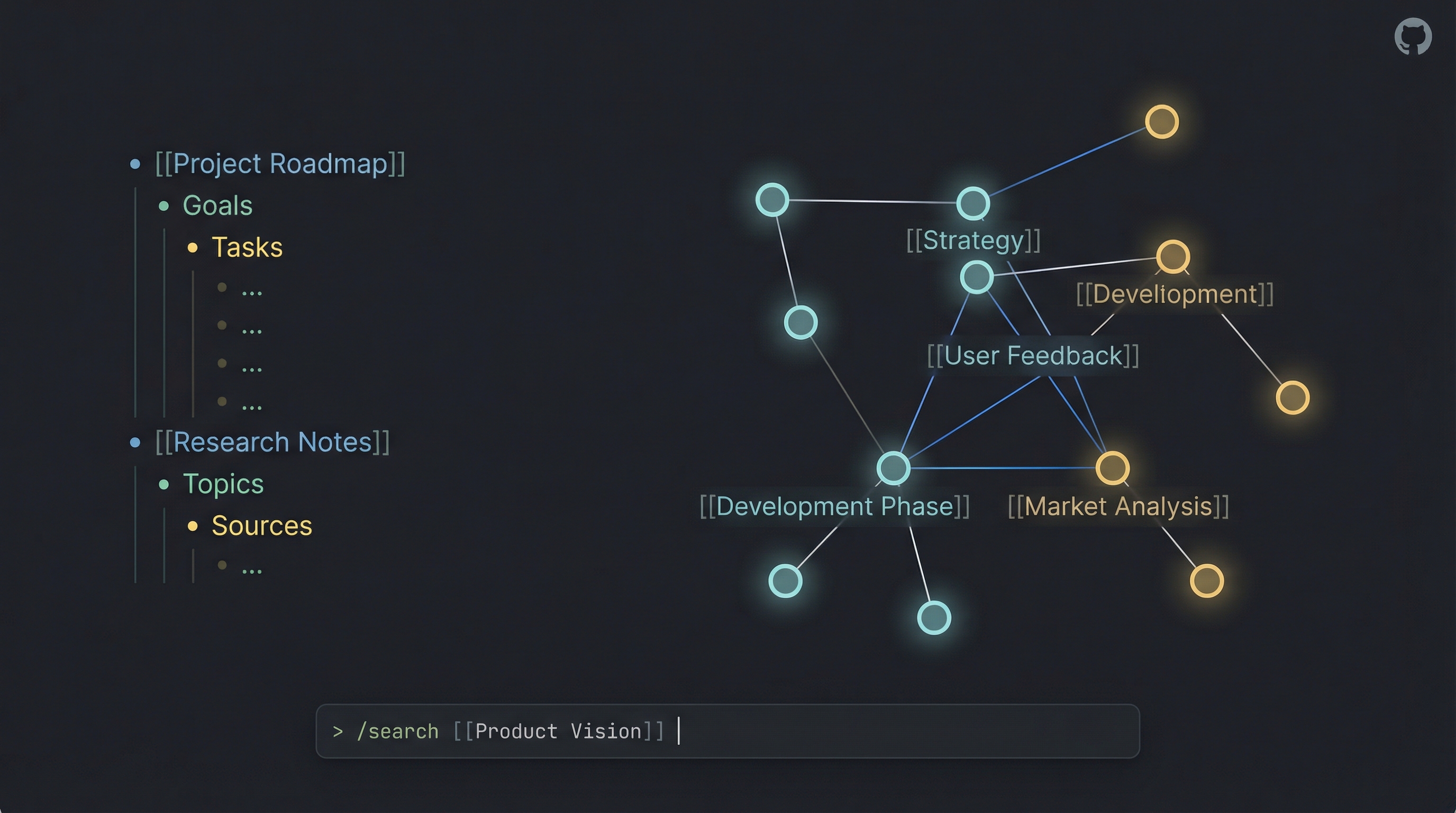
Roam Research MCP + CLI




Introduction
I created this project to solve a personal problem: I wanted to manage my Roam Research graph directly from Claude Code (and other LLMs). As I built the Model Context Protocol (MCP) server to give AI agents access to my notes, I realized the underlying tools were powerful enough to stand on their own.
What started as an backend for AI agents evolved into a full-featured Standalone CLI. Now, you can use the same powerful API capabilities directly from your terminal—piping content into Roam, searching your graph, and managing tasks—without needing an LLM at all.
Whether you want to give Claude superpowers over your knowledge base or just want a robust CLI for your own scripts, this project has you covered.
Standalone CLI: roam
The roam CLI lets you interact with your graph directly from the terminal. It supports standard input (stdin) piping for all content creation and retrieval commands, making it perfect for automation workflows.
Quick Examples
# Save a quick thought to your daily page
roam save "Idea: A CLI for Roam would be cool"

# Pipe content from a file to a new page
cat meeting_notes.md | roam save --title "Meeting: Project Alpha"

# Create a TODO item on today's daily page
echo "Buy milk" | roam save --todo

# Search your graph and pipe results to another tool
roam search "important" --json | jq .

# Fetch a page by title
roam get "Roam Research"

# Find references (backlinks) to a page
roam refs "Project Alpha"

# Update a block (e.g., toggle TODO status)
roam update ((block-uid)) --todo
Available Commands: get, search, save, refs, update, batch, rename, status.
Run roam <command> --help for details on any command.
Installation
npm install -g roam-research-mcp
# The 'roam' command is now available globally
MCP Server Tools
The MCP server exposes these tools to AI assistants (like Claude), enabling them to read, write, and organize your Roam graph intelligently.
| Tool Name | Description |
|---|---|
roam_fetch_page_by_title | Fetch page content by title. |
roam_fetch_block_with_children | Fetch a block and its nested children by UID (resolves refs). |
roam_create_page | Create new pages, optionally with mixed text and table content. |
roam_update_page_markdown | Update a page using smart diff (preserves block UIDs). |
roam_search_by_text | Full-text search across the graph or within specific pages. |
roam_search_block_refs | Find blocks that reference a page, tag, or block UID. |
roam_search_by_status | Find TODO or DONE items. |
roam_search_for_tag | Find blocks containing specific tags (supports exclusion). |
roam_search_by_date | Find blocks/pages by creation or modification date. |
roam_find_pages_modified_today | List pages modified since midnight. |
roam_add_todo | Add TODO items to today's daily page. |
roam_create_table | Create properly formatted Roam tables. |
roam_create_outline | Create hierarchical outlines. |
roam_process_batch_actions | Execute multiple low-level actions (create, move, update, delete) in one batch. |
roam_move_block | Move a block to a new parent or position. |
roam_remember / roam_recall | specialized tools for AI memory management within Roam. |
roam_datomic_query | Execute raw Datalog queries for advanced filtering. |
roam_markdown_cheatsheet | Retrieve the Roam-flavored markdown reference. |
Configuration
Environment Variables
You need a Roam API token and your graph name. Create a .env file or set these in your environment:
ROAM_API_TOKEN=your-api-token
ROAM_GRAPH_NAME=your-graph-name
Optional:
ROAM_GRAPHS/ROAM_DEFAULT_GRAPH: For multi-graph setups (use"protected": true+ROAM_SYSTEM_WRITE_KEYfor write protection).HTTP_STREAM_PORT: To enable HTTP Stream (defaults to 8088).
Running the Server
1. Stdio Mode (Default) Best for local integration (e.g., Claude Desktop, IDE extensions).
npx roam-research-mcp
2. HTTP Stream Mode Best for remote access or web clients.
HTTP_STREAM_PORT=8088 npx roam-research-mcp
3. Docker
docker run -p 3000:3000 -p 8088:8088 --env-file .env roam-research-mcp
Configuring in LLMs
Claude Desktop / Cline:
Add to your MCP settings file (e.g., ~/Library/Application Support/Claude/claude_desktop_config.json):
{
  "mcpServers": {
    "roam-research": {
      "command": "npx",
      "args": ["-y", "roam-research-mcp"],
      "env": {
        "ROAM_API_TOKEN": "your-token",
        "ROAM_GRAPH_NAME": "your-graph"
      }
    }
  }
}
Support
If this project helps you manage your knowledge base or build cool agents, consider buying me a coffee! It helps keep the updates coming.

License
MIT License - Created by Ian Shen.