🎙️ Roomey AI Voice Agent
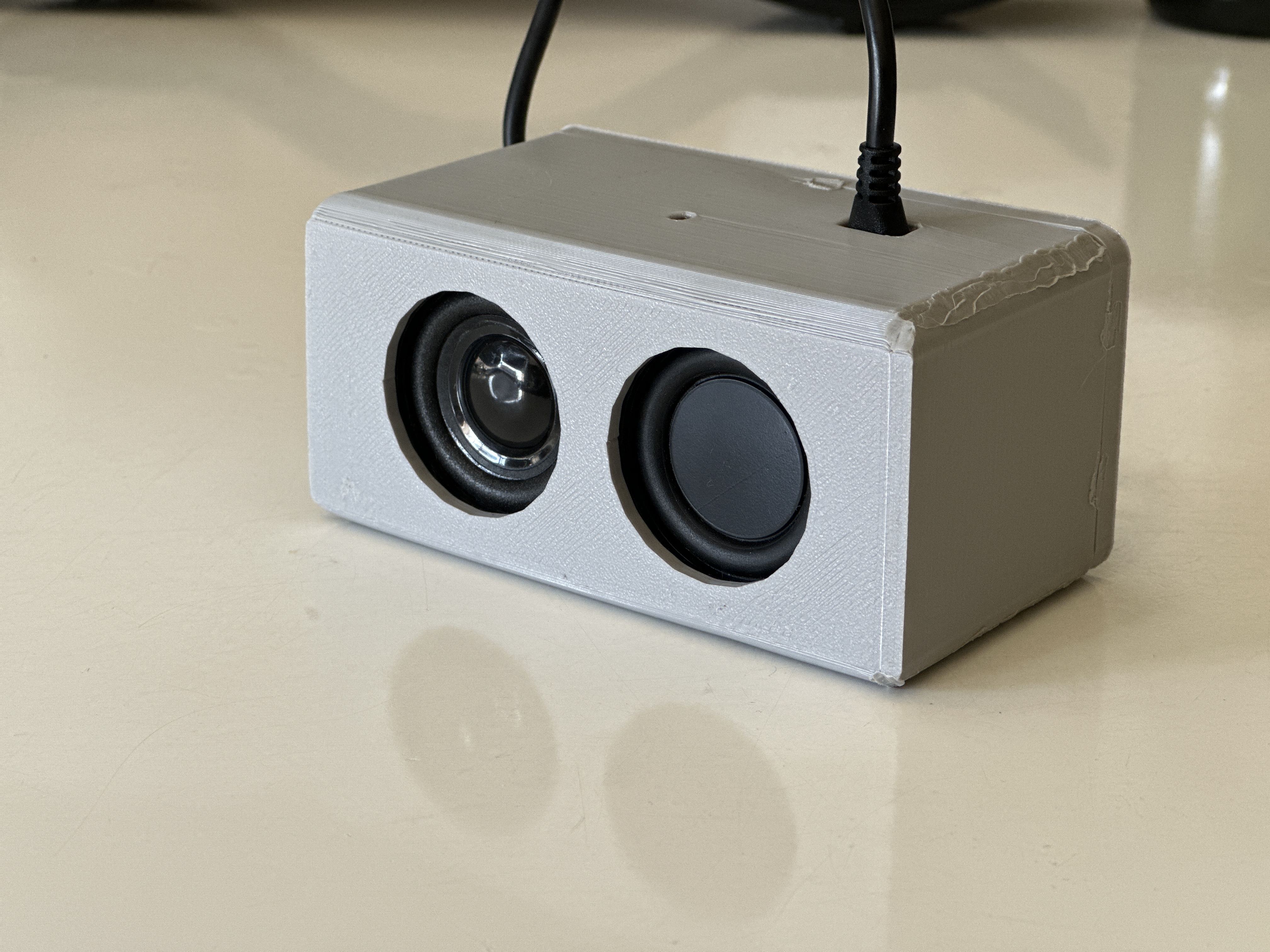

🚀 Introducing Roomey
Roomey is an ultra-low latency AI Voice Agent designed to seamlessly integrate into your daily life. With lightning-fast response times and advanced natural language processing, Roomey understands your commands and questions with remarkable accuracy.
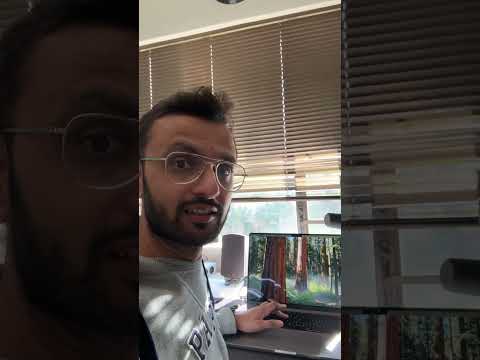
📺 See Roomey in Action
✨ Features
- Ultra-Low Latency: Get responses in milliseconds, not seconds
- Natural Conversations: Engage in fluid, human-like dialogue
- Web Search: Find information from the internet instantly
- Smart Home Control: Adjust lights and other connected devices
- Financial Data: Get real-time stock prices and market information
- Calendar Integration: Access your Google Calendar events and appointments
- Contextual Memory: Roomey remembers your preferences and previous conversations
- LinkedIn Post Generation: Generate viral LinkedIn posts based on provided context
🔧 Integrations
- Google Calendar: Access your schedule and upcoming events
- Smart Home Devices: Control lights and other connected devices
- Financial APIs: Get real-time stock market data
- Web Search: Find information from across the internet
🔮 Coming Soon
- MCP Integration: Enhanced capabilities through Model Context Protocol
- Additional Tools: Expanding Roomey's functionality with more integrations
- Voice Customization: Personalize Roomey's voice to your preferences
- Multi-room Support: Seamless experience across your entire home
🛠️ Technical Architecture
Roomey is built on a modular architecture that allows for easy expansion and customization:
- Voice Recognition: Advanced speech-to-text processing
- Natural Language Understanding: Contextual comprehension of user requests
- Agent Framework: Intelligent decision-making and task execution
- Integration Layer: Connects to various services and APIs
- Voice Synthesis: Natural-sounding text-to-speech responses
🚀 Getting Started
Follow these steps to set up and run Roomey on your system:
Prerequisites
- Python 3.9+ installed on your system
- Git for cloning the repository
- Internet connection for API access
- Google Gemini API key
Installation
-
Clone the repository
git clone https://github.com/augmentedstartups/Roomey_AI_Voice_Agent.git cd Roomey_AI_Voice_Agent -
Create a virtual environment
python -m venv myenv -
Activate the environment
source myenv/bin/activate # On macOS/Linux -
Install dependencies
pip install -r requirements.txt -
Set up environment variables
- Create a
.envfile in the root directory - Add the following environment variables:
GEMINI_API_KEY=your_gemini_api_key_here PERSONALIZED_PROMPT="You are a helpful assistant. My name is [Your Name], [add personal details here]." - The
PERSONALIZED_PROMPTallows you to customize the AI's understanding of who you are
- Create a
Running Roomey
-
Activate the environment (if not already activated)
source myenv/bin/activate -
Run the main application
python main_mac.py -
Interact with Roomey
- Speak naturally to Roomey
- Ask questions, request information, or give commands
- Explore the various integrations
📚 Documentation
Explore the integrations directory for detailed documentation on each integration module.
🤝 Contributing
We are a team of developers passionate about the future of AI and open-source software. With years of experience in both fields, we believe in the power of community-driven development and are excited to build tools that make AI more accessible and personalized.
We welcome all forms of contributions:
- Bug reports and feature requests
- Documentation improvements
- Code contributions
- Testing and feedback
- Community support
How to contribute:
Fork the repository
- Create your feature branch (git checkout -b roomey/feature/amazing-feature)
- Make your changes
- Commit your changes (git commit -m 'Add some amazing feature')
- Push to the branch (git push origin roomey/feature/amazing-feature)
- Open a Pull Request
Join us in building the future of AI memory management! Your contributions help make Roomey even better for everyone.