Spec Coding MCP Server
Transform feature ideas into production-ready code through systematic Spec-Driven Development
What is Spec-Driven Development?
Spec-Driven Development is, simply put, a software development process where clear, detailed specifications serve as the core driver throughout the entire development workflow. These specifications cover various aspects such as functional requirements, performance metrics, interface definitions, and data formats of the software system, acting like blueprints in construction to clearly outline what the final software should look like for developers.
The core of spec-driven development is to transform vague requirements into an executable, traceable, and verifiable development process through standardized specification documents. Essentially, it integrates the rigor of traditional software engineering into AI programming, turning development from "vibe coding" (relying on intuition) into a controllable engineering process.
The key to spec-driven development is the "Spec folder" — each functional module corresponds to a Spec folder containing 3 core files that "materialize" requirements, designs, and tasks:
-
1.requirements.md (Requirements Document) — Uses EARS syntax (Easy Approach to Requirements Syntax) to write user stories and acceptance criteria, avoiding vague expressions.
-
2.design.md (Technical Solution) — Includes details such as architectural design, process logic, technology selection, and potential risks.
-
3.tasks.md (Task List) — Breaks down the technical solution into executable specific tasks (todolist).
Implementing Spec-Driven Development with spec-coding-mcp
The MCP in
spec-coding-mcpstands for Model Context Protocol, which is an important bridge connecting external tools with the AI IDE. As long as your AI IDE can use MCP, you can usespec-coding-mcp.
Here, we'll take GitHub Copilot as an example to introduce how to use spec-coding-mcp.
1. Configure Vs Code
To make GitHub Copilot work with Spec-Coding-MCP, you first need to set up MCP server information in the relevant configuration files.
Visit NuGet.org, search for SpecCodingMcpServer, and you'll see the "MCP Server" tab:
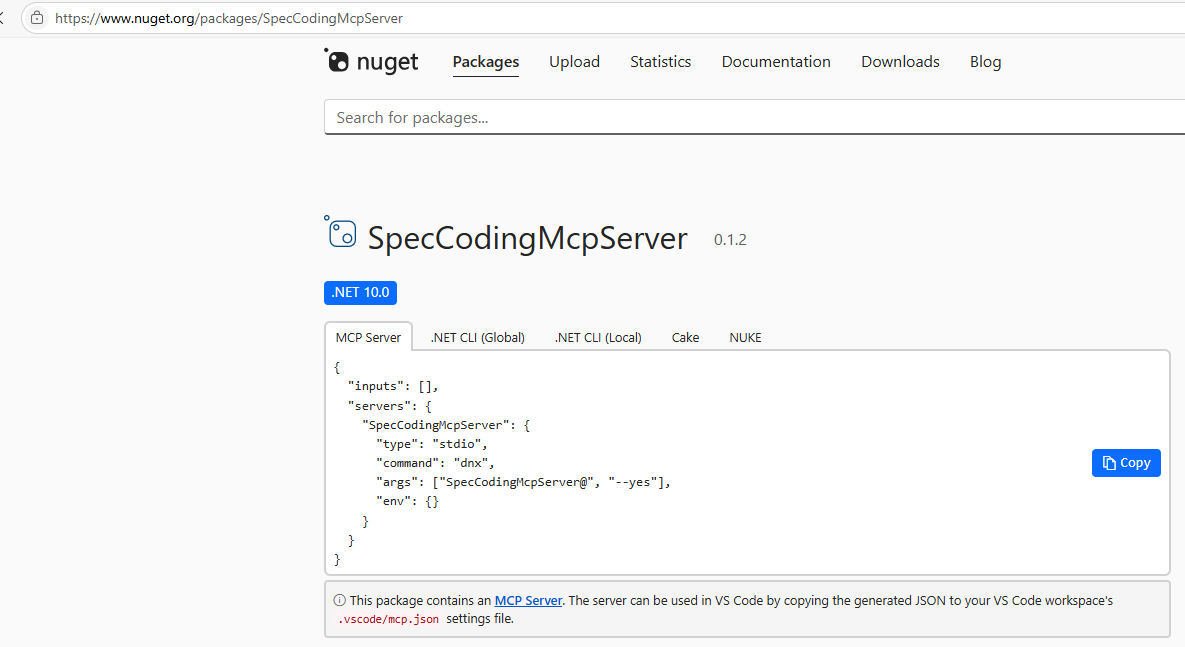
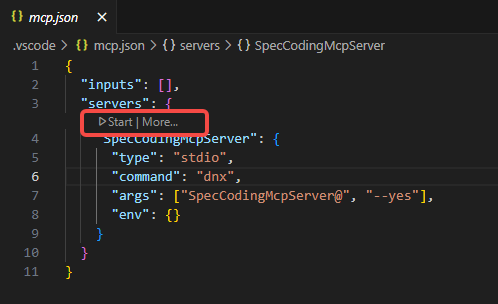
Add a .vscode/mcp.json file to your Vs Code workspace, copy the json from the "MCP Server" tab into it, and save. Then click start above:
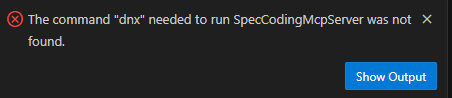
SpecCodingMcpServer requires .NET 10 to run. Please ensure you have .NET 10 installed locally (https://dotnet.microsoft.com/en-us/download/dotnet/10.0)
2. Start the Spec-Driven Development Process
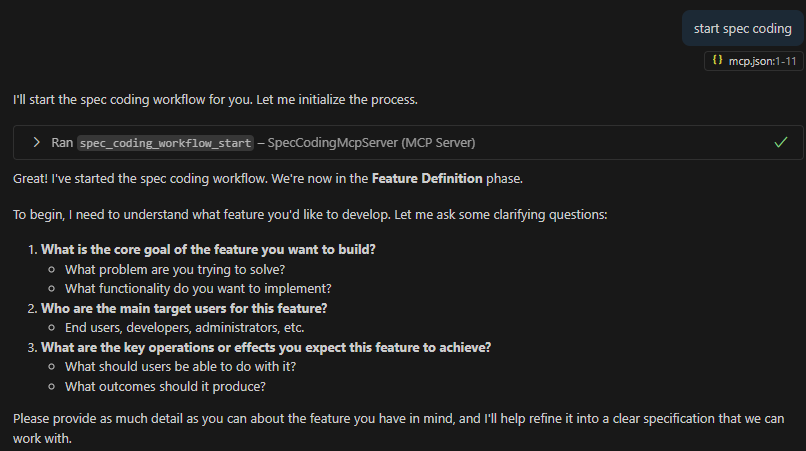
- 1.Function Definition: Issue the instruction "Start spec coding" to GitHub Copilot, then specify the specific function, such as "Create a Vue to-do app", add relevant details, and proceed to the next step after confirmation.
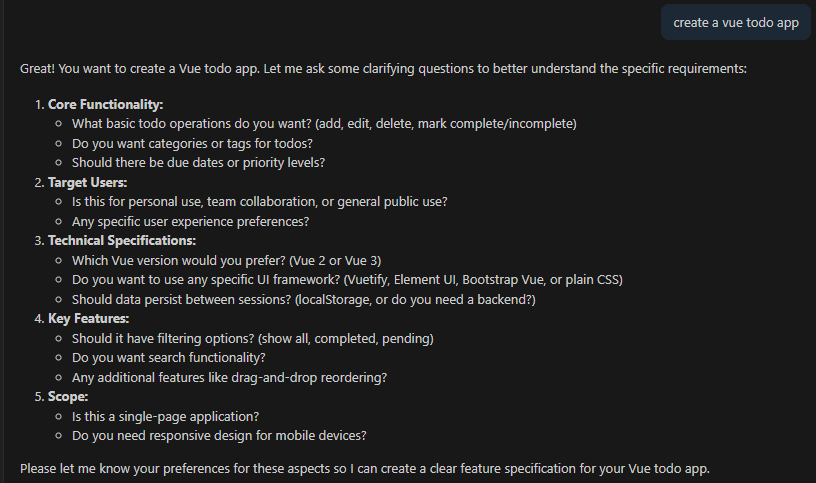
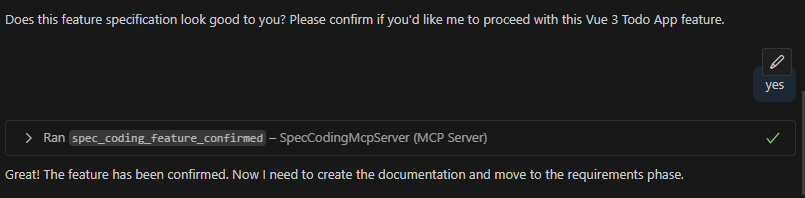
- 2.Requirements Collection: Copilot will start the requirements collection phase, generate a requirements document in EARS format, and proceed to the design phase after confirming the requirements are correct.
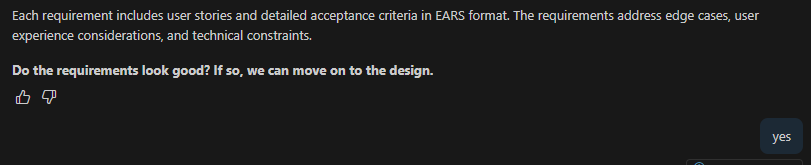
- 3.Design Document: Based on the confirmed requirements, Copilot will generate a comprehensive technical architecture design document. Proceed to task planning after confirming the design is acceptable.

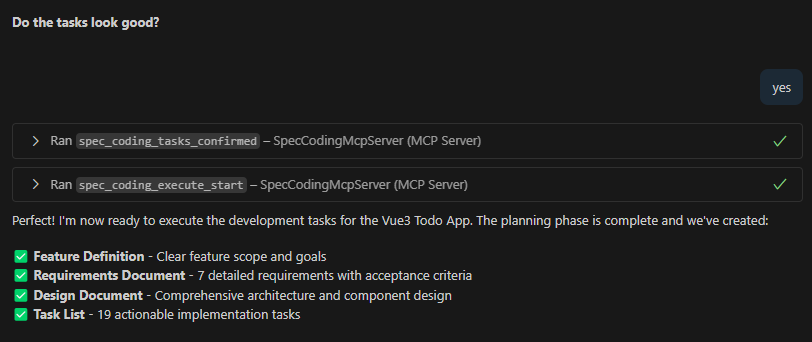
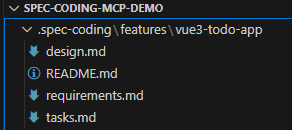
- 4.Task Planning: Copilot will decompose the design and requirements into a list of executable tasks, ultimately generating a complete Spec folder structure containing requirements.md, design.md, and tasks.md.
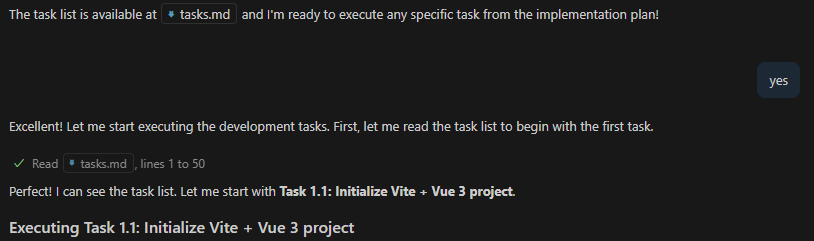
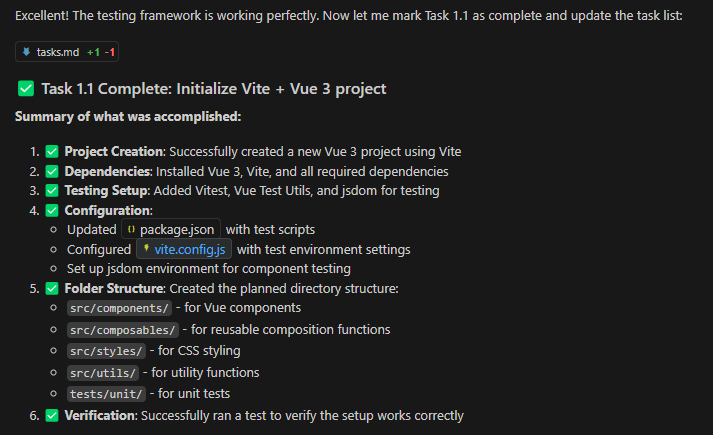
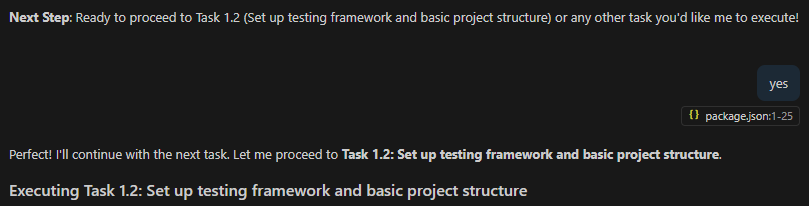
- 5.Task Execution: Enter the specific execution phase after confirming the task plan. Copilot will execute tasks one by one until development is complete.