Store Screenshot Generator MCP
Generate beautiful App Store / Play Store screenshots with iPhone mockups using Claude Code.
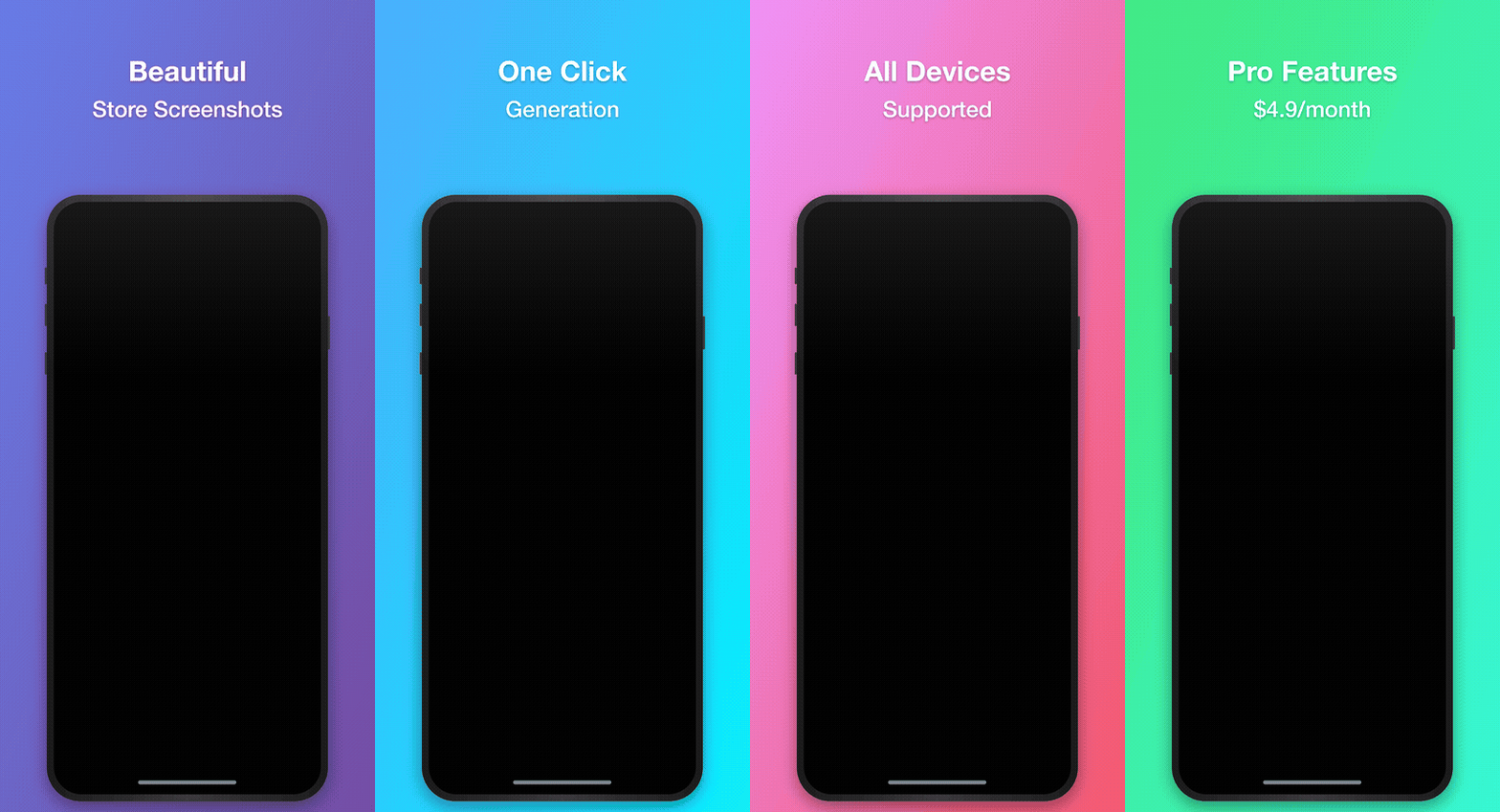
Features
- Insert app screenshots into iPhone/iPad mockup frames
- Add headline and subheadline text overlays
- Multiple gradient background presets
- Support for iPhone 15 Pro Max, iPhone 15 Pro, iPhone SE, iPad Pro
- Batch generation support
Pricing
| Plan | Price | Features |
|---|---|---|
| Free | $0 | 3/day, watermark, limited presets/devices |
| Pro | $4.9/mo | Unlimited, no watermark, all features |
Free vs Pro
| Feature | Free | Pro |
|---|---|---|
| Daily screenshots | 3 | Unlimited |
| Watermark | Yes | No |
| Presets | purple, dark | All 7 |
| Devices | iPhone 15 Pro Max | All 7 (3 iPhones + 4 iPads) |
| Batch generation | No | Yes |
| Custom colors | No | Yes |
Installation
npm install
npm run build
Usage with Claude Code
Add to your project's .mcp.json:
{
  "mcpServers": {
    "store-screenshot": {
      "command": "node",
      "args": ["/path/to/store-screenshot-mcp/dist/index.js"]
    }
  }
}
Or for global setup, add to ~/.claude/settings.json:
{
  "mcpServers": {
    "store-screenshot": {
      "command": "node",
      "args": ["/path/to/store-screenshot-mcp/dist/index.js"]
    }
  }
}
Usage with Claude Desktop
Add to ~/Library/Application Support/Claude/claude_desktop_config.json (macOS) or %APPDATA%\Claude\claude_desktop_config.json (Windows):
{
  "mcpServers": {
    "store-screenshot": {
      "command": "node",
      "args": ["/path/to/store-screenshot-mcp/dist/index.js"]
    }
  }
}
Available Tools
generate_screenshot
Generate a single screenshot.
Parameters:
headline(optional): First line textsubheadline(optional): Second line textscreenshotPath(optional): Path to app screenshot imagescreenshotBase64(optional): Base64 encoded app screenshotoutputPath(optional): Output file pathdevice(optional): Device typepreset(optional): Color presetbgColor1,bgColor2(optional): Custom gradient colors (Pro)
generate_batch_screenshots
Generate multiple screenshots at once. (Pro)
subscription_status
Check current subscription status and usage.
activate_subscription
Activate Pro subscription.
activate_subscription(email="your_purchase_email")
refresh_subscription
Refresh subscription status from server. Reflects cancellation immediately.
deactivate_subscription
Deactivate subscription on this device.
list_presets / list_devices
List available presets/devices for your plan.
Color Presets
| Preset | Color 1 | Color 2 | Plan |
|---|---|---|---|
| purple | #667eea | #764ba2 | Free |
| dark | #232526 | #414345 | Free |
| pink | #f093fb | #f5576c | Pro |
| blue | #4facfe | #00f2fe | Pro |
| green | #43e97b | #38f9d7 | Pro |
| orange | #fa709a | #fee140 | Pro |
| light | #e0e5ec | #f5f7fa | Pro |
Device Dimensions
| Device | Resolution | Plan |
|---|---|---|
| iPhone 15 Pro Max | 1290 x 2796 | Free |
| iPhone 15 Pro | 1179 x 2556 | Pro |
| iPhone SE | 750 x 1334 | Pro |
| iPad Pro 12.9" | 2048 x 2732 | Pro |
| iPad Pro 11" | 1668 x 2388 | Pro |
| iPad Air | 1640 x 2360 | Pro |
| iPad Mini | 1488 x 2266 | Pro |
Usage Example
# Check subscription status
subscription_status

# Activate Pro
activate_subscription(email="your@email.com")

# Generate screenshot
generate_screenshot(
  headline="Easy & Fast",
  subheadline="Task Management",
  screenshotPath="/path/to/app_screen.png",
  outputPath="/path/to/output.png",
  preset="purple"
)
License
MIT