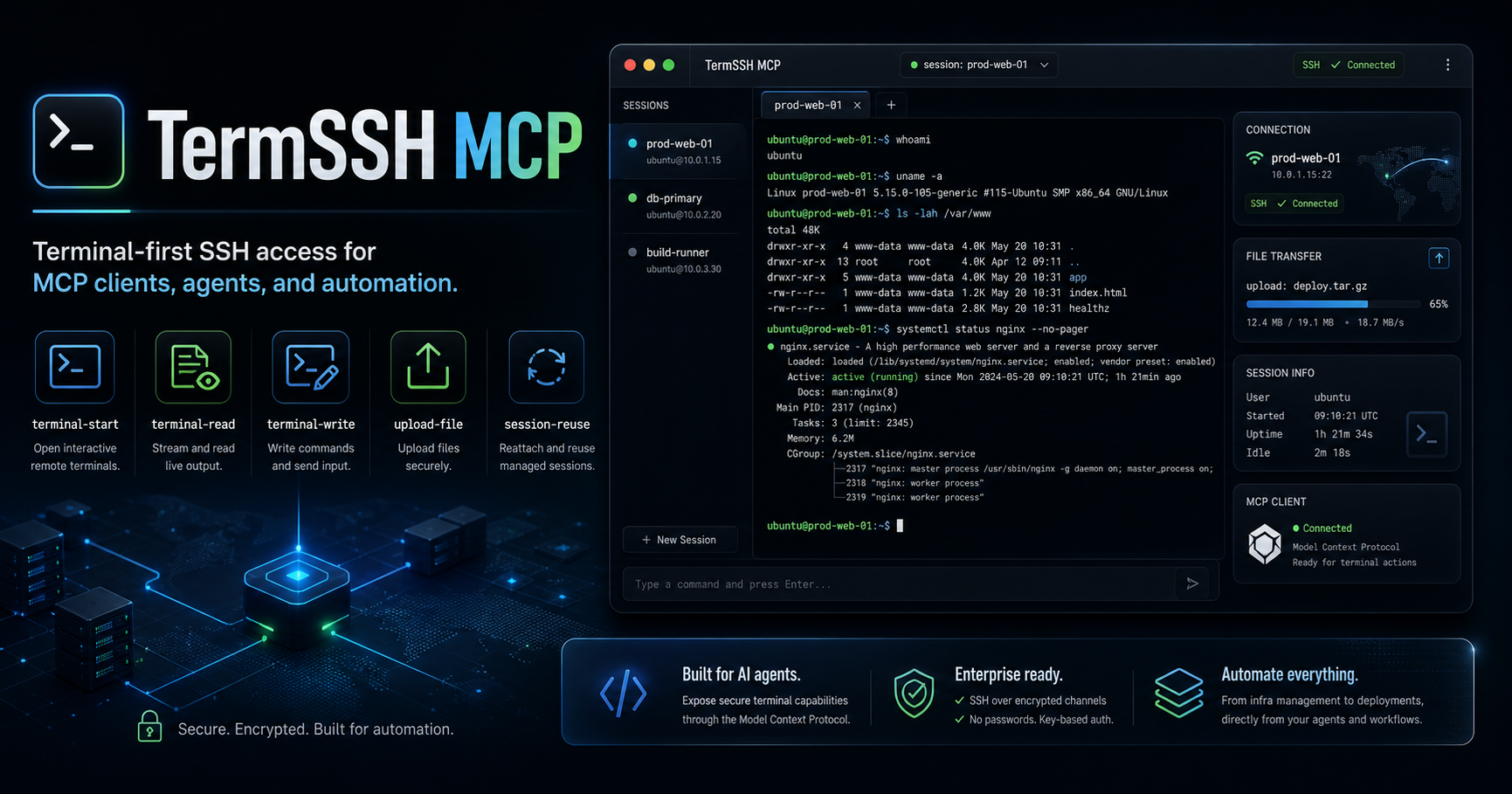
TermSSH MCP
Terminal-first SSH access for MCP clients, AI agents, and remote automation.
Turn remote machines into agent-friendly, interactive terminal workflows — not just one-shot command execution.





✨ Why TermSSH MCP
Most SSH tooling for AI workflows is built around run command → get output → done.
That falls apart when the real task is interactive:
- installers ask questions
- shells keep state
- debugging needs multiple steps
- deployments need uploads plus terminal control
- agents need to observe, react, and continue
TermSSH MCP is built for that gap.
Instead of pretending everything is a single command, it gives MCP clients a real operator-style workflow:
open a shell → write input → read output → keep context → upload files → continue working
🧠 What makes it different
Terminal-firstInteractive terminal sessions are the core model, not an afterthought. |
Agent-readyDesigned for MCP clients, coding agents, and automation loops. |
Stateful workflowsReuse active sessions so multi-step tasks feel natural and reliable. |
Upload includedMove scripts, configs, payloads, and generated artifacts over SFTP. |
Cross-platformWorks against Linux and Windows SSH targets. |
Clean tool surfaceFocused MCP tools for terminal control and remote file delivery. |
🚀 Core capabilities
- Interactive SSH terminal sessions
- Incremental terminal read / write flow
- Managed terminal session reuse by default
- Optional forced multi-session creation
- Local file upload through SFTP
- Direct text and base64 content upload
- Terminal resize support
- Linux and Windows SSH target support
- MCP-native interface for AI tooling
🧰 Tool set
upload-file
Upload a local file from the MCP host machine to the remote SSH server using SFTP.
Parameters
localPath— local source file pathremotePath— destination path on the remote hostcreateDirectories— create missing parent directories if neededoverwrite— replace an existing remote file if presentmode— optional POSIX mode such as0644
upload-content
Upload direct text or base64 content to the remote server.
Parameters
content— raw text or base64 payloadencoding—utf8orbase64remotePath— destination path on the remote hostcreateDirectories— create missing parent directories if neededoverwrite— replace an existing remote file if presentmode— optional POSIX mode such as0644
terminal-start
Start an interactive remote terminal session.
Parameters
cwd— optional working directory after shell startupshell— optional shell binaryplatformHint—auto,linux, orwindowselevated— attemptsuelevation when configuredcols— terminal widthrows— terminal heightenv— optional environment variablesmultiSession— settrueto force a new managed session instead of reusing an existing one
terminal-write
Write input into an active terminal session.
Parameters
sessionId— target session idinput— text to sendappendNewline— append a newline automatically if needed
terminal-read
Read buffered output from a terminal session.
Parameters
sessionId— target session idsinceSequence— only return output newer than a given sequence numbermaxChars— limit the size of returned outputwaitForMs— optional short polling delay
terminal-resize
Resize an active terminal session.
Parameters
sessionId— target session idcols— new widthrows— new height
terminal-close
Close a terminal session locally.
Parameters
sessionId— target session id
🔄 Typical workflow
flowchart LR
    A[terminal-start] --> B[terminal-write]
    B --> C[terminal-read]
    C --> D{Need file?}
    D -- Yes --> E[upload-file / upload-content]
    D -- No --> F{Continue session?}
    E --> F
    F -- Yes --> B
    F -- No --> G[terminal-close]
This works especially well for:
- interactive package installs
- remote setup and provisioning
- deployments with artifact upload
- debugging services across multiple steps
- stateful shell workflows where context matters
🛠 Installation
Clone the repository
git clone https://github.com/rayss868/termssh-mcp.git
cd termssh-mcp
npm install
npm run build
Install globally
npm install -g termssh-mcp
⚙ Configuration
Required CLI parameters
host— hostname or IP address of the remote machineuser— SSH username
Optional CLI parameters
port— SSH port, default22password— SSH passwordkey— path to a private SSH keysudoPassword— optional password for sudo-oriented workflowssuPassword— optional password forsu-based elevationtimeout— SSH ready timeout in milliseconds, default60000maxChars— command-length validation limit, default1000; usenoneor0for unlimited mode
🧩 MCP configuration example
{
  "mcpServers": {
    "termssh-mcp": {
      "command": "npx",
      "args": [
        "-y",
        "termssh-mcp",
        "--",
        "--host=1.2.3.4",
        "--port=22",
        "--user=root",
        "--password=pass",
        "--timeout=30000",
        "--maxChars=none"
      ]
    }
  }
}
SSH key example
{
  "mcpServers": {
    "termssh-mcp": {
      "command": "npx",
      "args": [
        "-y",
        "termssh-mcp",
        "--",
        "--host=example.com",
        "--user=root",
        "--key=/path/to/private/key"
      ]
    }
  }
}
🤖 Claude Code example
Register the server in Claude Code:
claude mcp add --transport stdio termssh-mcp -- npx -y termssh-mcp -- --host=YOUR_HOST --user=YOUR_USER --password=YOUR_PASSWORD
With SSH key authentication:
claude mcp add --transport stdio termssh-mcp -- npx -y termssh-mcp -- --host=example.com --user=root --key=/path/to/private/key
With extended timeout:
claude mcp add --transport stdio termssh-mcp -- npx -y termssh-mcp -- --host=192.168.1.100 --user=admin --password=your_password --timeout=120000 --maxChars=none
🎯 Great fit for
Developers
|
DevOps / infra teams
|
Agent builders
|
🏗 Development
Build the project:
npm run build
Run tests:
npm test
Use the MCP Inspector:
npm run inspect
📁 Project structure
src/index.ts— MCP server entrypoint and tool registrationsrc/ssh-connection-manager.ts— SSH connection and terminal lifecycle handlingsrc/upload.ts— upload helpers and interactive session metadata helperssrc/core.ts— shared validation and SSH utility primitivestest/upload-and-terminal.test.ts— upload/session unit coveragetest/maxChars.test.ts— command validation coveragetest/smoke.ssh.test.ts— smoke tests for current exported behavior
🗺 Roadmap ideas
- richer session metadata inspection
- better remote session observability
- optional session persistence features
- more examples for Claude Code and MCP tools
- deployment-oriented workflow templates
🔐 Security note
TermSSH MCP gives remote access to systems over SSH.
Use it only on infrastructure you own or are explicitly authorized to manage.
📜 License
Released under the MIT License.
🤝 Contributing
Contributions are welcome.
See CONTRIBUTING.md for contribution guidance and CODE_OF_CONDUCT.md for expected behavior.