@torchv/ais-mcp


🚀 TorchV AIS Knowledge Base MCP Server
A production-ready MCP server that enables read / write / edit / file transfer operations directly on the AIS enterprise knowledge base.
✨ Features
- 📚 Unified access to AIS knowledge base
- 🛠️ Full MCP toolchain (read / write / management)
- ⚡ One-command startup via
npx - 🔌 Supports both STDIO and HTTP (streamable) transports
- 🔐 Fine-grained permission control (
readonly / write / admin)
🚀 Installation & Run
npx -y @torchv/ais-mcp
🔑 Required Configuration
Before starting, set the following environment variables:
export KB_EXECUTE_URL="https://bot.torchv.com"
export KB_TOKEN="your-token"
🌐 How to get KB_EXECUTE_URL
📌 Steps:
- Open your AIS instance
- Copy the site origin from the browser address bar
👉 Example:
https://bot.torchv.com
🔐 How to get KB_TOKEN
Recommended:
AIS → Admin Center → API Keys → Create Key
Temporary (not recommended for production):
Browser DevTools → Network → Inspect request → Copy token
⚙️ Optional Configuration
export KB_MODE="readonly"   # readonly | write | admin
export KB_TIMEOUT_SECONDS="30"
export KB_DEFAULT_REPO_CODE="TEAM_DOCS"
export KB_EXTRA_HEADERS_JSON='{"x-foo":"bar"}'
🛡️ Permission Levels
- 🟢
readonly→ Read-only access - 🟡
write→ Allows write / upload / publish - 🔴
admin→ Full control (move / delete)
🧩 Run Modes
🖥️ STDIO Mode (Local MCP Client)
npm run build
node dist/cli.js
or:
npm run dev
npm run start
🌍 Streamable HTTP Mode
npm run build
node dist/cli.js \
  --transport streamable-http \
  --host 127.0.0.1 \
  --port 3000 \
  --path /mcp
or:
npm run dev:http
npm run start:http
📌 Parameters:
--transport streamable-http
--host 127.0.0.1
--port 3000
--path /mcp
🔌 Claude / Codex Configuration
STDIO
{
  "mcpServers": {
    "ais": {
      "command": "npx",
      "args": ["-y", "@torchv/ais-mcp"],
      "env": {
        "KB_EXECUTE_URL": "https://your-ais-domain",
        "KB_TOKEN": "your-token",
        "KB_MODE": "readonly"
      }
    }
  }
}
HTTP Mode
{
  "mcpServers": {
    "ais-http": {
      "type": "streamable-http",
      "url": "http://127.0.0.1:3000/mcp"
    }
  }
}
🛠️ Tooling Overview
📖 Read-only
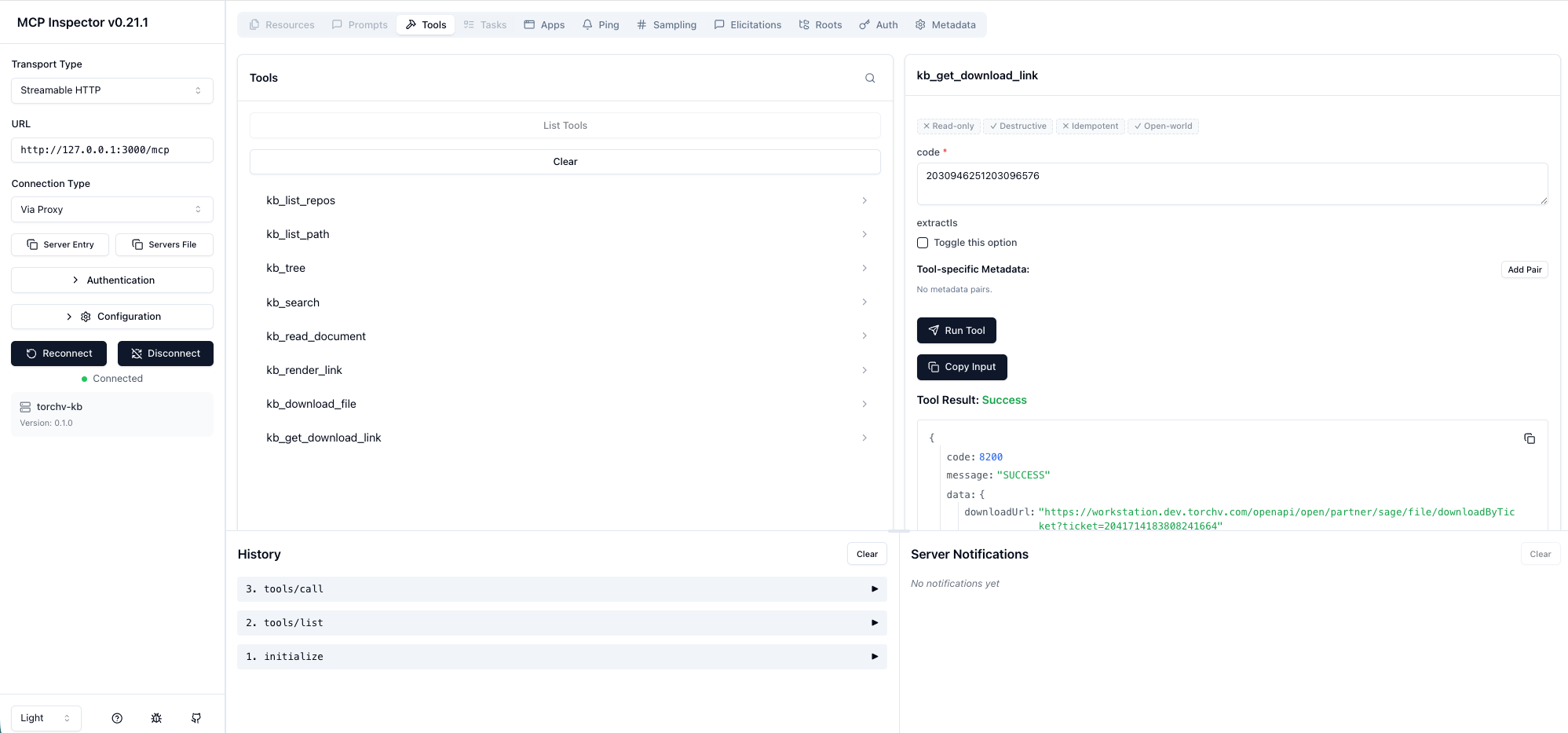
kb_list_reposkb_list_pathkb_treekb_searchkb_read_documentkb_render_linkkb_download_filekb_get_download_link
✏️ Write
kb_write_documentkb_patch_documentkb_create_directorykb_copy_documentkb_publish_documentkb_upload_file
🔧 Admin
kb_move_documentkb_delete_document
🧠 About AIS
AIS is TorchV’s core product — not just a traditional knowledge base, but:
🧠 An Enterprise AI Knowledge Engine
Core Capabilities
- 🔄 Transform scattered data → structured knowledge
- 🔍 Searchable
- 🧩 Governable
- ⚡ Composable
- 📈 Optimizable
🎁 Try AIS
📲 Contact us (CEO WeChat):