tui-mcp
What Chrome DevTools MCP is for the browser, tui-mcp is for the terminal.
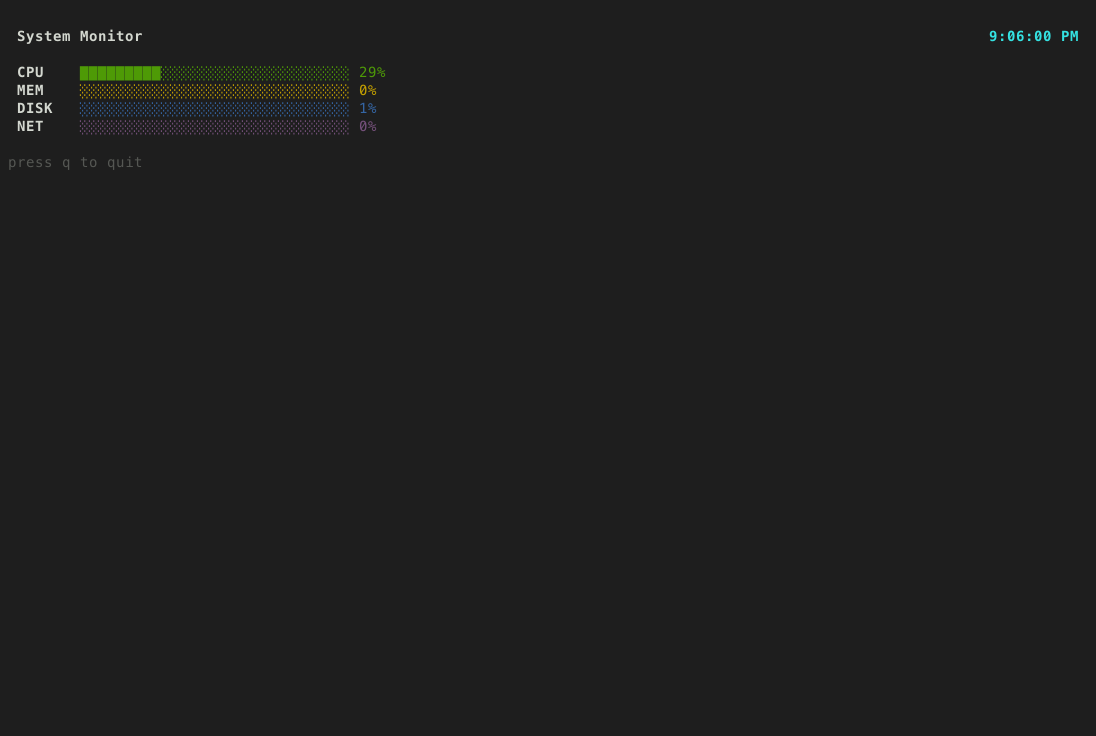
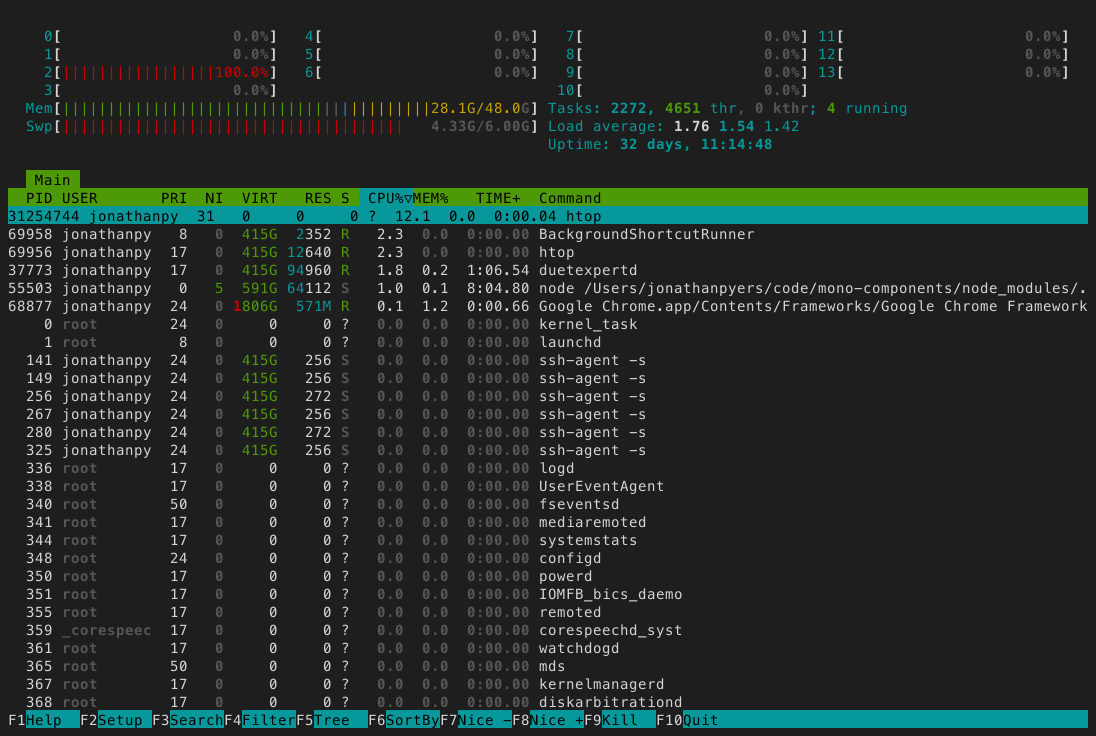
Launch any terminal app in a managed pty, take screenshots, read text, send keystrokes. The app thinks it's running in a real terminal. Works with any TUI framework or no framework at all - vim, htop, bubbletea, textual, ink, inquirer, trend, ncurses, whatever.

Setup
claude mcp add --scope user tui-mcp -- npx tui-mcp
Tools
| Tool | Description |
|---|---|
| launch | Spawn a TUI app in a managed pty |
| kill | Terminate a session |
| list_sessions | List active sessions |
| resize | Resize the terminal |
| screenshot | Capture terminal as PNG |
| snapshot | Capture terminal as plain text |
| read_region | Read a rectangular area of the buffer |
| cursor | Get cursor position |
| send_keys | Send a keystroke or combo (Enter, Ctrl+C, Up, q) |
| send_text | Type a string of characters |
| send_mouse | Send mouse events |
| wait_for_text | Wait for a regex pattern to appear |
| wait_for_idle | Wait until the terminal stops changing |
How it works
your app  <-->  node-pty  <-->  xterm-headless  <-->  MCP tools
                (pty)        (terminal emulator)    (screenshot, send_keys, etc.)
The app runs in a real pseudo-terminal via node-pty. Its output is parsed by xterm-headless (the same terminal emulator that powers VS Code's terminal, but without a DOM). The MCP tools read and interact with that parsed buffer.