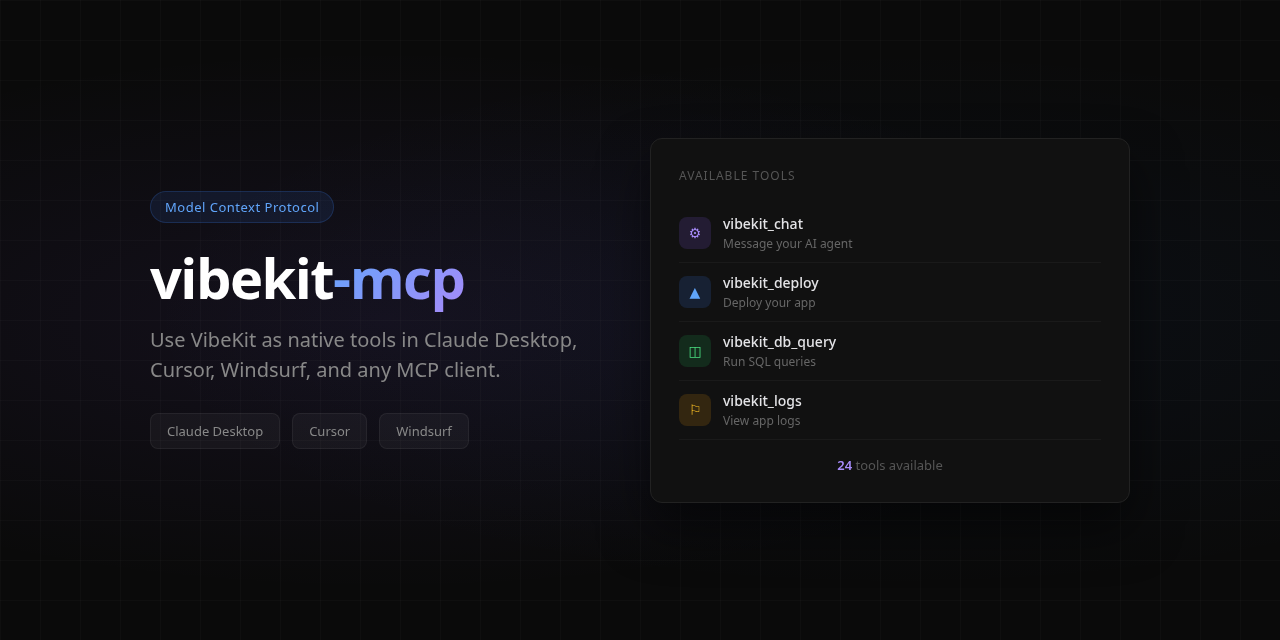
vibekit-mcp
MCP server for VibeKit — manage AI-powered apps as native tools in Claude Desktop, Cursor, Windsurf, and any MCP-compatible client.
Setup
Claude Desktop
Add to your claude_desktop_config.json:
{
  "mcpServers": {
    "vibekit": {
      "command": "npx",
      "args": ["-y", "vibekit-mcp"],
      "env": {
        "VIBEKIT_API_KEY": "vk_your_key_here"
      }
    }
  }
}
Cursor
Add to .cursor/mcp.json in your project:
{
  "mcpServers": {
    "vibekit": {
      "command": "npx",
      "args": ["-y", "vibekit-mcp"],
      "env": {
        "VIBEKIT_API_KEY": "vk_your_key_here"
      }
    }
  }
}
Get your API key at app.vibekit.bot/settings.
Available Tools
Apps
vibekit_list_apps— List all your hosted appsvibekit_app_info— Get app detailsvibekit_start/vibekit_stop/vibekit_restart— Container control
AI Agent
vibekit_chat— Send a message to your app's AI agentvibekit_agent_status— Agent status and model info
Deploy
vibekit_deploy— Trigger redeployvibekit_deploys— Deploy historyvibekit_rollback— Rollback to previous deploy
Logs & Files
vibekit_logs— View app logsvibekit_files— Browse workspace files
Environment
vibekit_env_list/vibekit_env_set/vibekit_env_delete— Manage env vars
Database
vibekit_db_status— Database statsvibekit_db_schema— Tables, columns, typesvibekit_db_query— Run read-only SQLvibekit_db_table— Browse table data
Domain & QA
vibekit_set_domain— Set custom domainvibekit_qa— Run QA audit
Tasks
vibekit_submit_task— Submit a headless coding taskvibekit_task_status— Check task statusvibekit_account— Plan, balance, usage
Example Usage
Once connected, you can say things like:
- "List my VibeKit apps"
- "Show me the logs for my surf app"
- "Tell my agent to add a dark mode toggle"
- "Run a SQL query on my database"
- "Deploy my app"
Links
- Website: https://vibekit.bot
- Dashboard: https://app.vibekit.bot
- CLI: https://www.npmjs.com/package/vibekit-cli
License
MIT