Wekan MCP Server
made by namar0x0309 with ❤️ at GoAIX
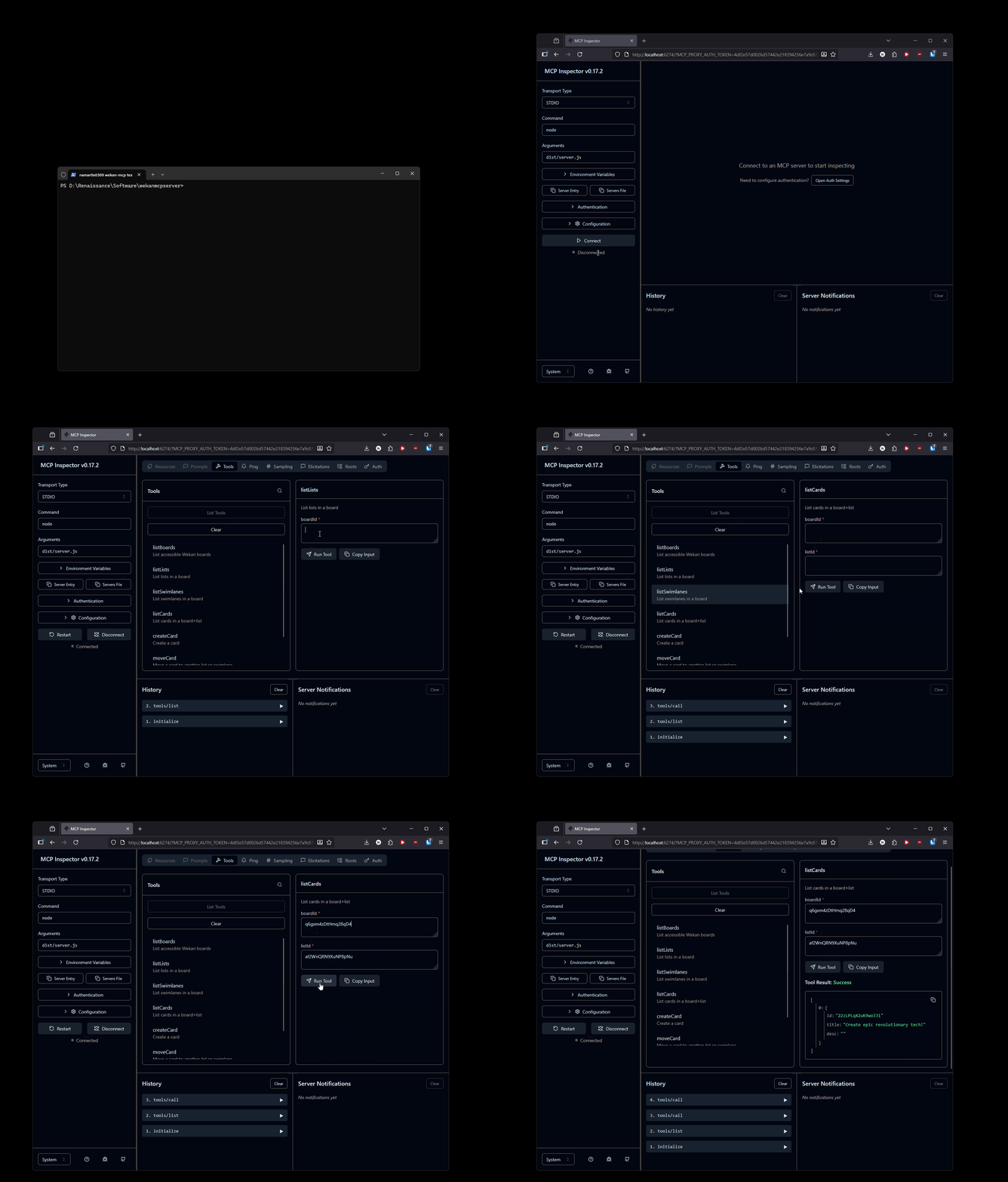
This project includes scripts to automatically generate Wekan API tokens and configure your environment.
Getting Started
Generate Wekan API Token
Run the appropriate script for your platform to generate your API token:
Windows (PowerShell):
./get-wekan-token.ps1
Linux/macOS (Bash):
./get-wekan-token.sh
The script will prompt you for:
- Wekan endpoint (e.g., https://wekan.namar0x0309.com)
- Username
- Password
After successful authentication, it will:
- Generate an API token
- Create or update the
.envfile with your token and configuration
Manual Configuration
If you prefer to configure manually, copy .env.example to .env and fill in your details:
cp .env.example .env
Then edit the .env file with your Wekan instance details and API token.
Environment Variables
The .env file contains:
WEKAN_BASE_URL: Your Wekan instance URLWEKAN_API_TOKEN: Generated API token for authenticationWEKAN_USER_ID: Your Wekan user IDWEKAN_TOKEN_EXPIRES: Token expiration date
Testing
You can test your configuration by running:
node test-auth.js
This will verify that your API token is working correctly.
Development
MCP Inspector
For development and debugging the MCP server, you can use the MCP Inspector:
npm run inspect
This will launch the MCP Inspector with the configuration from mcp-inspector-config.json.
For development with automatic rebuilding:
npm run inspect:watch
This will build the project and launch the inspector, automatically rebuilding when changes are detected.